Slide 2 of 2 from Free Creative Agenda Slide Presentation Template
Free Creative Agenda PowerPoint
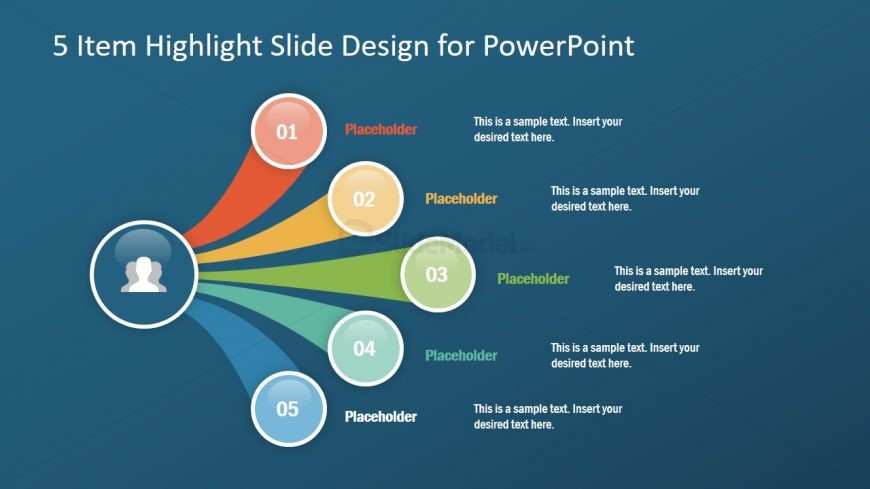
5 Item Highlight Slide Design for PowerPoint
- Diagram
- Other
- Concept Explanation Slide
- 16:9
- 100% Editable
The 5 Item Highlight Diagram slide from the Free Creative Agenda Slide Presentation Template offers a clear visual method to emphasize five key points using editable shapes and vector icons. This slide layout is suitable for business presentations or educational contexts where concise summarization is needed. Its design supports effective communication within slide decks by connecting central concepts to related items, making it a practical choice for project updates or corporate presentations using PowerPoint templates or Google Slides templates.
What’s on This Slide
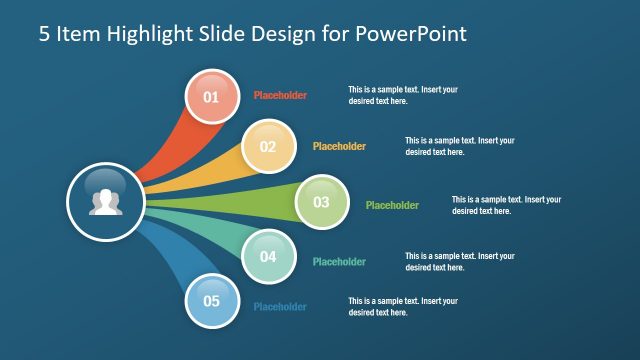
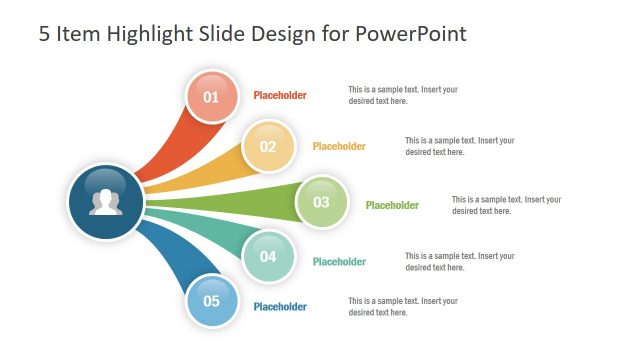
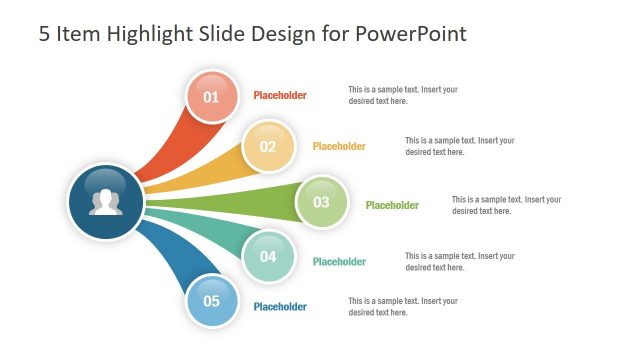
The layout features a central circular node with a user icon, surrounded by five equally sized circular nodes labeled 01 to 05. Each node is connected to the central node by colored arrows that radiate outward in different directions. The nodes are arranged in a circular pattern, with placeholders for text positioned near each node. The background is a gradient blue, enhancing the visual hierarchy. The title is centered at the top, and text placeholders are aligned to the right of each node, maintaining a clear structure.
How to Use It
This layout serves as a highlight diagram, ideal for presenting five key points or items in a visually engaging manner. It fits well in a presentation sequence after an introduction or overview slide, effectively summarizing important topics. This structure is suitable for business meetings, project updates, or educational presentations where key concepts need emphasis. It allows for clear communication of information while maintaining audience engagement.
Text Placeholders & Capacity
Keep your copy within these limits so it fits without resizing. Node body slots can accommodate roughly 10-12 words each.
| Placeholder | Count | Max characters (approx.) |
|---|---|---|
| Slide title | 1 | 40 |
| Item heading | 5 | 10 |
| Item body | 5 | 60 |
Slide Keywords
Download unlimited PowerPoint templates, charts and graphics for your presentations with our annual plan.
DOWNLOAD