Slide 1 of 2 from Free Creative Agenda Slide Presentation Template
5 Items Creative Agenda PPT
5 Item Highlight Slide Design for PowerPoint
- Diagram
- Other
- Context Slide
- 16:9
- 100% Editable
The 5 Item Highlight Diagram slide from the Free Creative Agenda Slide Presentation Template offers a clear visual structure to introduce key project phases or product features. This slide layout uses editable shapes and vector icons arranged around a central node, making it suitable for business presentations and pitch deck templates that require an organized overview of strategic initiatives.
What’s on This Slide
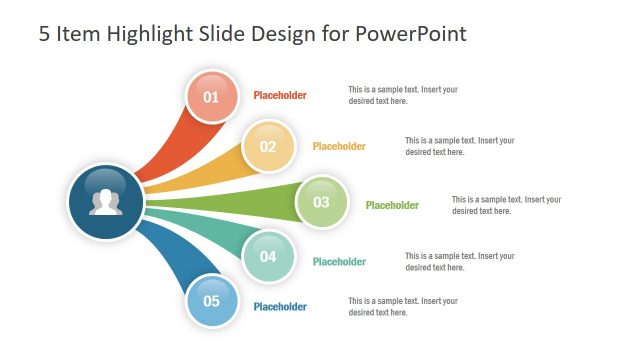
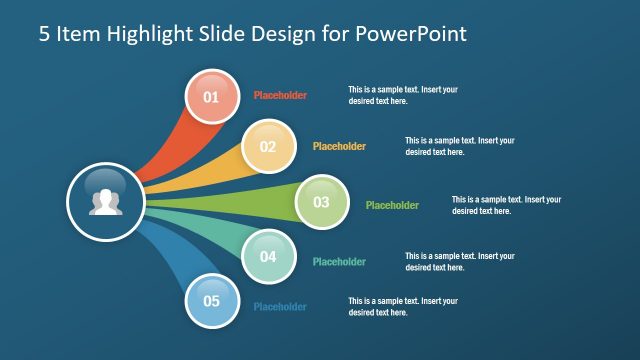
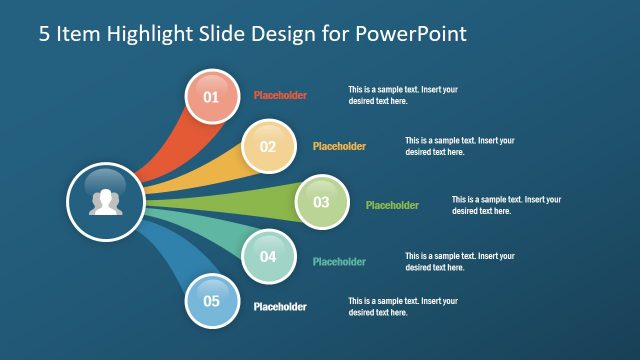
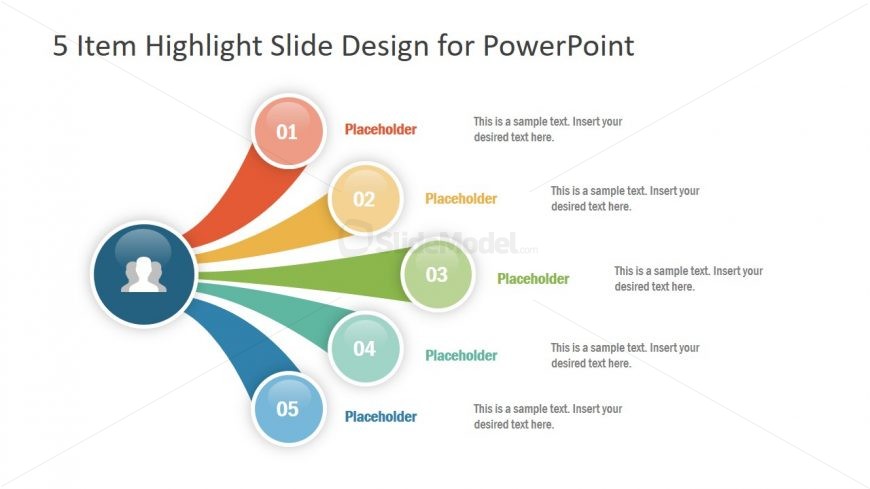
The layout features a central circular node with an icon representing a user, positioned in the center. Five additional circular nodes, numbered 01 to 05, radiate outward in a fan-like arrangement. Each node is connected to the central node by curved lines. Text placeholders are located adjacent to each numbered node, aligned to the right. The background is light, while the nodes use distinct colors: red, orange, yellow, green, and blue. The overall composition emphasizes the central node, creating a clear visual hierarchy.
How to Use It
This layout serves as a highlight diagram, effectively showcasing five key points or items. It fits well at the beginning of a presentation to introduce main topics or sections. In business contexts, it can be used to outline project phases, product features, or strategic initiatives. This structure is ideal for engaging audiences and providing a clear overview of important information.
Text Placeholders & Capacity
Keep your copy within these limits so it fits without resizing. Node body slots can hold about 10 words each, while the title slot can accommodate a longer phrase.
| Placeholder | Count | Max characters (approx.) |
|---|---|---|
| Item heading | 5 | 2 |
| Item body | 5 | 50 |
| Slide title | 1 | 50 |
Slide Keywords
Download unlimited PowerPoint templates, charts and graphics for your presentations with our annual plan.
DOWNLOAD