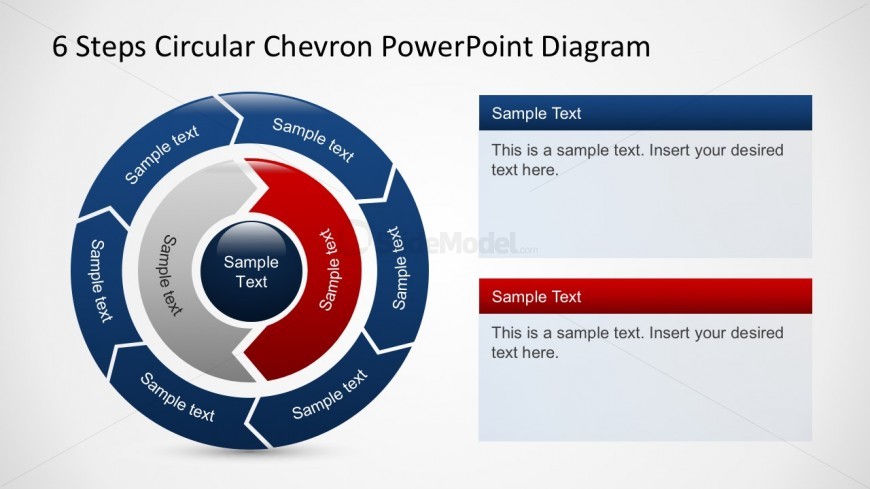
Slide 2 of 3 from Free 6 Steps Circular Chevron PowerPoint Diagram
Free Colorful Circle Chevron Steps Diagram PowerPoint
6 Steps Circular Chevron PowerPoint Diagram
- Diagram
- Circular Cycle
- Process Slide
- 16:9
- 100% Editable
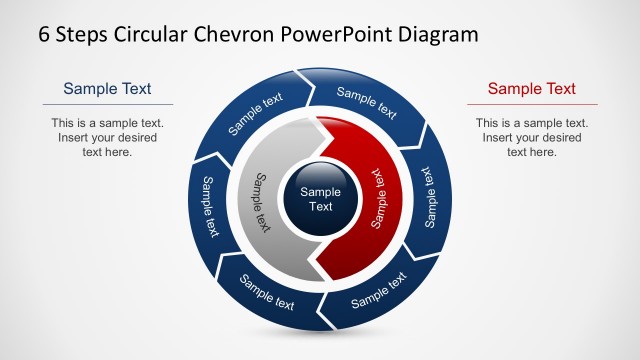
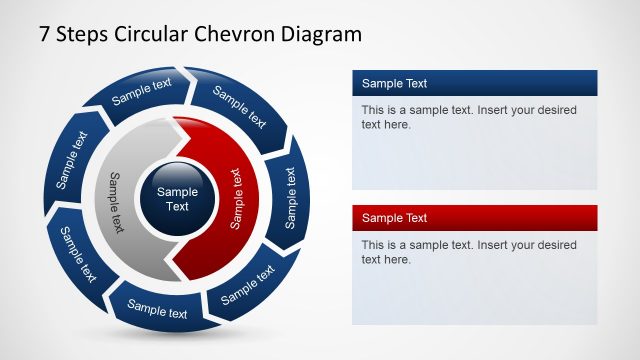
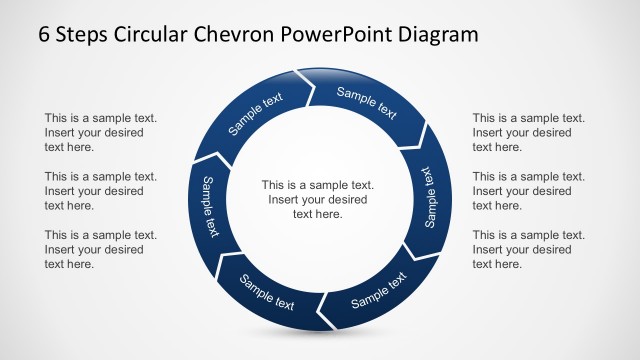
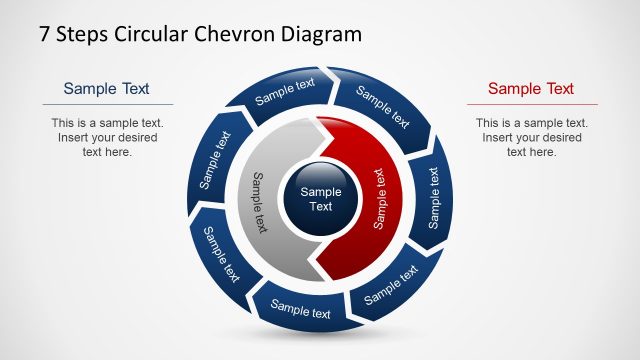
The 6 Steps Circular Chevron Diagram slide from the Free 6 Steps Circular Chevron PowerPoint Diagram template provides a clear visual for illustrating cyclical processes in business presentations. This slide layout features editable shapes arranged in a circular flow, making it suitable for project management, training presentations, or strategic planning. Its design supports seamless integration into slide decks that require a professional depiction of iterative steps within a corporate presentation or pitch deck template.
What’s on This Slide
The layout features a circular diagram divided into six segments, each labeled with 'Sample text.' The segments are arranged in a clockwise direction, with a central circle also containing 'Sample Text.' To the right, there are two rectangular text placeholders stacked vertically, one with a blue background and the other with a red background. The circular diagram is prominent, occupying the left side of the slide, while the text placeholders are aligned to the right. The overall color scheme includes shades of blue, red, and gray against a light background.
How to Use It
This layout serves as a process flow diagram, ideal for illustrating sequential steps in a business process. It is suitable for presentations that require a visual representation of a cyclical or iterative process. The circular structure emphasizes continuity and progression. This slide fits well after a problem-framing slide, providing a clear transition to a solution-oriented discussion. It can be used in various business contexts, such as project management, strategic planning, or training sessions.
Text Placeholders & Capacity
Keep your copy within these limits so it fits without resizing. Node labels can accommodate about 2-3 words each.
| Placeholder | Count | Max characters (approx.) |
|---|---|---|
| Slide title | 1 | 30 |
| Item heading | 6 | 20 |
| Item body | 1 | 50 |
| Item body | 1 | 50 |
Slide Keywords
Download unlimited PowerPoint templates, charts and graphics for your presentations with our annual plan.
DOWNLOAD