Slide 2 of 7 from Free Components Infographic Diagram Template for PowerPoint
Free Components Infographic Slide for Step 1
Infographic Components Layout for Presentations
- Text Layout
- Icon Grid
- Context Slide
- 16:9
- 100% Editable
The Infographic Components Layout from the Free Components Infographic Diagram Template for PowerPoint is designed to effectively showcase multiple features or services. With its structured arrangement of editable slides featuring rounded containers and a highlighted icon, this layout enhances visual communication in business presentations.
What’s on This Slide
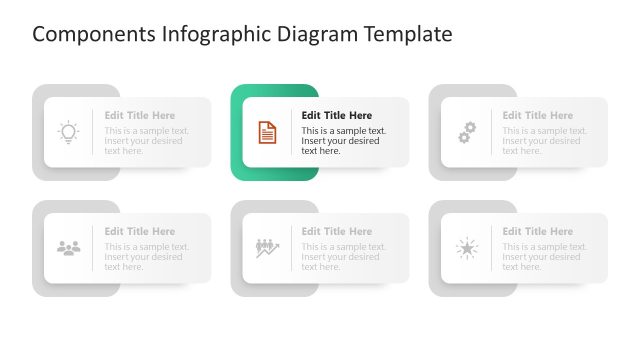
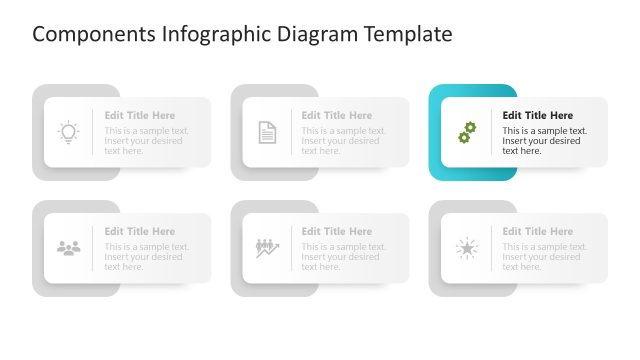
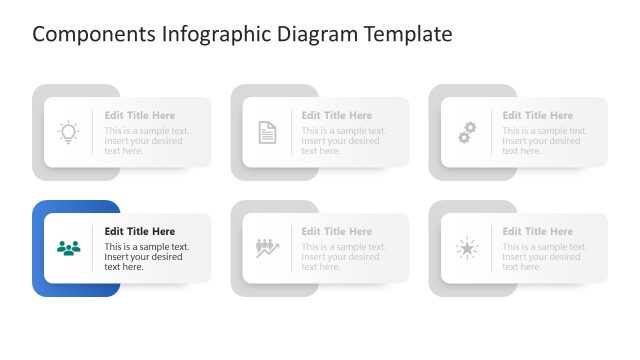
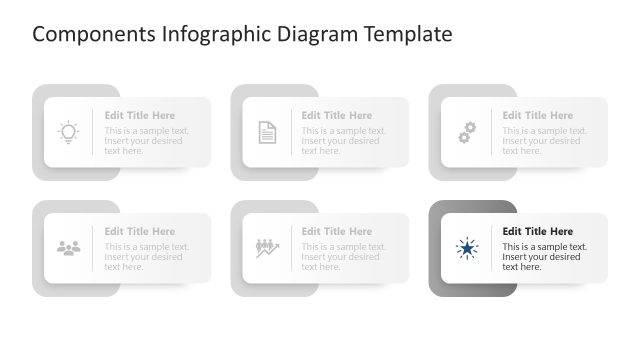
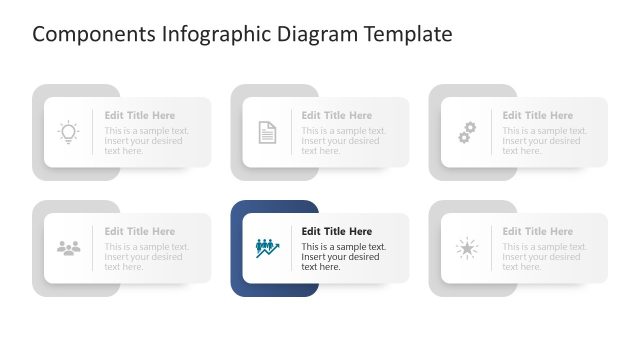
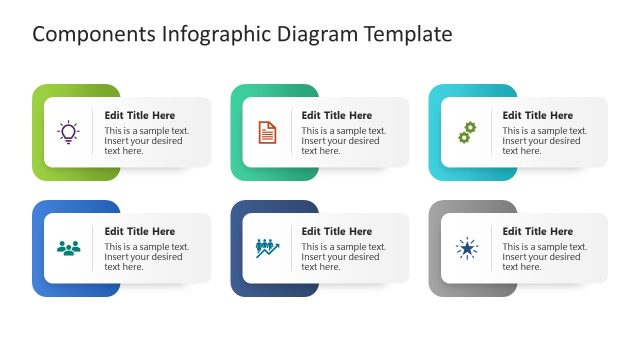
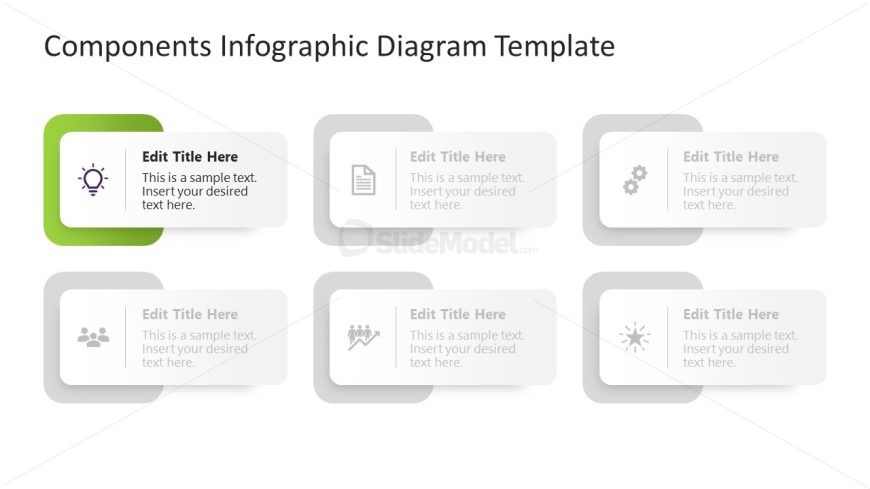
The layout consists of six rectangular containers arranged in two rows and three columns. The top row features three containers, while the bottom row has three more. Each container has rounded corners and a subtle shadow effect. The leftmost container in the top row is highlighted in green and contains an icon of a light bulb. Each container has a title placeholder at the top and a body text placeholder below it. The overall background is white, providing contrast to the containers. The visual hierarchy emphasizes the highlighted container.
How to Use It
This layout serves as a component overview or feature highlight in a presentation. It is effective for showcasing multiple elements or ideas in a structured format. The arrangement is suitable for business contexts, such as product features, service components, or project stages. It fits well in the sequence after introducing a problem or need, leading into a detailed discussion of solutions or offerings. The layout can be used individually or as part of a larger presentation.
Text Placeholders & Capacity
Keep your copy within these limits so it fits without resizing. Each body text slot can hold about 15-20 words comfortably.
| Placeholder | Count | Max characters (approx.) |
|---|---|---|
| Item heading | 6 | 30 |
| Item body | 6 | 100 |
Slide Keywords
Download unlimited PowerPoint templates, charts and graphics for your presentations with our annual plan.
DOWNLOADReturn to Free Components Infographic Diagram Template for PowerPoint.