Slide 7 of 7 from Free Components Infographic Diagram Template for PowerPoint
FF0549-01-components-infographic-diagram-slide-template-16×9-7
Components Infographic Diagram Template
- Diagram
- Matrix Grid
- Comparison Slide
- 16:9
- 100% Editable
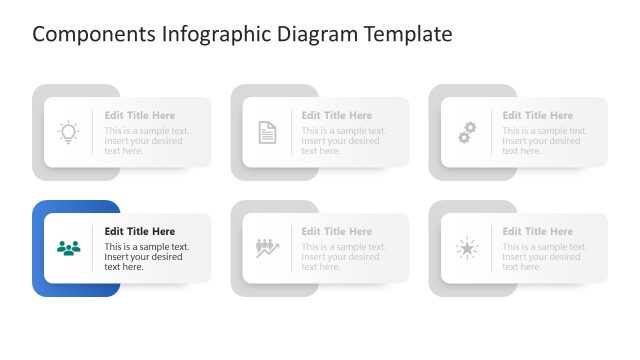
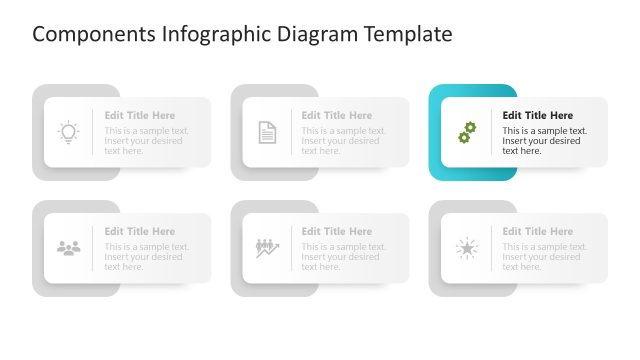
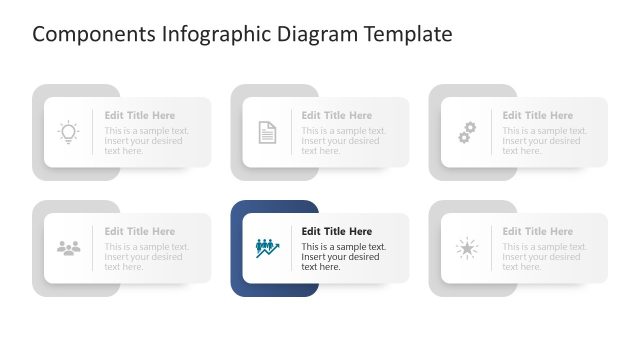
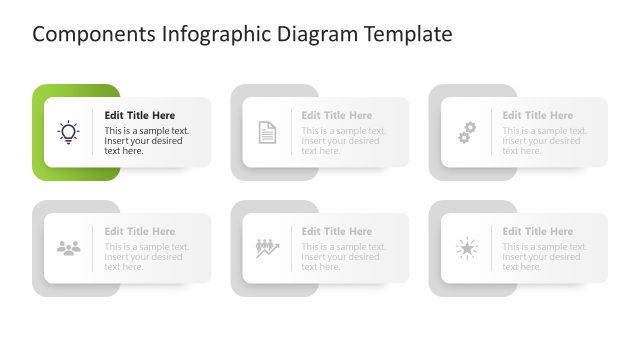
The Components Infographic Diagram from the Free Components Infographic Diagram Template for PowerPoint is designed for effective comparison of features and roles. This editable slide layout includes six customizable containers, perfect for breaking down complex information into easily digestible parts. Ideal for business presentations, it allows users to visually represent ideas, documents, and team dynamics, ensuring clarity and engagement.
What’s on This Slide
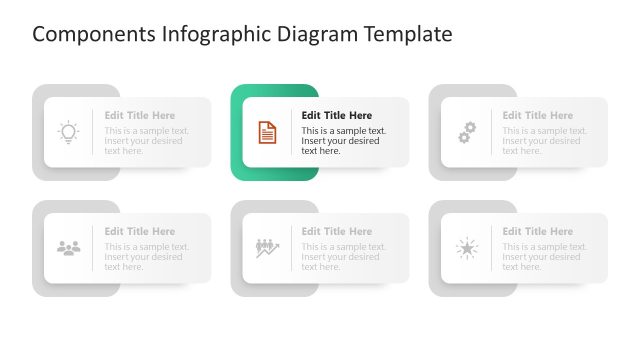
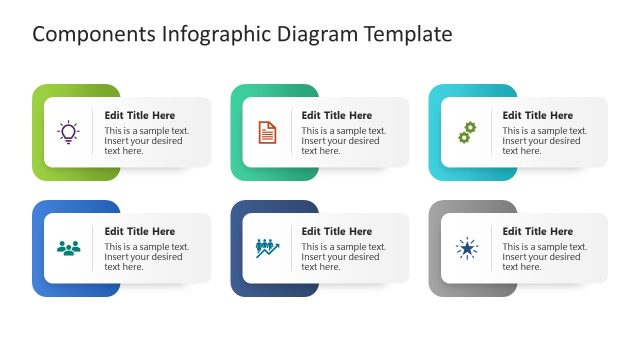
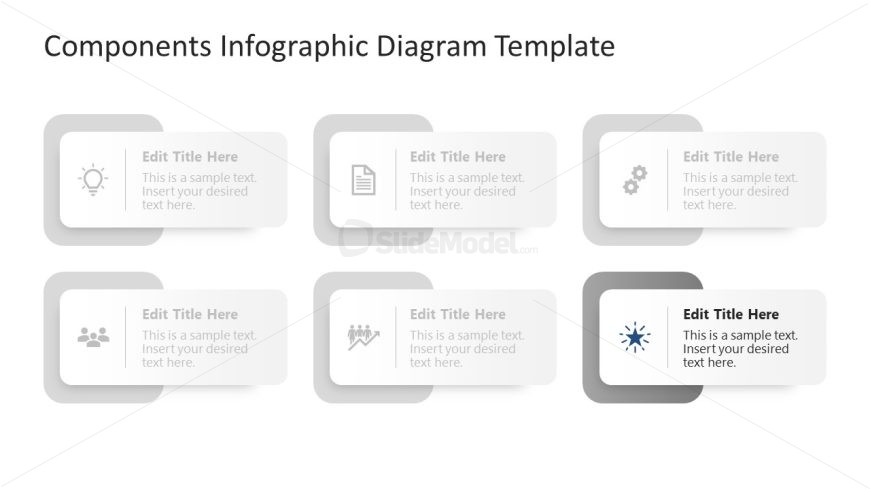
The layout features six rectangular containers arranged in two rows and three columns. Each container has a rounded corner design and a light gray background. The top row contains three containers, while the bottom row mirrors this arrangement. Each container includes a title placeholder aligned to the left and a body text placeholder beneath it. Icons representing ideas, documents, teams, growth, settings, and a spark are positioned within the containers. The overall composition is centered, with a title above the containers stating 'Components Infographic Diagram Template.'
How to Use It
This layout serves as a multi-component infographic, ideal for presenting various elements or concepts in a structured manner. It fits well at the end of a presentation, summarizing key points or components discussed. Real-world applications include product feature breakdowns, project component overviews, or team role descriptions. Each container can be customized with specific titles and text, allowing for flexibility in content presentation while maintaining a cohesive visual structure.
Text Placeholders & Capacity
Keep your copy within these limits so it fits without resizing. Node labels can hold about 20 characters each, while body text can accommodate roughly 50 characters.
| Placeholder | Count | Max characters (approx.) |
|---|---|---|
| Slide title | 1 | 30 |
| Item heading | 6 | 20 |
| Item body | 6 | 50 |
Slide Keywords
Download unlimited PowerPoint templates, charts and graphics for your presentations with our annual plan.
DOWNLOADReturn to Free Components Infographic Diagram Template for PowerPoint.