Slide 3 of 21 from Free Company Profile PowerPoint Template
Company Profile Table of Contents Template
Table of Contents Slide for Company Profile
- Text Layout
- List Blocks
- Agenda Slide
- 16:9
- 100% Editable
What’s on This Slide
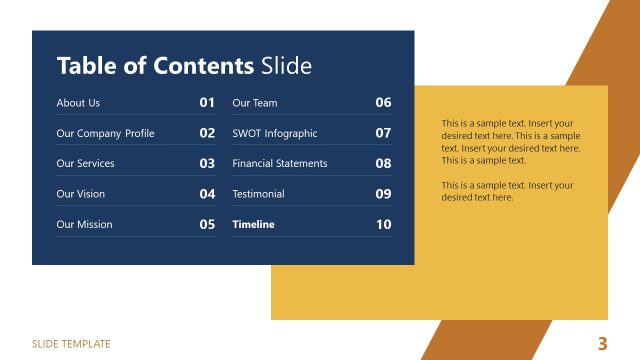
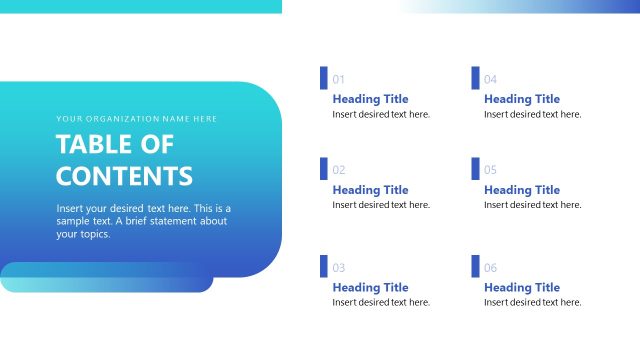
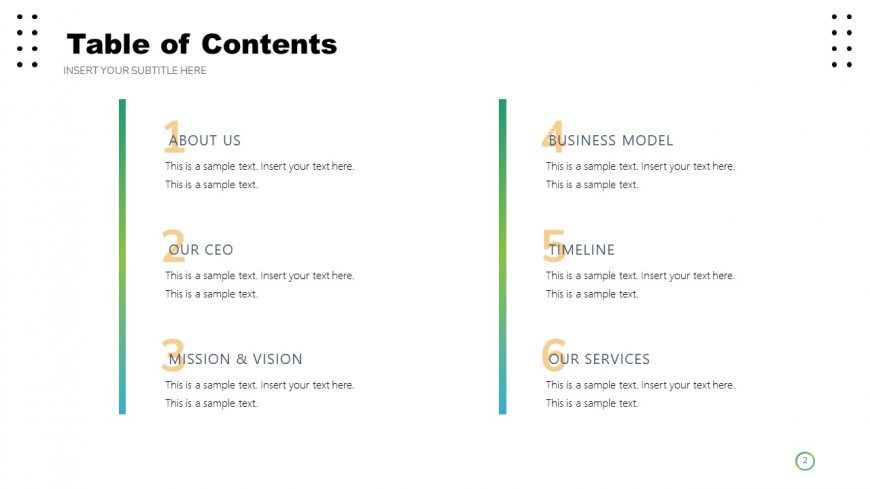
The layout features a title at the top left, labeled 'Table of Contents,' with a subtitle placeholder below it. The slide is divided into two vertical sections. The left section contains a numbered list of topics, each with a corresponding text placeholder for descriptions. The right section mirrors this layout with additional topics, also featuring text placeholders. The numbers are bold and colored differently to enhance visibility. The overall color scheme includes gradients in the left section, while the right section maintains a clean white background. The slide is structured for easy navigation.
How to Use It
This layout functions as a table of contents, ideal for summarizing key sections of a presentation. It fits well after an introductory slide and before detailed content slides. This format is beneficial for business presentations, allowing audiences to quickly identify topics such as company overview, services, and timelines. It can also be adapted for educational settings to outline lesson plans or course modules, ensuring clarity in presentation flow.
Text Placeholders & Capacity
Keep your copy within these limits so it fits without resizing. Node body slots can accommodate roughly 15-20 words each.
| Placeholder | Count | Max characters (approx.) |
|---|---|---|
| Slide title | 1 | 30 |
| Subtitle | 1 | 50 |
| Item heading | 6 | 20 |
| Item body | 6 | 100 |
Slide Keywords
Download unlimited PowerPoint templates, charts and graphics for your presentations with our annual plan.
DOWNLOADReturn to Free Company Profile PowerPoint Template.