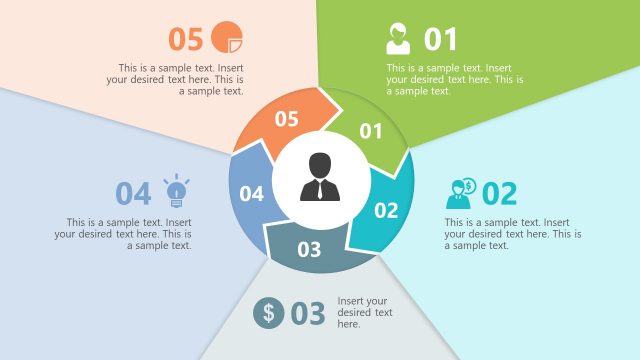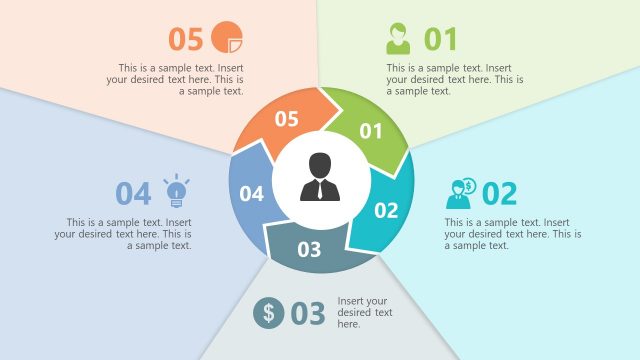
Slide 1 of 2 from Free Circular Arrows 5 Stages PowerPoint Diagram
Free Diagram of Circular Chevron
Free Circular Arrows 5 Stages PowerPoint Diagram
- Diagram
- Circular Cycle
- Process Slide
- 16:9
- 100% Editable
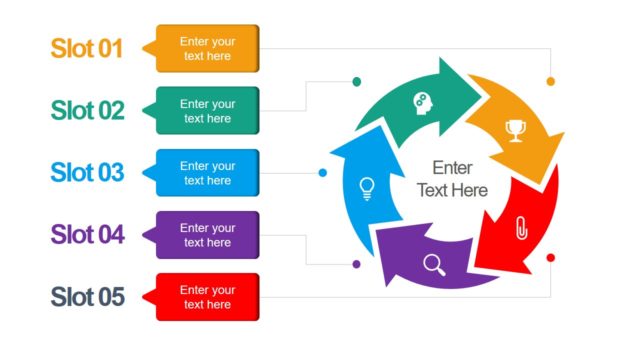
The Circular Arrows Process Diagram slide from the Free Circular Arrows 5 Stages PowerPoint Diagram template offers a clear visual layout for illustrating iterative cycles and multi-stage processes. This slide uses editable shapes and vector icons arranged in a balanced circular flow, making it suitable for business presentations and project management pitch decks that require a step-by-step explanation of continuous processes.
What’s on This Slide
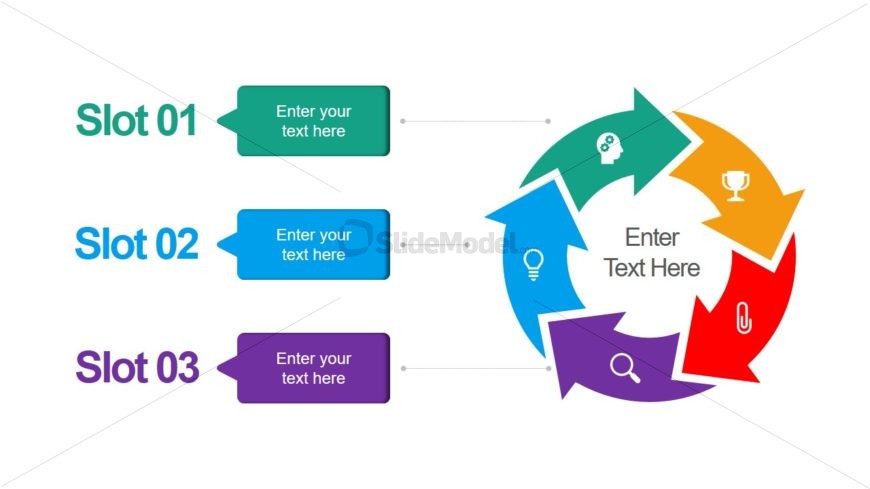
The layout features a circular diagram with five colored arrows indicating a continuous process. Each arrow connects to a central circle that contains a text placeholder. Three text slots are positioned vertically on the left side, aligned with the arrows. The first slot is green, the second is blue, and the third is purple. Each slot has a corresponding text placeholder below it. The overall composition is balanced, with a clear visual flow from the slots to the circular diagram, emphasizing the cyclical nature of the process.
How to Use It
This layout serves as a process flow diagram, ideal for illustrating multi-stage processes or cycles in presentations. It fits well after a problem statement slide, leading into solutions or strategies. This structure is useful in business contexts such as project management, product development, or any scenario requiring a step-by-step breakdown of a process. It can also be adapted for educational purposes to explain concepts that involve iterative cycles or phases.
Text Placeholders & Capacity
Keep your copy within these limits so it fits without resizing. Node body slots can accommodate roughly 30 characters each.
| Placeholder | Count | Max characters (approx.) |
|---|---|---|
| Item heading | 3 | 20 |
| Item body | 4 | 30 |
Slide Keywords
Download unlimited PowerPoint templates, charts and graphics for your presentations with our annual plan.
DOWNLOAD