Slide 3 of 6 from Free Multiple Diagrams for PowerPoint
Chevron Diagram Design PowerPoint
Circular Process Diagram for Presentations
- Diagram
- Circular Cycle
- Process Slide
- 16:9
- 100% Editable
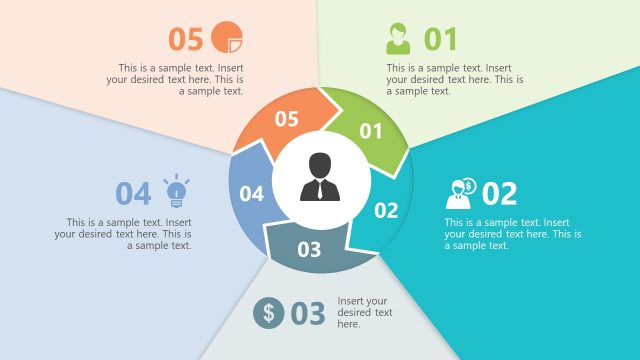
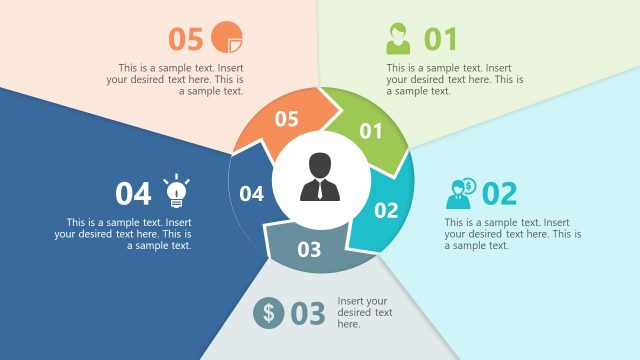
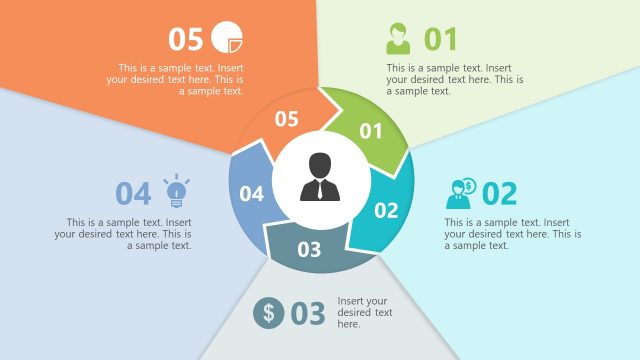
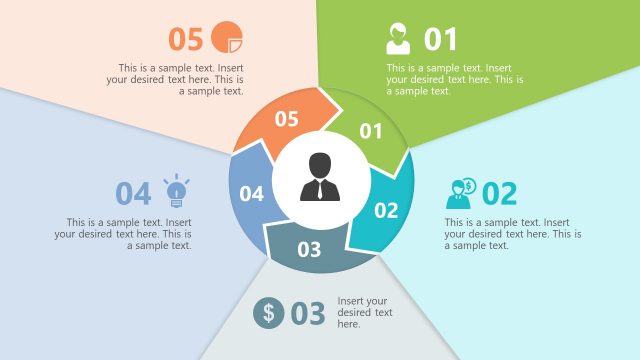
The Circular Process Diagram with Icons slide from the Free Multiple Diagrams for PowerPoint template offers a clear visual layout for illustrating project phases or marketing strategies. This slide uses editable shapes and vector icons arranged in a circular flow, making it suitable for business presentations and pitch deck templates that require a structured depiction of interconnected steps.
What’s on This Slide
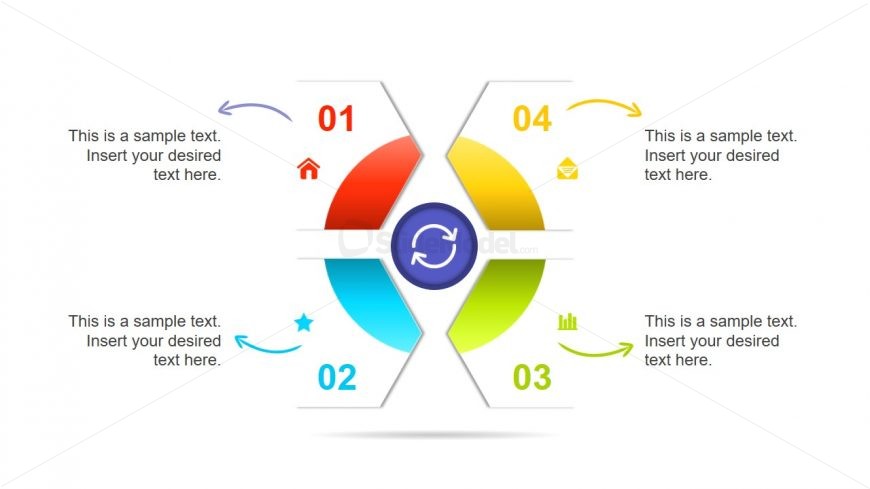
The layout features a central circular element surrounded by four hexagonal segments. Each segment is positioned at the top, bottom, left, and right, with arrows indicating flow direction. The central circle contains a refresh icon, while each hexagon holds an icon and a text placeholder. The icons include a home, star, envelope, and chart, each corresponding to a segment. Text placeholders are aligned within the hexagons, indicating where content can be inserted. The overall color scheme includes red, blue, yellow, and green, enhancing visual separation.
How to Use It
This layout serves as a circular process diagram, ideal for illustrating sequential steps or phases in a process. It fits well in presentations that require a clear visual representation of interconnected ideas or workflows. Common scenarios include project management, product development, or marketing strategies, where each segment can represent a distinct stage. This structure allows for easy comprehension of complex processes by breaking them into manageable parts, making it suitable for both team discussions and client presentations.
Text Placeholders & Capacity
Keep your copy within these limits so it fits without resizing. Node body slots can hold about 10 words each.
| Placeholder | Count | Max characters (approx.) |
|---|---|---|
| Item heading | 4 | 30 |
| Item body | 4 | 50 |
Slide Keywords
Download unlimited PowerPoint templates, charts and graphics for your presentations with our annual plan.
DOWNLOADReturn to Free Multiple Diagrams for PowerPoint.