Slide 2 of 10 from Free Chevron Dialogs Timeline Template
Chevron Dialogs PowerPoint Diagram
Chevron Dialogs Timeline Template Overview
- Diagram
- Timeline Horizontal
- Timeline Slide
- 16:9
- 100% Editable
The Chevron Dialogs Timeline slide from the Free Chevron Dialogs Timeline Template offers a clear horizontal timeline layout ideal for business presentations and strategic planning. This slide template features editable shapes and vector icons arranged in chevron milestones, making it suitable for illustrating project timelines or event milestones with a professional slide deck design.
What’s on This Slide
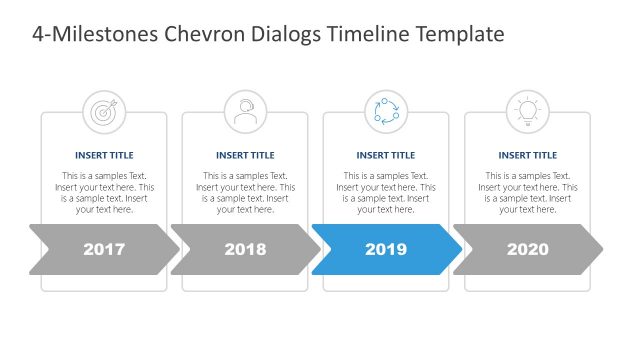
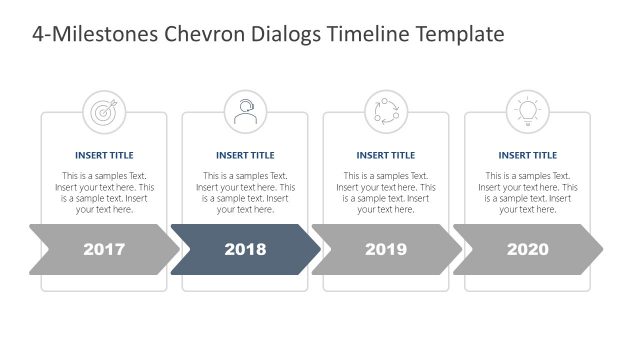
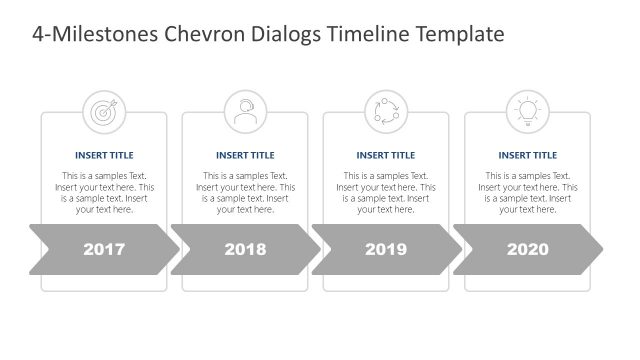
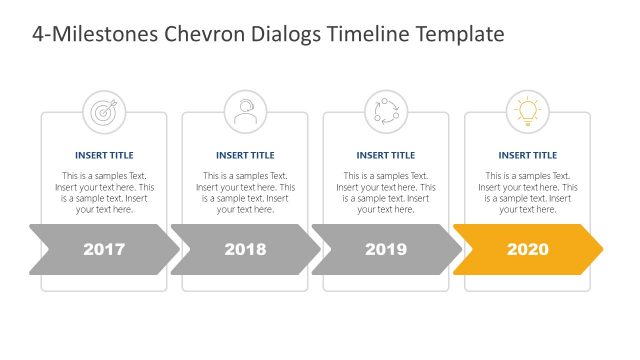
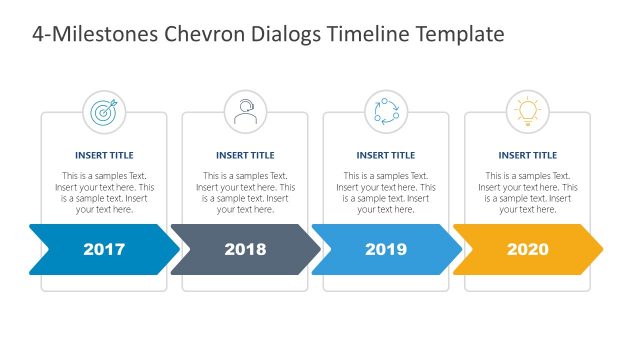
The layout features a horizontal timeline with four chevron-shaped milestones. Each milestone includes a circular icon positioned above a rectangular text box. The icons represent different themes, while the text boxes contain placeholders for titles and descriptions. The years 2017 to 2020 are displayed below each milestone, with the chevrons pointing rightward, indicating progression. The visual hierarchy emphasizes the milestones through size and color contrast. Backgrounds are neutral, allowing the chevrons and text to stand out clearly. Text placeholders are centrally aligned within their respective boxes.
How to Use It
This layout serves as a chronological timeline, effectively illustrating milestones over a four-year period. It fits well in presentations that outline project phases, historical events, or strategic planning timelines. The structure allows for clear communication of progress and key achievements. This format is useful in business contexts, such as project management updates, annual reviews, or product development timelines. It can be adapted for various industries to showcase significant milestones in a visually organized manner.
Text Placeholders & Capacity
Keep your copy within these limits so it fits without resizing. Node body slots can hold approximately 150 characters each.
| Placeholder | Count | Max characters (approx.) |
|---|---|---|
| Item heading | 4 | 20 |
| Item body | 4 | 150 |
Slide Keywords
Download unlimited PowerPoint templates, charts and graphics for your presentations with our annual plan.
DOWNLOADReturn to Free Chevron Dialogs Timeline Template.