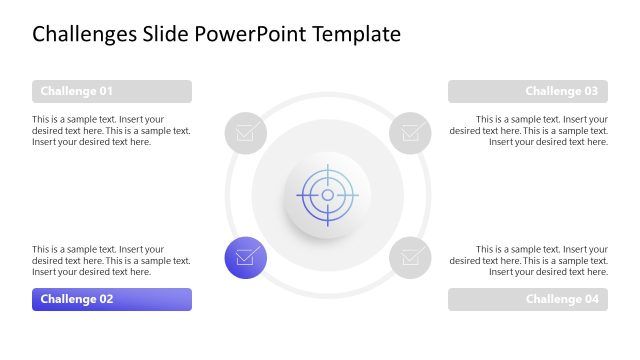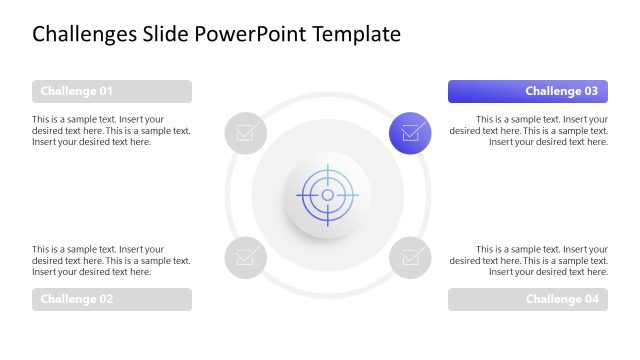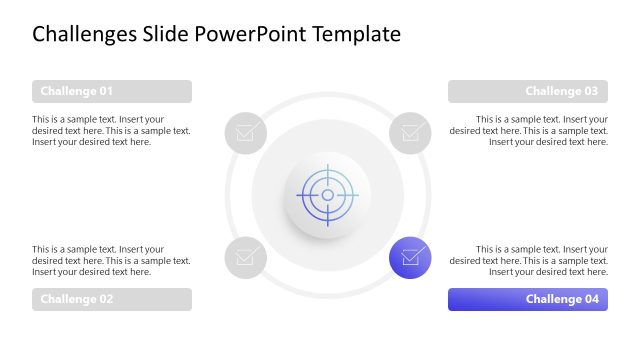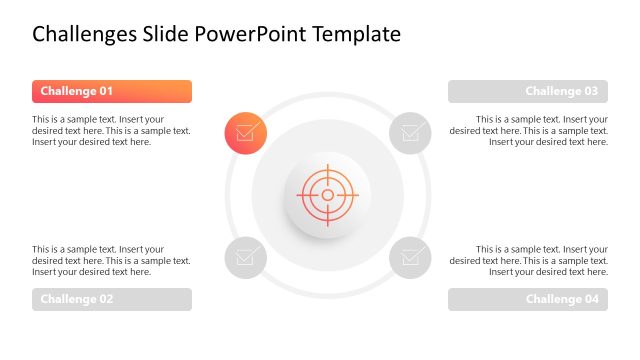
Slide 2 of 5 from Free Challenges Infographic PowerPoint Template
Editable Free Challenges Infographic Presentation Template
Challenges Overview Slide for Presentations
- Diagram
- Other
- Strategic Analysis Slide
- 16:9
- 100% Editable
The Challenges Overview Diagram, part of the Free Challenges Infographic PowerPoint Template, provides a clear visual representation of multiple challenges. This editable slide layout is ideal for project management, risk assessment, and strategic planning, featuring a central target icon surrounded by four descriptive nodes. Each node allows for concise communication of key challenges, making it a valuable addition to any business presentation.
What’s on This Slide
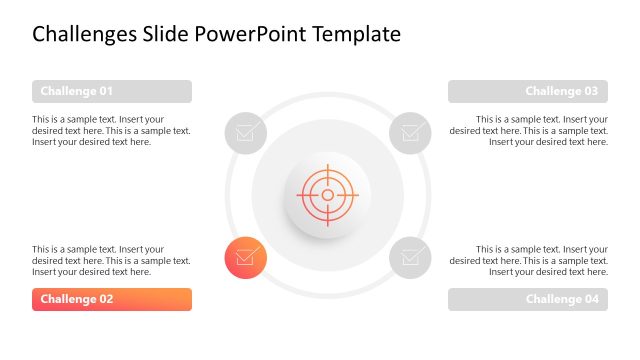
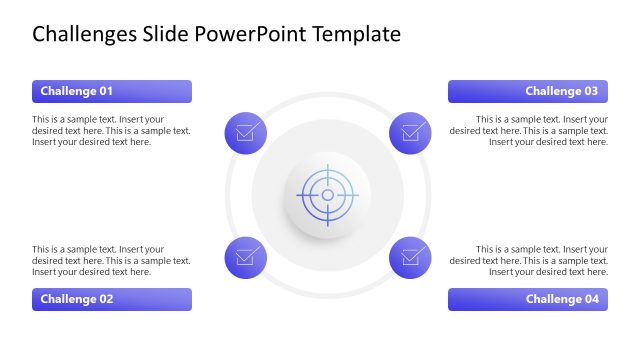
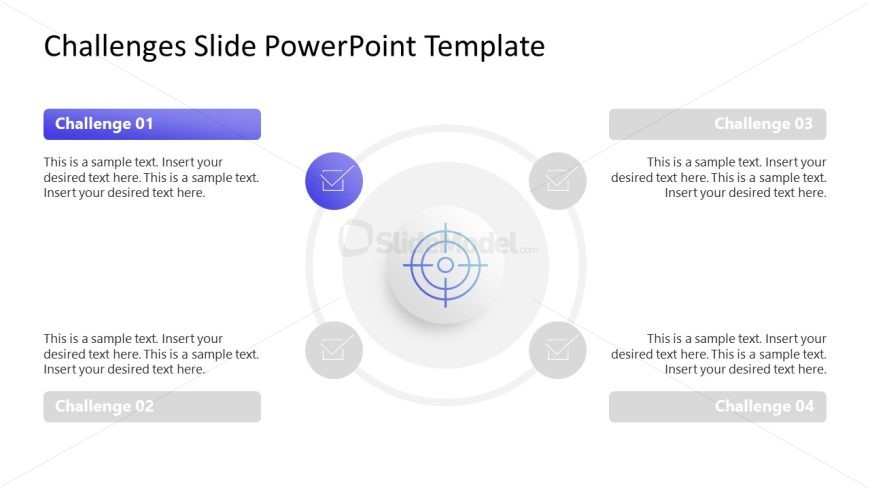
The layout features a central circular target icon surrounded by four rectangular nodes. Each node is positioned at the cardinal points: top, bottom, left, and right. The top node is labeled 'Challenge 01' in blue, while the bottom node is labeled 'Challenge 02' in gray. The left node is 'Challenge 03' and the right node is 'Challenge 04', both in gray. Each node contains a text placeholder aligned to the left for descriptive text. The central icon is a target design with a light gradient background. The overall color scheme is light with blue accents.
How to Use It
This layout serves as a challenge overview, effectively summarizing multiple issues or topics. It fits well in a presentation sequence after introducing a problem or context. This structure is useful for business scenarios like project management, risk assessment, or strategic planning where multiple challenges need to be highlighted. Each node can represent a specific challenge, allowing for clear communication of key points.
Text Placeholders & Capacity
Keep your copy within these limits so it fits without resizing. Node body slots can hold about 20-25 words each.
| Placeholder | Count | Max characters (approx.) |
|---|---|---|
| Item heading | 4 | 20 |
| Item body | 4 | 120 |
Slide Keywords
Download unlimited PowerPoint templates, charts and graphics for your presentations with our annual plan.
DOWNLOAD