Slide 5 of 7 from Free Business Strategy Diagram PowerPoint
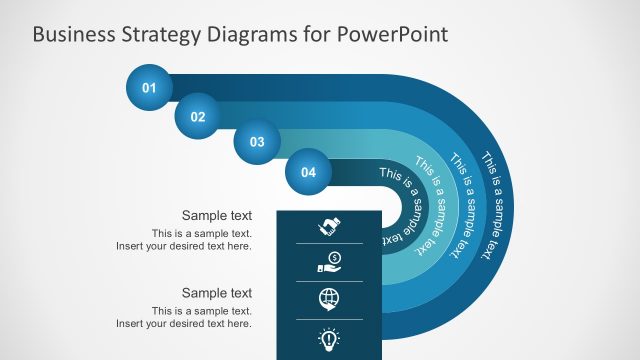
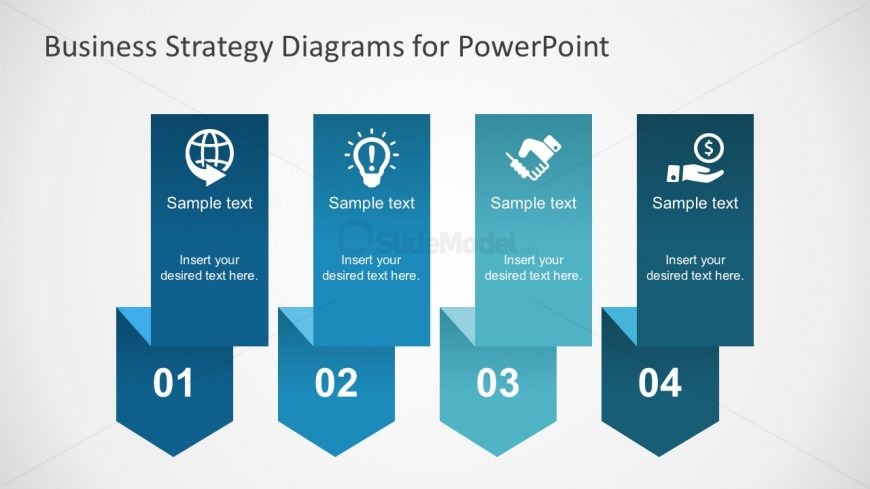
4-Steps Folded Arrow with 4 Steps Diagrams
Business Strategy Steps Diagram for Presentations
- Diagram
- Comparison Split
- Process Slide
- 16:9
- 100% Editable
The Business Strategy Steps Diagram slide from the Free Business Strategy Diagram PowerPoint template offers a clear visual process layout with four distinct vertical banners. This slide is designed for corporate presentations and pitch deck templates, enabling users to effectively outline sequential business strategies or project phases using editable shapes and vector icons for enhanced clarity.
What’s on This Slide
The layout features four vertical banners arranged in a row, each with a triangular base. Each banner contains an icon at the top, with a placeholder for sample text below it. The icons represent different concepts, such as a globe, light bulb, handshake, and dollar sign. The banners are numbered from one to four, positioned at the bottom of each banner, and aligned centrally. The background is a light gradient, enhancing the visibility of the banners. The overall composition is balanced and structured, emphasizing each step distinctly.
How to Use It
This layout serves as a sequential step diagram, ideal for presenting a process or strategy in business contexts. It fits well after introductory slides, providing clarity on key stages of a plan. Use it to outline strategic initiatives, project phases, or operational steps. This structure is suitable for team meetings, project updates, or strategic planning sessions, where clear communication of sequential information is essential.
Text Placeholders & Capacity
Keep your copy within these limits so it fits without resizing. Each node can hold a title and a brief description.
| Placeholder | Count | Max characters (approx.) |
|---|---|---|
| Item heading | 4 | 20 |
| Item body | 4 | 50 |
Slide Keywords
Download unlimited PowerPoint templates, charts and graphics for your presentations with our annual plan.
DOWNLOADReturn to Free Business Strategy Diagram PowerPoint.