Slide 4 of 4 from Free Business Report Infographics for PowerPoint
Free Business Presentation Infographics
Useful Layout Infographic for Business Reports
- Diagram
- Other
- Statistics Slide
- 16:9
- 100% Editable
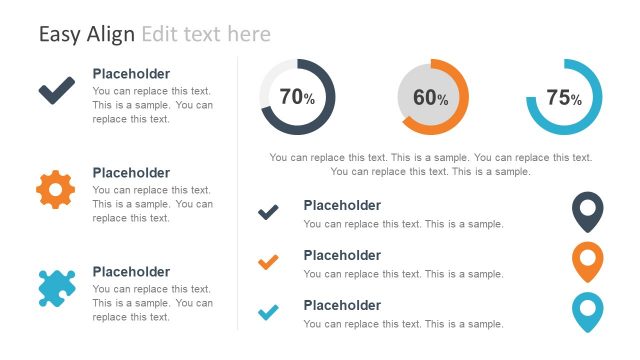
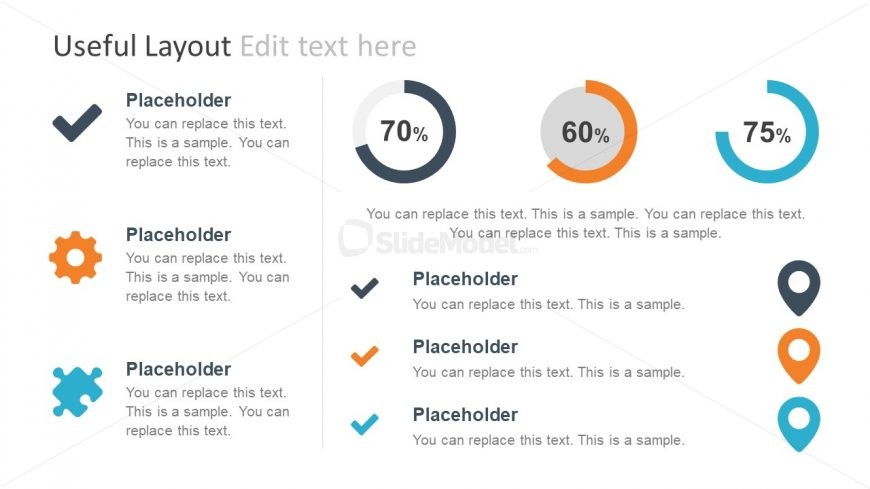
The Useful Layout with Percentages and Icons from the Free Business Report Infographics for PowerPoint template offers a clear way to present performance metrics and demographic statistics. This slide combines editable shapes and vector icons with circular percentage indicators, making it suitable for business presentations and project updates. Its structured design supports concise communication of key statistics within a corporate presentation or pitch deck template.
What’s on This Slide
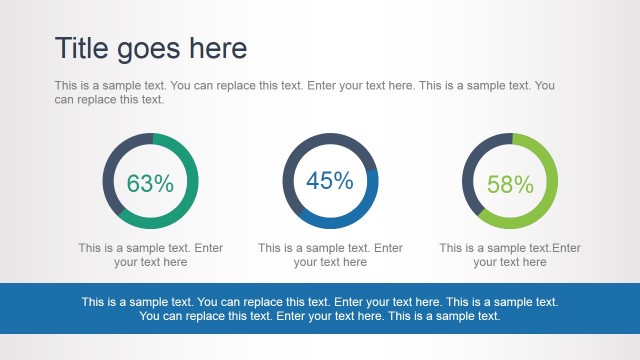
The layout features a combination of circular percentage indicators and icon placeholders arranged in two columns. On the left, three icons represent different categories, each with a corresponding text placeholder below. The right column contains three circular percentage indicators, each accompanied by a text placeholder. The overall color scheme includes shades of blue, orange, and gray, with a clean white background. Each section is visually distinct, with icons and percentages clearly separated, creating a structured and organized appearance.
How to Use It
This layout serves as a visual summary for key statistics or progress indicators in a business report. It fits well in a presentation sequence following detailed analysis slides, providing a concise overview of important metrics. Suitable for showcasing performance metrics, demographic data, or project progress, this layout effectively communicates essential information at a glance, making it ideal for annual reports or progress updates.
Text Placeholders & Capacity
Keep your copy within these limits so it fits without resizing. Node body slots can hold about 15-20 words each.
| Placeholder | Count | Max characters (approx.) |
|---|---|---|
| Item heading | 3 | 30 |
| Item body | 3 | 100 |
| Chart title | 3 | 30 |
Slide Keywords
Download unlimited PowerPoint templates, charts and graphics for your presentations with our annual plan.
DOWNLOAD