Slide 4 of 4 from Free Arrows Merging Concept for PowerPoint
Presentation of Merge Arrow Concept
Arrows Merging Concept for Presentations
- Diagram
- Process Flow
- Process Slide
- 16:9
- 100% Editable
The Arrows Merging Concept slide from the Free Arrows Merging Concept for PowerPoint template offers a clear process flow diagram ideal for project planning and strategic initiatives. This slide layout uses editable shapes and vector icons to visually represent steps converging toward a goal, making it suitable for business presentations and workflow explanations within slide decks.
What’s on This Slide
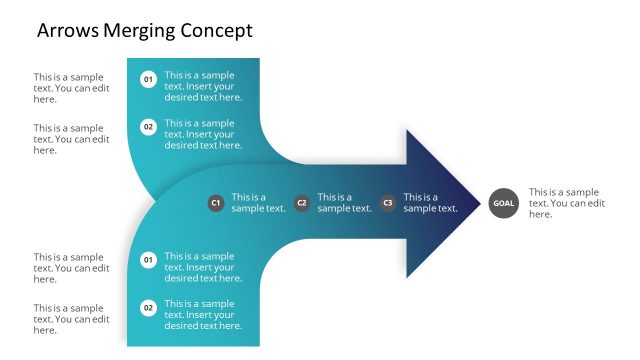
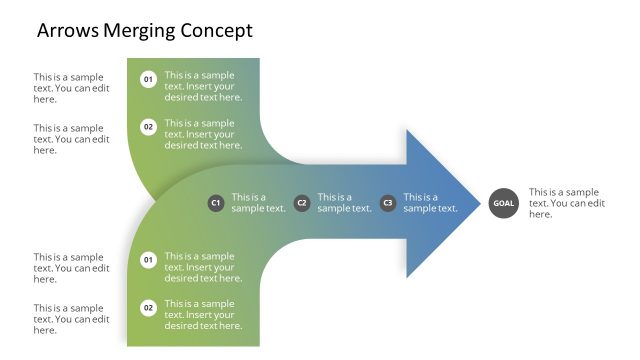
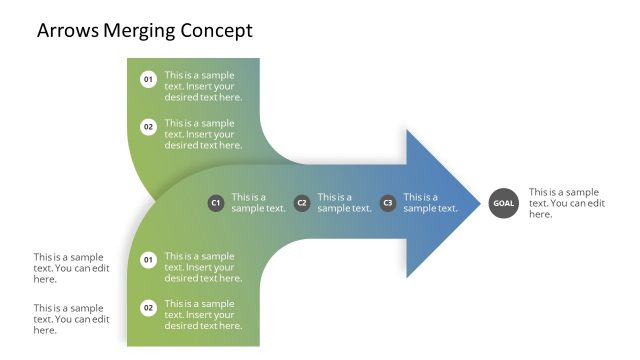
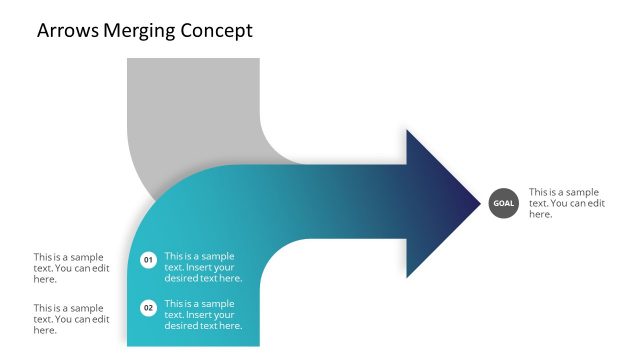
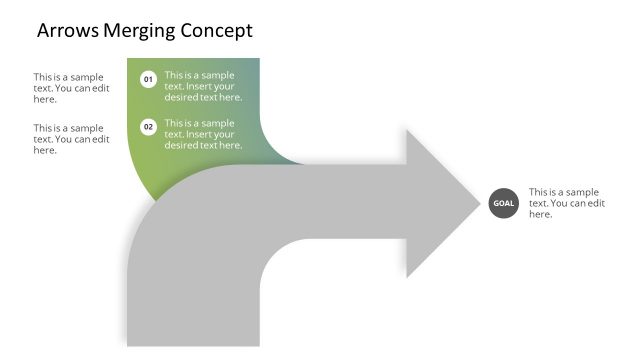
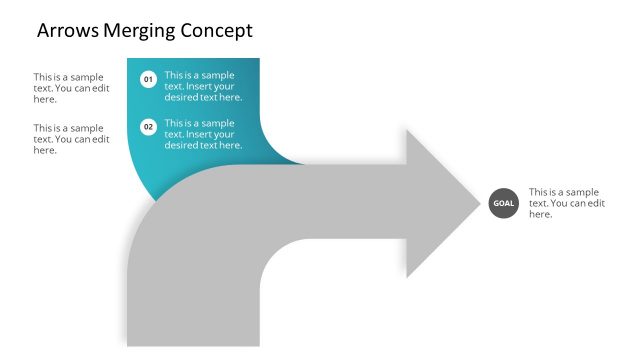
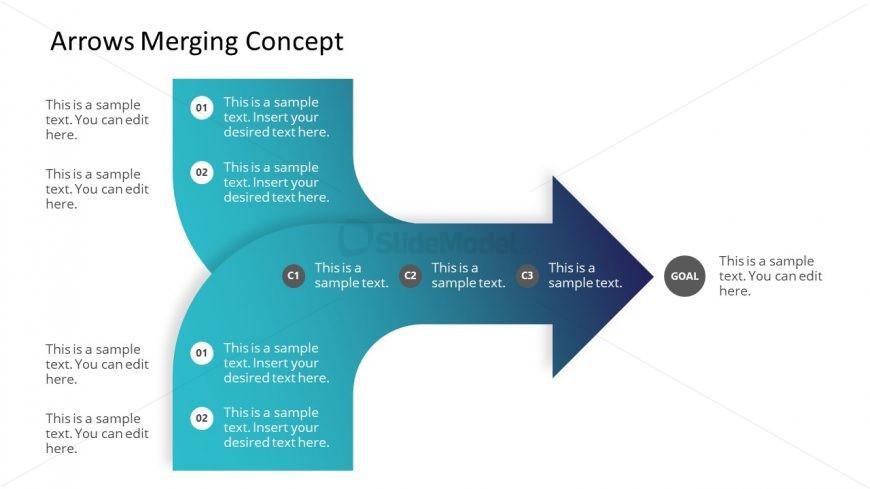
The layout features a large rightward arrow, symbolizing progression. On the left, two vertical sections contain circular nodes labeled 01 and 02, each with text placeholders below. The right side has three circular nodes labeled C1, C2, and C3, aligned horizontally, leading to a goal node. Each node has a corresponding text placeholder. The overall color scheme transitions from light blue to dark blue, creating a gradient effect. The title is positioned at the top left, while the goal node is at the far right, emphasizing directionality.
How to Use It
This layout serves as a process flow diagram, illustrating steps leading to a goal. It is suitable for presentations that outline strategic plans, project stages, or decision-making processes. It fits well after problem identification slides, guiding the audience through proposed actions. This structure is effective in business contexts, such as project management, marketing strategies, or operational workflows, where clarity in progression is essential.
Text Placeholders & Capacity
Keep your copy within these limits so it fits without resizing. Node body slots can hold roughly 10-12 words each.
| Placeholder | Count | Max characters (approx.) |
|---|---|---|
| Slide title | 1 | 30 |
| Item heading | 5 | 20 |
| Item body | 5 | 50 |
| Goal | 1 | 30 |
Slide Keywords
Download unlimited PowerPoint templates, charts and graphics for your presentations with our annual plan.
DOWNLOADReturn to Free Arrows Merging Concept for PowerPoint.