Slide 3 of 4 from Free Arrows Merging Concept for PowerPoint
Curved Arrow PowerPoint Merger
Arrows Merging Concept for Presentations
- Diagram
- Arrow Sequence
- Process Slide
- 16:9
- 100% Editable
The Arrows Merging Concept slide from the Free Arrows Merging Concept for PowerPoint template offers a clear process visualization ideal for strategic planning and project milestones. This slide layout uses editable shapes and vector icons to illustrate the convergence of multiple steps toward a goal, making it suitable for business presentations and pitch deck templates that require a straightforward depiction of progression.
What’s on This Slide
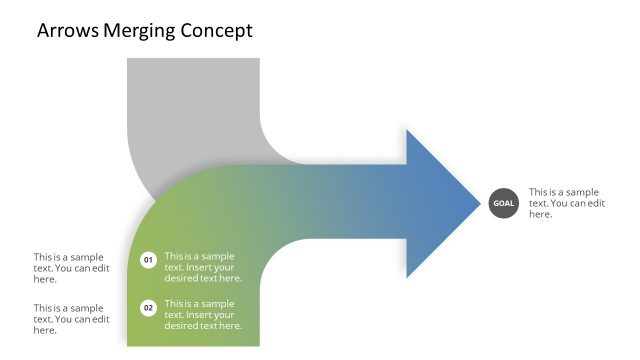
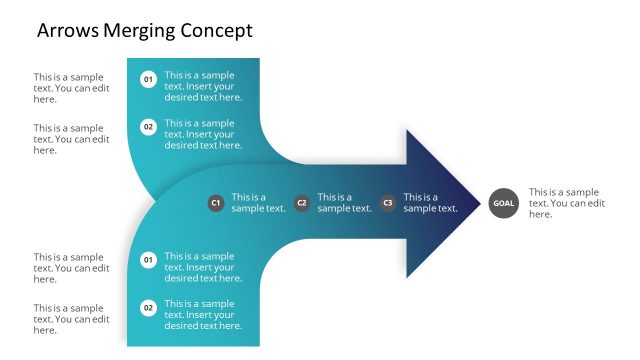
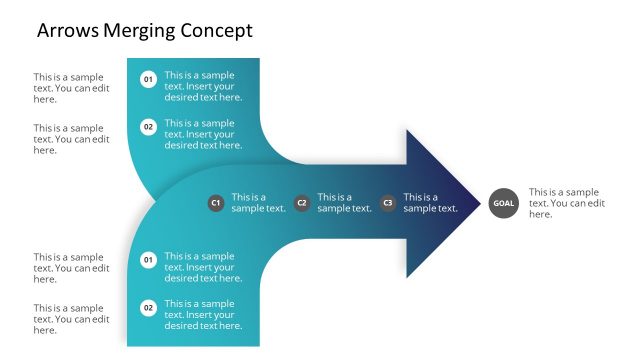
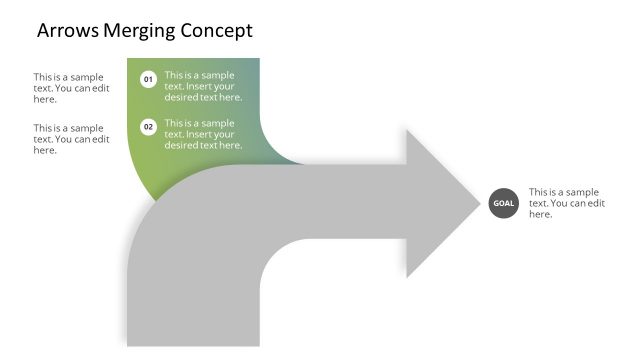
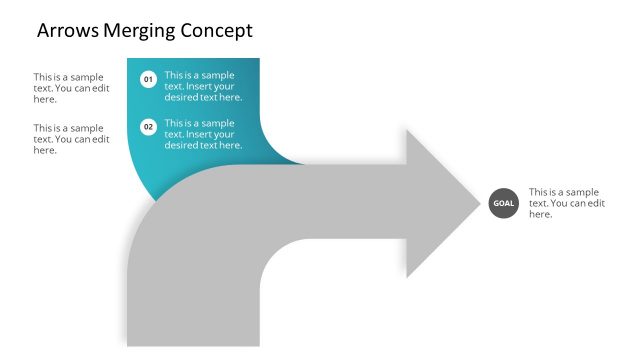
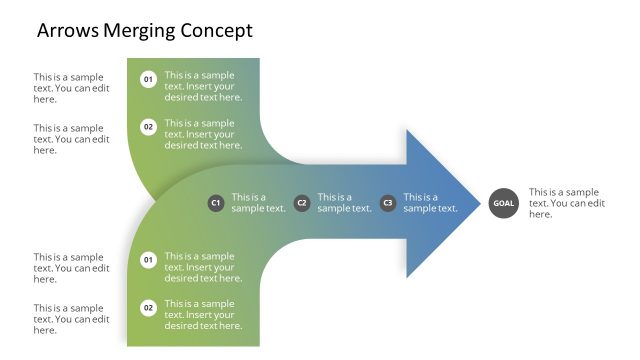
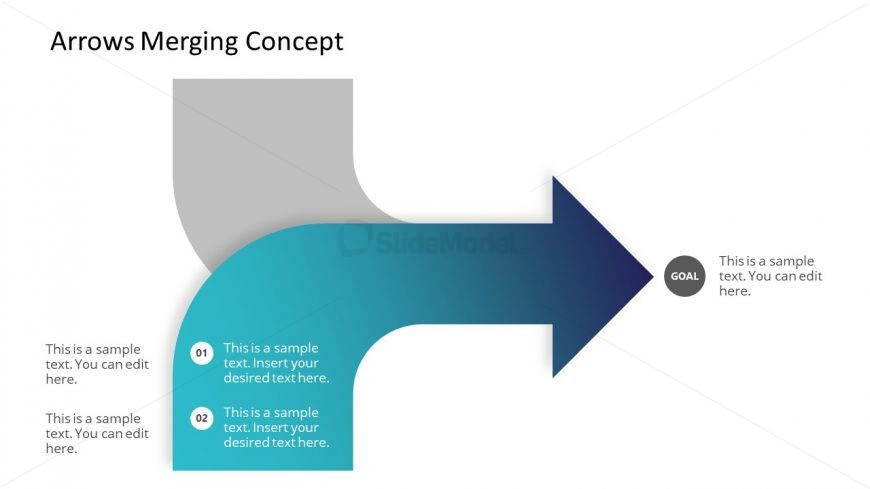
The layout features a large arrow pointing right, merging from a curved section on the left. The arrow has a gradient color scheme transitioning from teal to dark blue. Two text placeholders are positioned on the left side, labeled '01' and '02', with accompanying sample text below each. A circular placeholder labeled 'GOAL' is located at the right end of the arrow, with additional sample text. The overall composition emphasizes the flow from the left to the right, guiding the viewer's attention towards the goal.
How to Use It
This layout serves as a process flow or progression diagram, illustrating how different elements converge towards a goal. It fits well in a presentation sequence that discusses strategies or plans leading to an objective. Ideal for business scenarios such as project milestones, marketing funnels, or strategic planning, it visually represents the journey from initial stages to final outcomes. This structure helps clarify complex processes in a straightforward manner.
Text Placeholders & Capacity
Keep your copy within these limits so it fits without resizing. Node body slots can hold roughly 10-12 words each.
| Placeholder | Count | Max characters (approx.) |
|---|---|---|
| Item heading | 2 | 30 |
| Item body | 2 | 60 |
| Item heading | 1 | 30 |
| Item body | 1 | 60 |
Slide Keywords
Download unlimited PowerPoint templates, charts and graphics for your presentations with our annual plan.
DOWNLOADReturn to Free Arrows Merging Concept for PowerPoint.