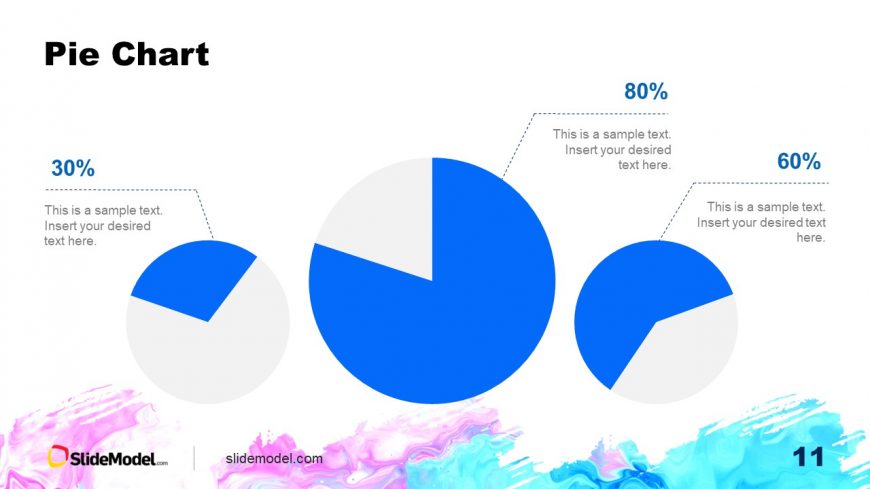
Slide 11 of 15 from Free Aquarelle PowerPoint Background
Data Driven Pie Chart Slide – Free Aquarelle Background Template
Pie Chart Slide for Presentations
- Chart
- Pie Chart
- Evaluation Slide
- 16:9
- 100% Editable
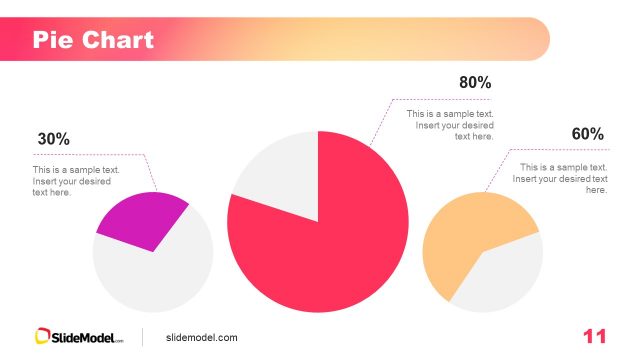
The Pie Chart layout from the Free Aquarelle PowerPoint Background template effectively presents comparative data through three distinct pie charts. Ideal for market share analysis, budget distribution, and survey results, this slide design ensures clarity and visual impact, making it a valuable addition to any business presentation.
What’s on This Slide
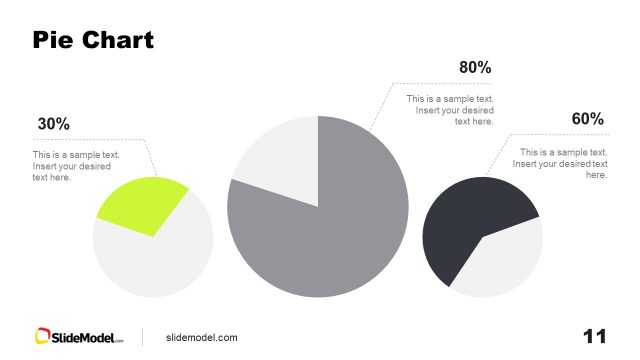
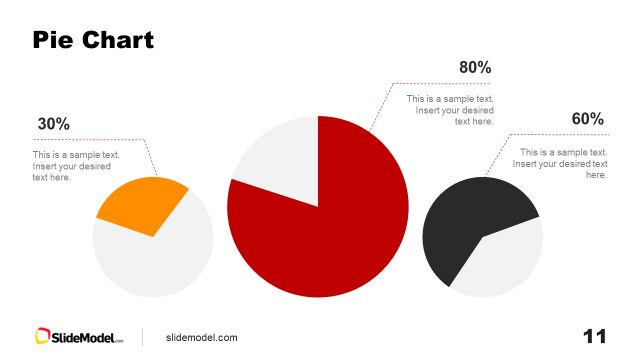
The layout features three pie charts positioned in a triangular arrangement across the slide. The largest pie chart, representing 80%, is centered, while the other two, representing 60% and 30%, are placed to the left and right. Each pie chart has a corresponding text placeholder for percentage labels and additional descriptive text, aligned to the right of the charts. The background is predominantly white with a colorful watercolor gradient at the bottom. The visual hierarchy emphasizes the largest pie chart, drawing attention to the primary data point.
How to Use It
This layout is suitable for displaying comparative data across multiple categories using pie charts. It fits well in a presentation sequence after introducing data trends or before discussing insights. Real-world scenarios include market share analysis, budget distribution, or survey results. The design allows for clear visual differentiation between categories, making it effective for summarizing key statistics in business or academic contexts.
Text Placeholders & Capacity
Keep your copy within these limits so it fits without resizing. Node body slots can hold about 10-12 words each.
| Placeholder | Count | Max characters (approx.) |
|---|---|---|
| Chart title | 1 | 15 |
| Item heading | 3 | 5 |
| Item body | 3 | 50 |
Slide Keywords
Download unlimited PowerPoint templates, charts and graphics for your presentations with our annual plan.
DOWNLOADReturn to Free Aquarelle PowerPoint Background.