Slide 1 of 4 from Free About Me Slide Template for PowerPoint
About Me Presentation Deck for PPT
About Me Slide Template Overview
- Media Layout
- Image + Text Split
- Context Slide
- 16:9
- 100% Editable
What’s on This Slide
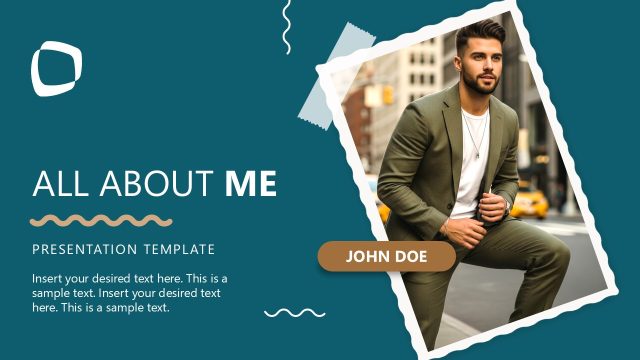
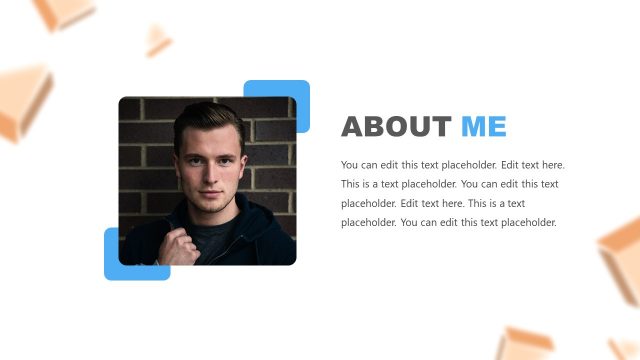
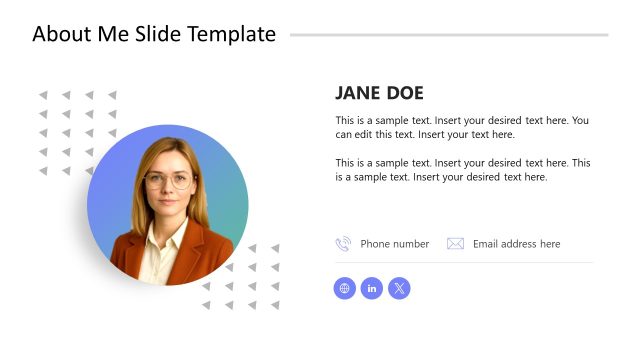
The slide features a prominent image placeholder on the left, showing a person in a suit. The image occupies the upper left corner and extends partially down the left side. To the right, the title 'About me' is displayed prominently in a large, bold font. Below the title, a smaller subtitle reads 'SLIDE TEMPLATE.' The background is divided into two sections: a white area on the right and a blue area on the left, creating a clear visual contrast. The overall layout is asymmetrical, emphasizing the title and image.
How to Use It
This layout serves as an introductory slide, ideal for personal presentations or professional profiles. It fits well at the beginning of a presentation sequence, establishing the speaker's identity. Suitable scenarios include personal branding, networking events, or introductory segments in professional meetings. It effectively sets the tone for subsequent content by providing a visual and textual overview of the presenter.
Text Placeholders & Capacity
Keep your copy within these limits so it fits without resizing. Title slot can hold roughly 4-5 words, subtitle slot can hold around 6-8 words.
| Placeholder | Count | Max characters (approx.) |
|---|---|---|
| Slide title | 1 | 20 |
| Subtitle | 1 | 30 |
Slide Keywords
Download unlimited PowerPoint templates, charts and graphics for your presentations with our annual plan.
DOWNLOADReturn to Free About Me Slide Template for PowerPoint.