Slide 1 of 2 from Free 8-Step Side-by-Side PowerPoint Template
Free 8 Step PowerPoint Diagram for Process Presentation
8-Step Side-by-Side Diagram Template
- Diagram
- Other
- Process Slide
- 16:9
- 100% Editable
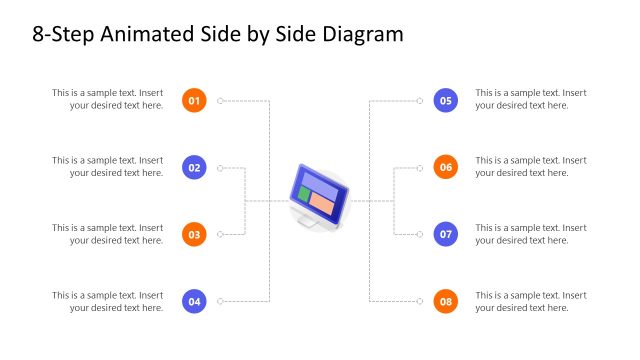
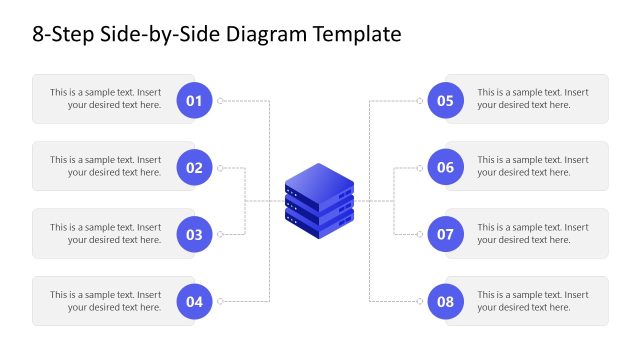
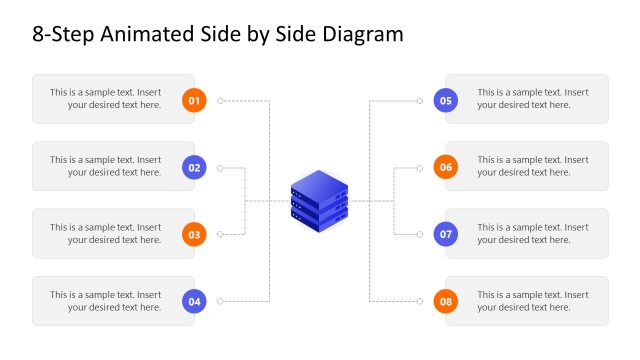
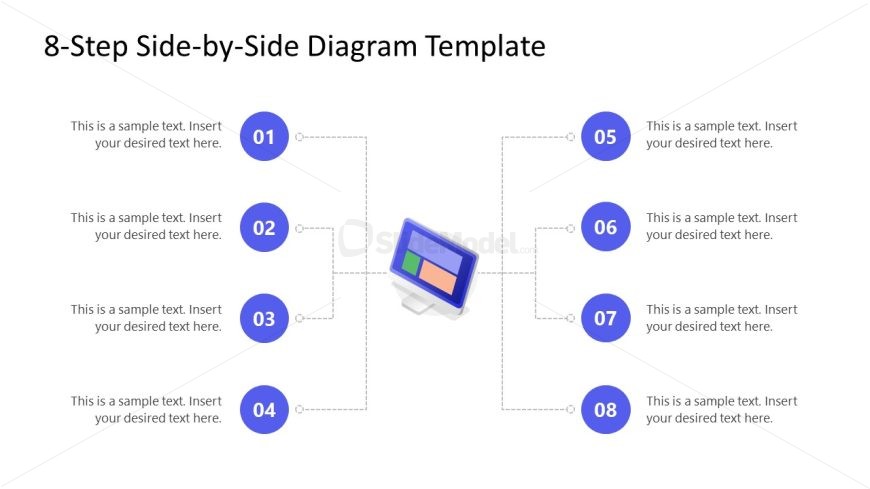
The 8-Step Side-by-Side Diagram from the Free 8-Step Side-by-Side PowerPoint Template is designed to effectively illustrate processes in project management and training sessions. This layout features a central graphic with eight circular nodes, allowing for clear visual representation of sequential steps. Ideal for business presentations, it enhances understanding of multi-step approaches with editable slides that facilitate detailed descriptions and comparisons.
What’s on This Slide
The layout features a central graphic of a computer screen, flanked by eight circular nodes arranged vertically on either side. Each node contains a number from 01 to 08, with accompanying text placeholders positioned to the right of each node. The nodes are connected to the central graphic by dashed lines, indicating a flow. The title is centered at the top, with a bold font. The overall color scheme includes blue for the nodes and a light background, creating a clear visual hierarchy. Text placeholders are aligned consistently and provide space for detailed descriptions.
How to Use It
This layout serves as a sequential process diagram, ideal for illustrating steps or phases in a project. It fits well in a presentation sequence following an introduction or problem statement, providing clarity on a multi-step approach. Real-world applications include project management, product development processes, or training sessions where step-by-step guidance is necessary. The structure allows for easy comparison between different phases, making it suitable for both educational and business contexts.
Text Placeholders & Capacity
Keep your copy within these limits so it fits without resizing. Node body slots can accommodate roughly 10-12 words each.
| Placeholder | Count | Max characters (approx.) |
|---|---|---|
| Slide title | 1 | 40 |
| Item heading | 8 | 20 |
| Item body | 8 | 60 |
Slide Keywords
Download unlimited PowerPoint templates, charts and graphics for your presentations with our annual plan.
DOWNLOADReturn to Free 8-Step Side-by-Side PowerPoint Template.