Slide 3 of 7 from Free 6-Step Creative Colorful Diagram Template for PowerPoint
Creative Colorful Core Diagram Item 2 Slide
6-Step Creative Diagram for Presentations
- Diagram
- Other
- Process Slide
- 16:9
- 100% Editable
The 6-Item Creative Diagram slide from the Free 6-Step Creative Colorful Diagram Template for PowerPoint offers a clear process visualization ideal for business presentations. This slide template features editable shapes and vector icons arranged around a central node, facilitating effective explanation of project steps or brainstorming outcomes. Suitable for use in corporate presentations, it enhances communication by visually connecting six related concepts within a professional slide deck.
What’s on This Slide
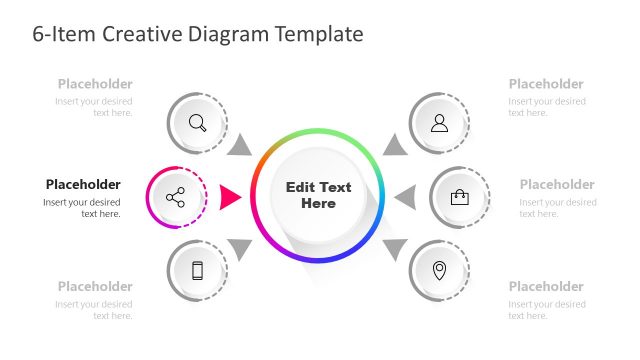
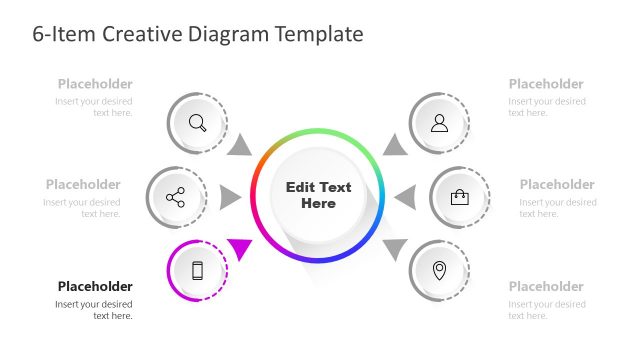
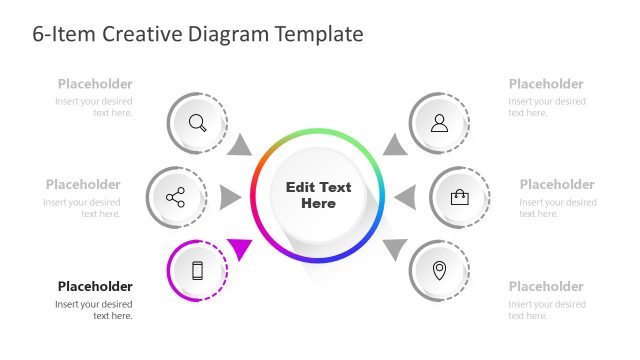
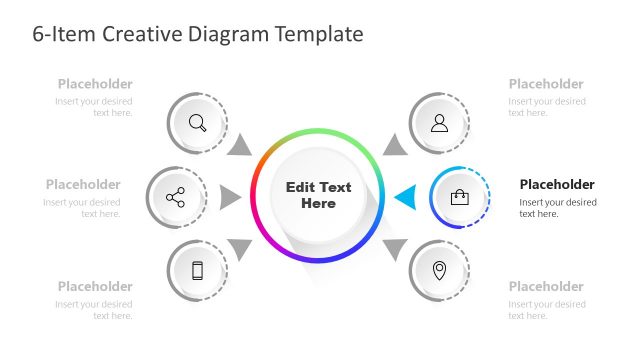
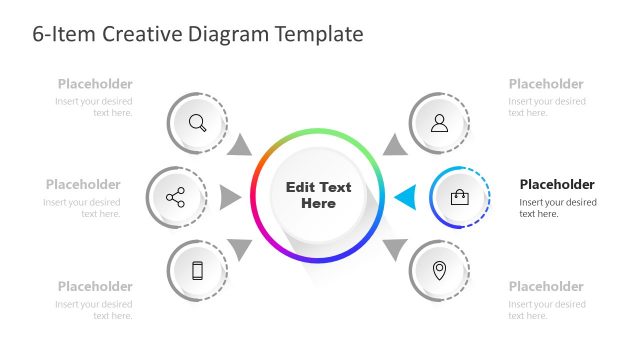
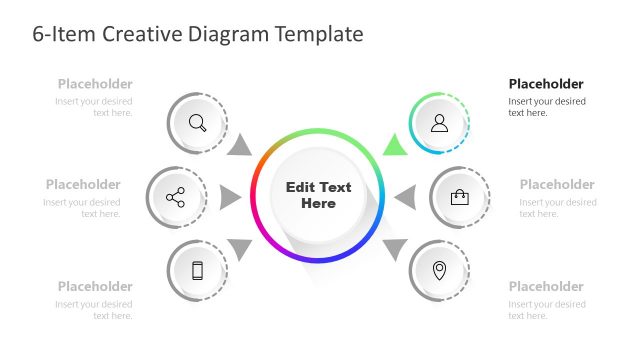
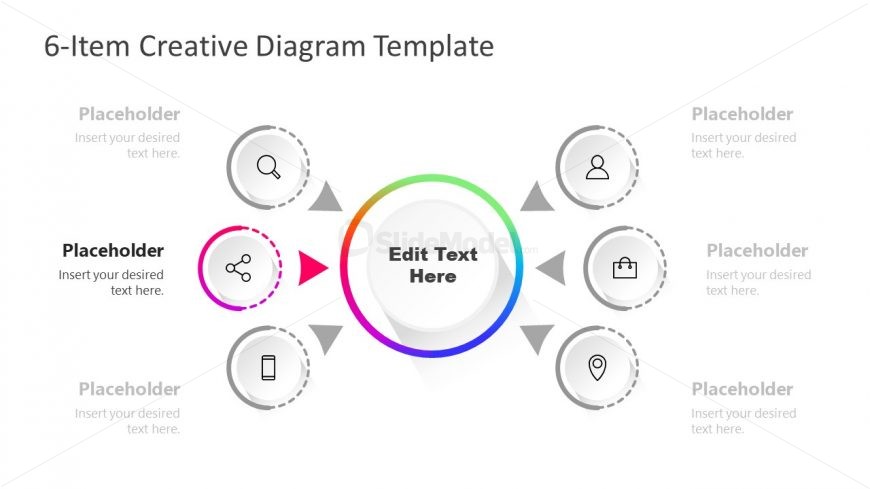
The layout features a central circular node with a gradient color scheme, labeled 'Edit Text Here.' Surrounding this node are six smaller circular nodes, each containing a placeholder for text. The central node is connected to the surrounding nodes by arrows, indicating a flow of information. The nodes are arranged in two rows, with three nodes on each side of the central node. Each smaller node has an associated icon, and all placeholders are aligned consistently. The background is light, enhancing visibility.
How to Use It
This layout serves as a process diagram, ideal for illustrating six related concepts or steps. It fits well in a presentation sequence after introducing a problem and before detailing solutions. This structure is useful in business contexts such as project planning, brainstorming sessions, or product feature overviews, allowing for clear communication of interconnected ideas.
Text Placeholders & Capacity
Keep your copy within these limits so it fits without resizing. Each node can hold about 30 characters comfortably.
| Placeholder | Count | Max characters (approx.) |
|---|---|---|
| Item body | 6 | 30 |
| Item body | 1 | 30 |
| Slide title | 1 | 30 |
Slide Keywords
Download unlimited PowerPoint templates, charts and graphics for your presentations with our annual plan.
DOWNLOADReturn to Free 6-Step Creative Colorful Diagram Template for PowerPoint.