Slide 7 of 10 from Free 6 Step Circular Diagram for PowerPoint
PowerPoint Cycle Process Diagram
6-Step Circular Swirl PowerPoint Diagram
- Diagram
- Circular Cycle
- Process Slide
- 16:9
- 100% Editable
The 6-Step Circular Swirl Diagram slide from the Free 6 Step Circular Diagram for PowerPoint template offers a clear visual for illustrating processes and workflows. This slide layout uses editable shapes and vector icons arranged in a circular cycle to map strategic planning or project steps effectively. It is designed to enhance business presentations by providing a structured and engaging way to present sequential information within a corporate presentation or pitch deck template.
What’s on This Slide
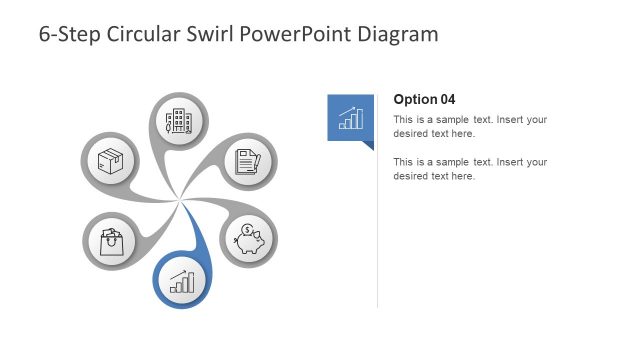
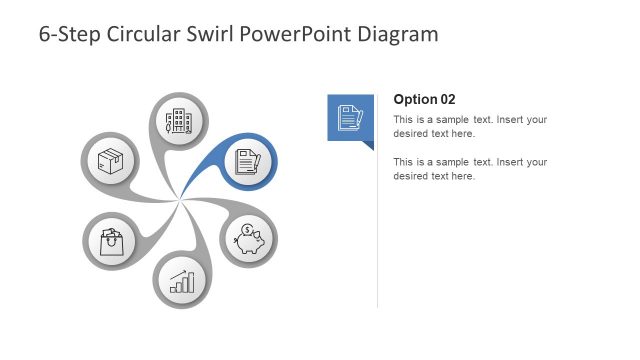
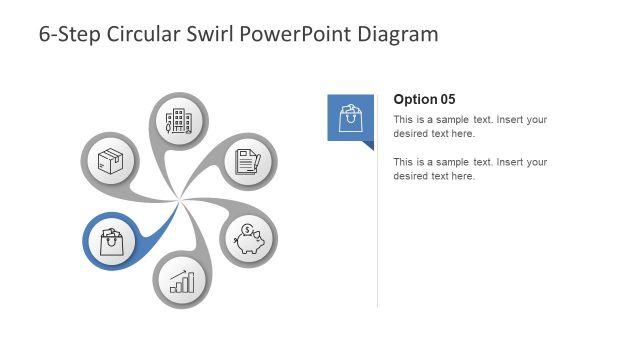
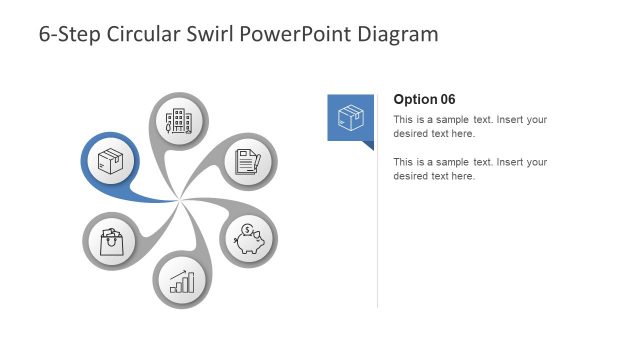
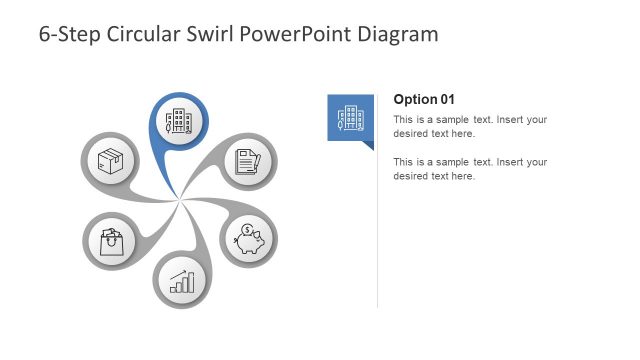
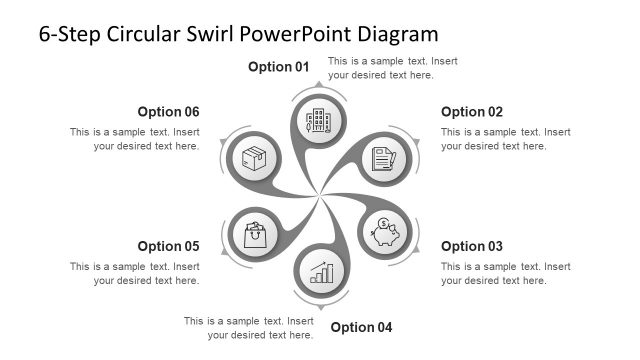
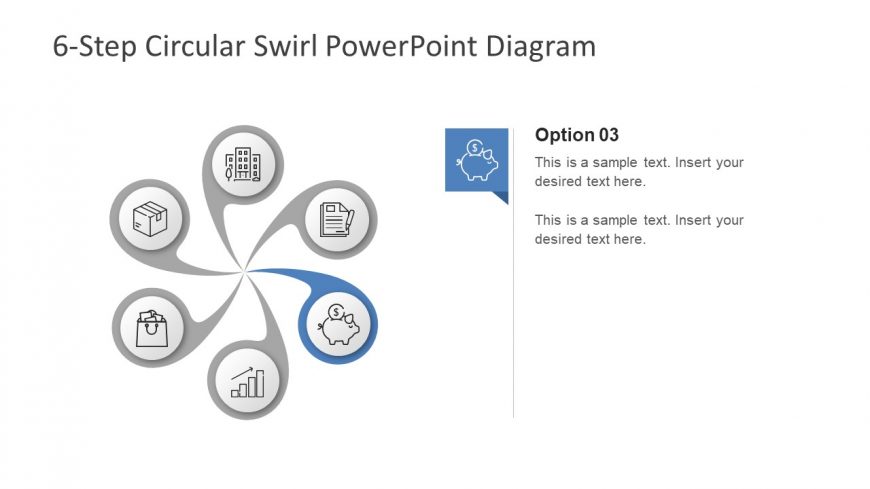
The layout features a central circular swirl diagram with six evenly spaced nodes arranged around it. Each node is a circle containing an icon representing different concepts, such as a building, a box, and a graph. A blue arrow connects the central swirl to one of the nodes, indicating flow. To the right, there is a text box labeled 'Option 03' with two text placeholders for additional information. The overall color scheme is neutral with blue accents, and the background is white, enhancing clarity and focus on the diagram.
How to Use It
This layout serves as a visual representation of a six-step process or cycle, making it suitable for illustrating workflows or strategies. It fits well in a presentation sequence after introducing a problem or concept, providing a clear structure for solutions or steps. This format is ideal for business scenarios such as project planning, process mapping, or strategic initiatives where sequential steps need to be highlighted for clarity and engagement.
Text Placeholders & Capacity
Keep your copy within these limits so it fits without resizing. Node body slots can hold roughly 15-20 words each.
| Placeholder | Count | Max characters (approx.) |
|---|---|---|
| Slide title | 1 | 30 |
| Item heading | 6 | 20 |
| Item body | 6 | 100 |
| Callout | 1 | 100 |
Slide Keywords
Download unlimited PowerPoint templates, charts and graphics for your presentations with our annual plan.
DOWNLOADReturn to Free 6 Step Circular Diagram for PowerPoint.