Slide 1 of 1 from Free 6-Part Comparative Layout PowerPoint Template
Free 6-Part Comparative Layout Presentation Template
6-Part Comparative Layout PowerPoint Template
- Diagram
- Comparison Split
- Comparison Slide
- 16:9
- 100% Editable
What’s on This Slide
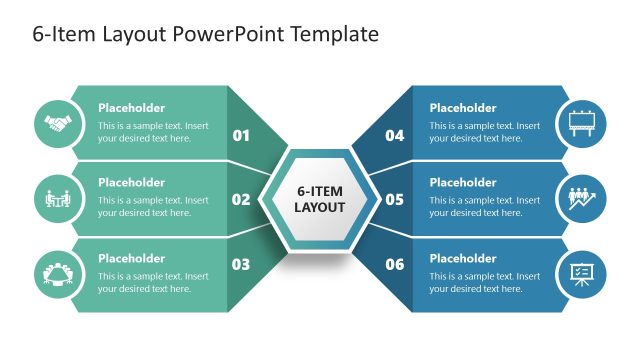
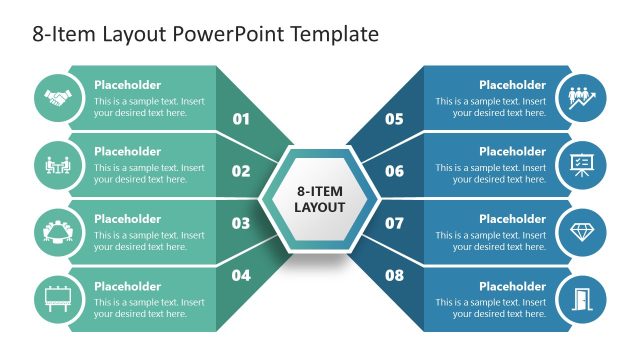
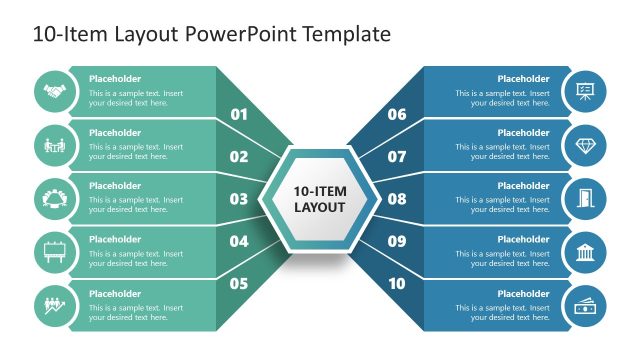
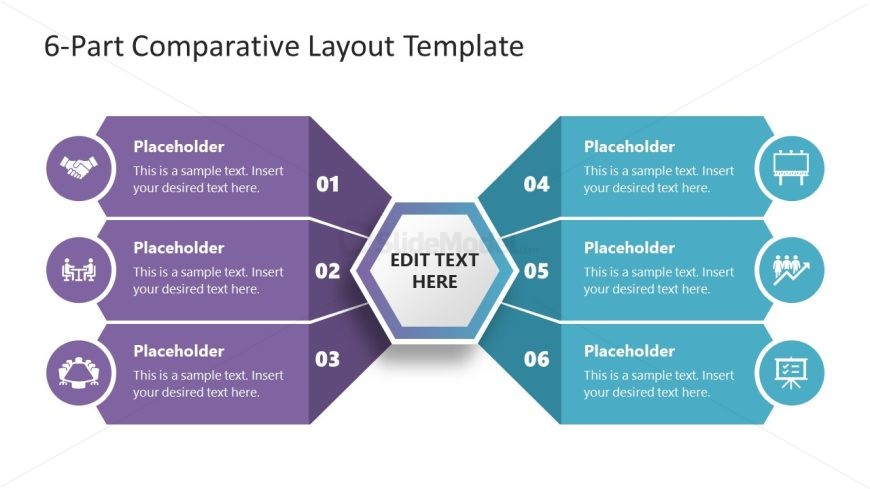
The layout features a central hexagon labeled 'EDIT TEXT HERE' surrounded by six sections. Three sections are positioned on the left and three on the right, each containing a circular icon above a placeholder text box. The left sections are colored in shades of purple, while the right sections are in blue. Each section is numbered from 01 to 06, with corresponding icons representing various themes. The overall composition is symmetrical, with a clear visual hierarchy emphasizing the central hexagon and the numbered sections.
How to Use It
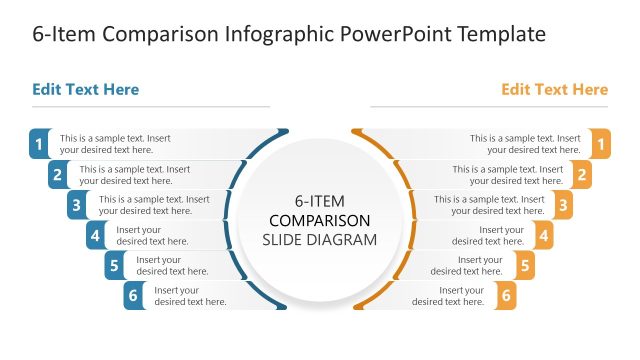
This layout serves as a comparative analysis tool, allowing users to present six distinct elements side by side. It is suitable for scenarios such as product comparisons, feature overviews, or strategic evaluations. The layout fits well in presentations that require a clear visual differentiation of multiple items, making it ideal for business meetings, marketing pitches, or educational contexts. It can be used effectively to summarize key points and facilitate discussions around the presented elements.
Text Placeholders & Capacity
Keep your copy within these limits so it fits without resizing. Body slots can hold approximately 50 characters each.
| Placeholder | Count | Max characters (approx.) |
|---|---|---|
| Item heading | 6 | 2 |
| Item body | 6 | 50 |
| Slide title | 1 | 40 |
Slide Keywords
Download unlimited PowerPoint templates, charts and graphics for your presentations with our annual plan.
DOWNLOADReturn to Free 6-Part Comparative Layout PowerPoint Template.