Slide 1 of 1 from Free 6-Item Core Hexagon Diagram Template for PowerPoint
Free 6-Item Core Hexagon Slide Template for PowerPoint
6-Item Core Hexagon Diagram Template
- Diagram
- Other
- Concept Explanation Slide
- 16:9
- 100% Editable
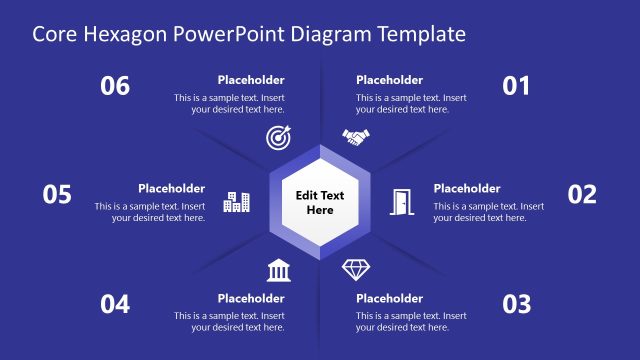
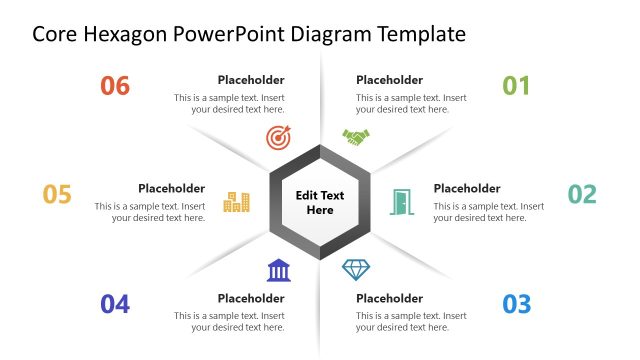
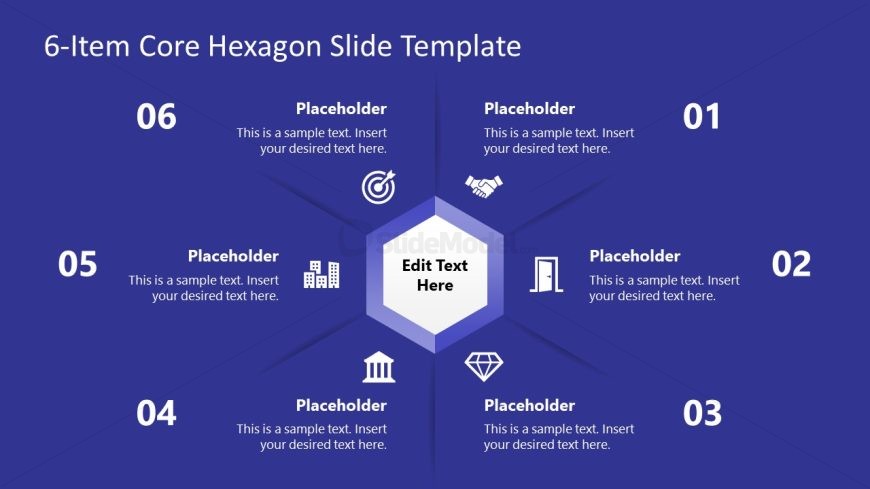
The 6-Item Core Hexagon Diagram slide from the Free 6-Item Core Hexagon Diagram Template for PowerPoint is designed for effective concept explanation. This layout features a central hexagon surrounded by six editable segments, ideal for presenting key concepts in strategic planning or product feature overviews. The symmetrical design and clear visual hierarchy enhance audience engagement, making it a valuable addition to any business presentation.
What’s on This Slide
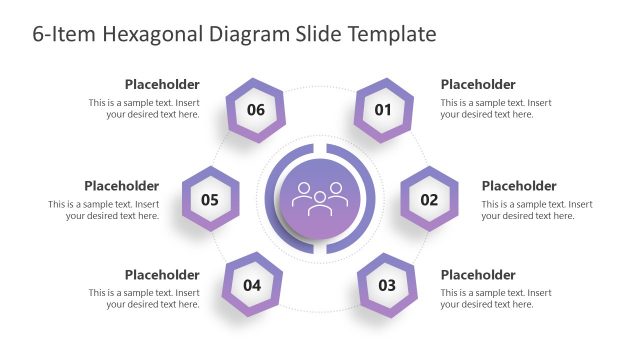
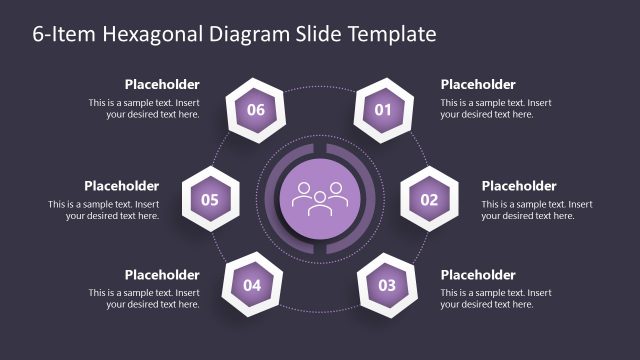
The layout features a central hexagon surrounded by six hexagonal segments. Each segment contains a placeholder for text, numbered from one to six, positioned at the top, bottom, left, and right of the central hexagon. The central hexagon has a larger placeholder labeled 'Edit Text Here.' Icons are present in some segments, visually representing concepts. The background is a solid purple color, creating a uniform appearance. The overall composition is symmetrical, with a clear visual hierarchy emphasizing the central hexagon.
How to Use It
This layout serves as a core concept diagram, ideal for presenting six key items or ideas. It fits well in a presentation sequence after an introduction or problem statement, providing a clear visual summary. This structure is useful in business contexts such as strategy discussions, project overviews, or product features. It allows for easy comparison and categorization of related concepts, making it effective for engaging audiences in various settings.
Text Placeholders & Capacity
Keep your copy within these limits so it fits without resizing. Each segment can hold roughly 20-50 words depending on text size.
| Placeholder | Count | Max characters (approx.) |
|---|---|---|
| Item heading | 6 | 20 |
| Item body | 6 | 50 |
| Item body | 1 | 50 |
Slide Keywords
Download unlimited PowerPoint templates, charts and graphics for your presentations with our annual plan.
DOWNLOADReturn to Free 6-Item Core Hexagon Diagram Template for PowerPoint.