Free 4-Item Comparison Infographic Slide Template for PowerPoint
Download Free 4-Item Comparison Infographic Slide Template for PowerPoint & Google Slides
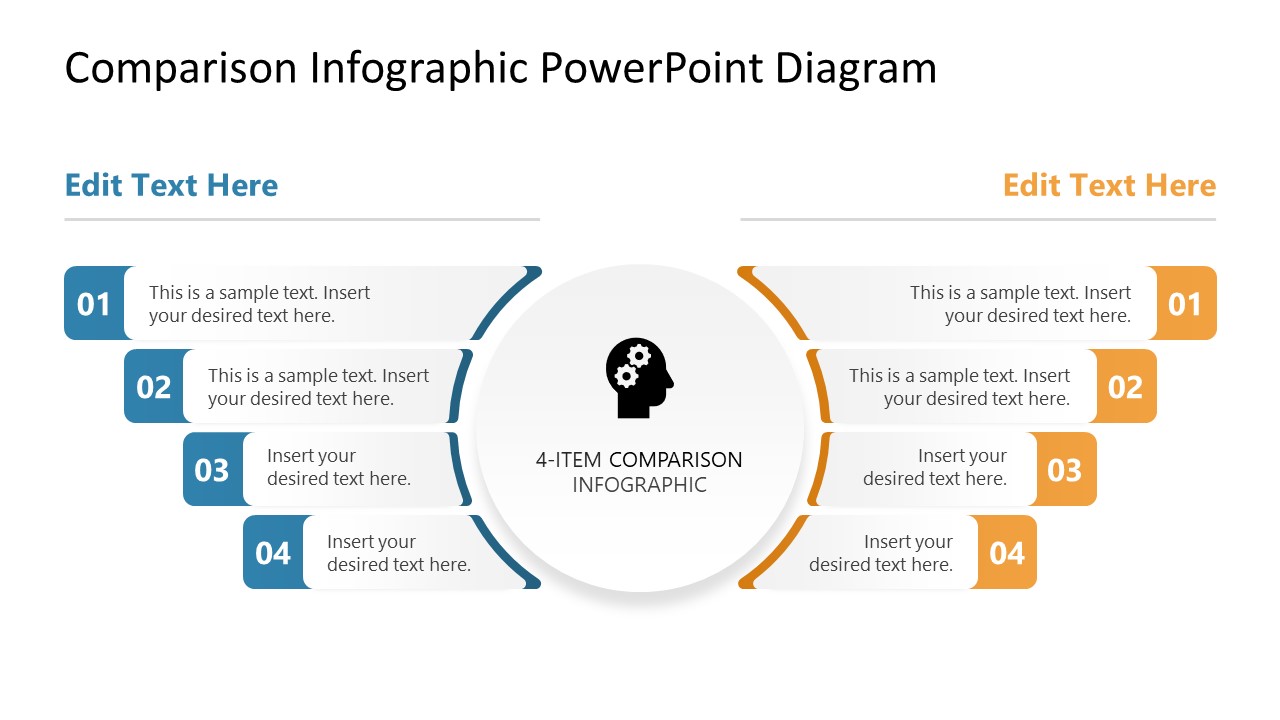


Creating a comparison presentation is made easier with our Free 4-Item Comparison Infographic Slide Template for PowerPoint. This PowerPoint template free download features a modern infographic diagram with four sections on either side to add comparison points line-by-line and clearly showcase them. Presenters from different domains can use this free presentation template for their formal and educational presentations. For instance, an AI strategist can explain & compare the salient points of two plans for promoting a product. Or a marketing team lead can elaborate on two processes of handling a query to their customer representative team. Likewise, this free diagram template can be helpful to business professionals, researchers, and even technical experts for discussing complex ideas. Our free PPT template features 100% editable PowerPoint elements that users can modify to match their theme needs. You can also customize it with Google Slides.
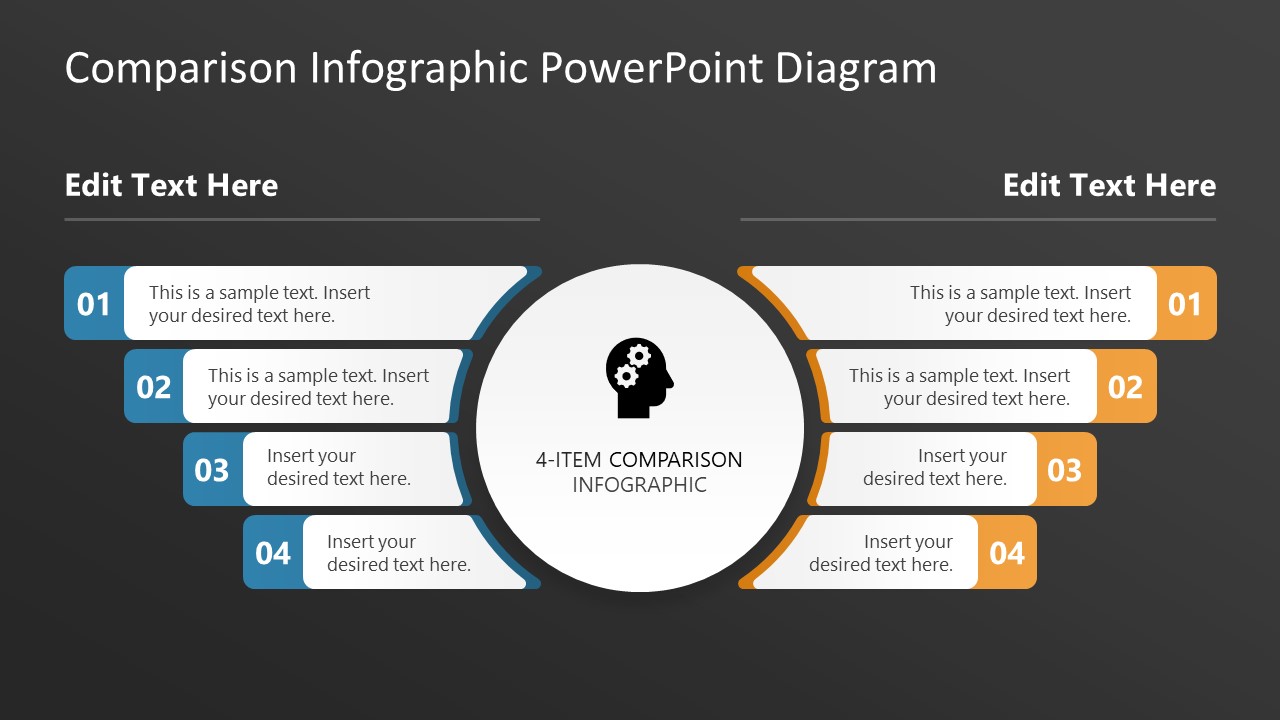
This Free 4-Item Comparison Infographic Slide Template for PowerPoint includes two slides with circular diagrams. The diagram shows a circular shape in the center, with an infographic of a human head and a title text. On the right and left, there are four long bars with their inner sides curved as per the central shape, with colorful ends. You can differentiate between two ideas or concepts using a consistent color. We have used blue for the left-side elements and orange for the right-side elements. Each bar has a numerical digit indicating the point number, with placeholder text to help professionals showcase the information clearly. Also, you can change the colors, shapes, or icons in the template to fit your needs. Download the comparison infographic template for free and customize it now!
FEATURES
- 100% Editable PowerPoint Templates & Google Slides.
- Compatible with all major Microsoft PowerPoint versions, Keynote and Google Slides.
- Modern 16:9 Aspect Ratio.
- Scalable Vectorial PowerPoint Shapes and PowerPoint Icons.
- Instant Access and Download.
- New Templates every week.
Google Slides Preview
Our PowerPoint Templates are compatible with Google Slides. Take the most of every platform using the tool you like.
 Open in Google Slides
 Loading...