Slide 4 of 4 from Free 3 Step Diagram Design for PowerPoint
Editable Layout of Two Contents PPT
3 Step Diagram Design for Presentations
- Diagram
- Process Flow
- Process Slide
- 16:9
- 100% Editable
The 3 Step Diagram Design slide from the Free 3 Step Diagram Design for PowerPoint template offers a clear process flow layout ideal for business presentations and training sessions. Featuring editable shapes and a structured format, this slide supports effective communication of sequential steps in project updates or strategic planning within a professional slide deck.
What’s on This Slide
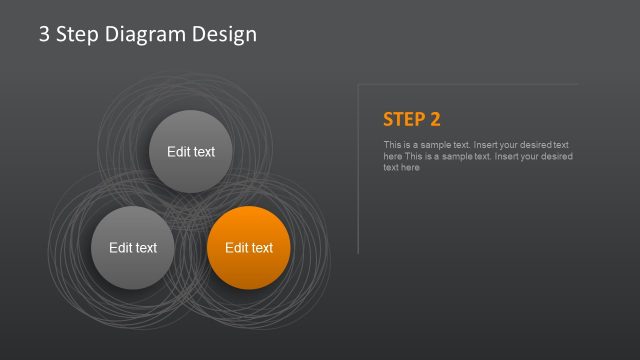
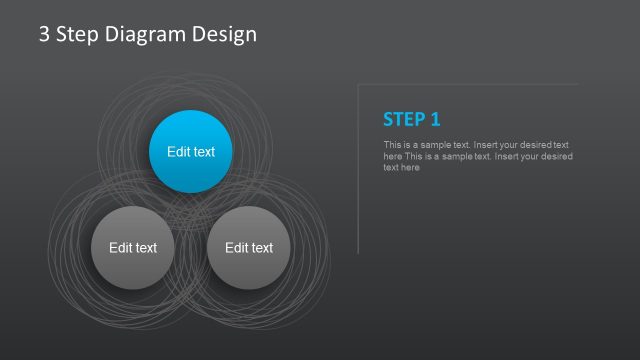
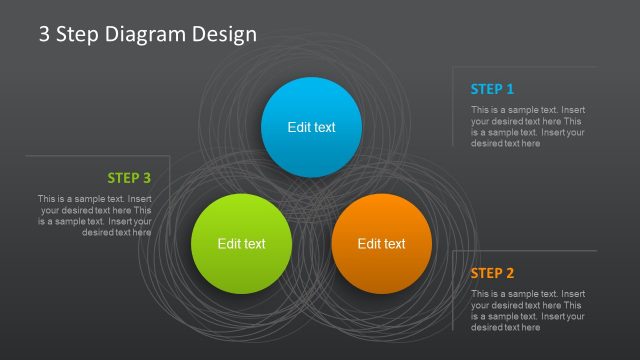
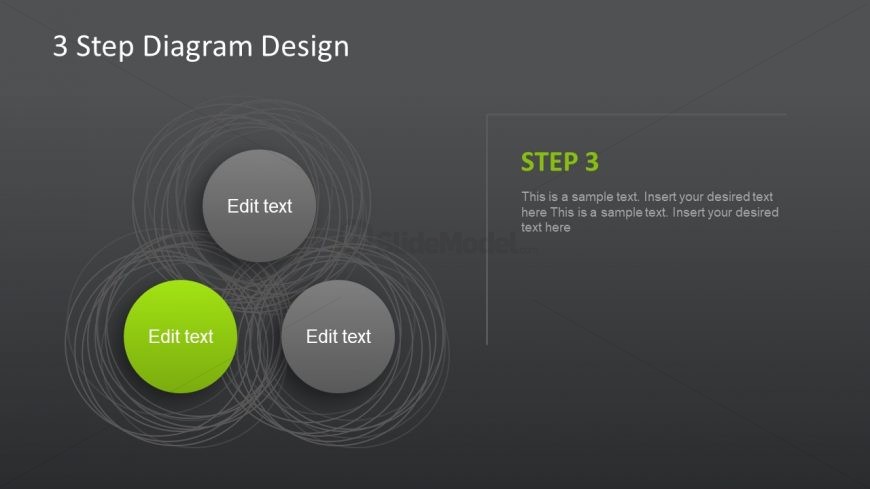
The layout features three circular nodes arranged in a triangular formation, with one node highlighted in green. Each node contains a text placeholder aligned centrally. To the right, there is a vertical text box labeled 'STEP 3' at the top, followed by a larger text placeholder for detailed content. The background is a gradient gray, providing contrast to the nodes. The nodes are surrounded by concentric circular lines, enhancing the visual hierarchy. Overall, the composition emphasizes the highlighted step while maintaining balance among the nodes.
How to Use It
This layout serves as a step-by-step process diagram, ideal for illustrating sequential actions or phases in a business strategy. It fits well in a presentation sequence after introducing previous steps, allowing for a clear transition to the final stage. This format is useful for training sessions, project updates, or strategic planning discussions, where clarity in process flow is essential. The design effectively communicates progress and highlights key information in a structured manner.
Text Placeholders & Capacity
Keep your copy within these limits so it fits without resizing. Node labels are tight, roughly 3-5 words each.
| Placeholder | Count | Max characters (approx.) |
|---|---|---|
| Slide title | 1 | 30 |
| Item heading | 3 | 15 |
| Item body | 3 | 100 |
| Callout | 1 | 30 |
| Body paragraph | 1 | 250 |
Slide Keywords
Download unlimited PowerPoint templates, charts and graphics for your presentations with our annual plan.
DOWNLOADReturn to Free 3 Step Diagram Design for PowerPoint.