Slide 1 of 1 from Free 3-Layer Process Flow Slide Template for PowerPoint
Free 3-Layer Process Flow Slide Presentation Template
3-Layer Process Flow Slide Overview
- Diagram
- Process Flow
- Process Slide
- 16:9
- 100% Editable
What’s on This Slide
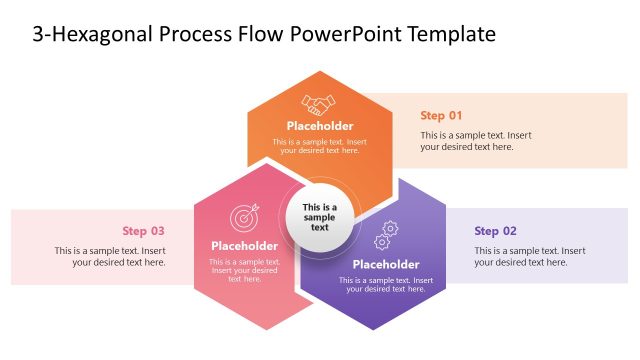
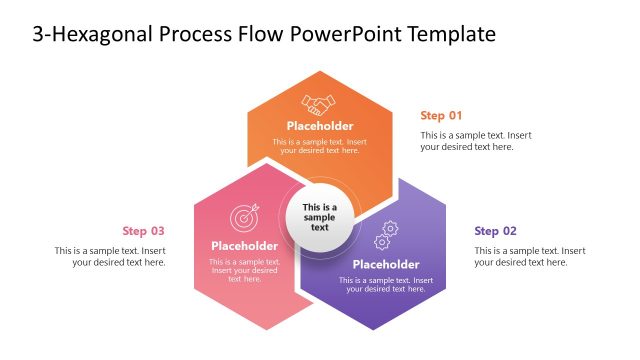
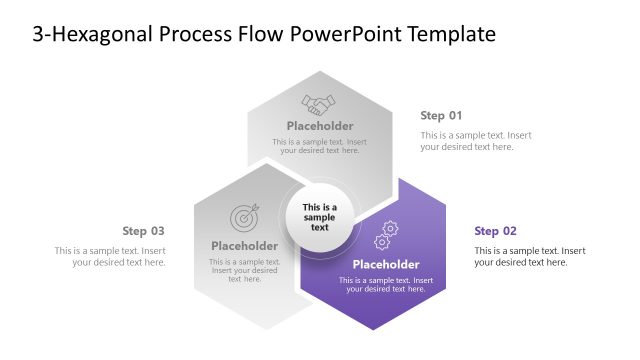
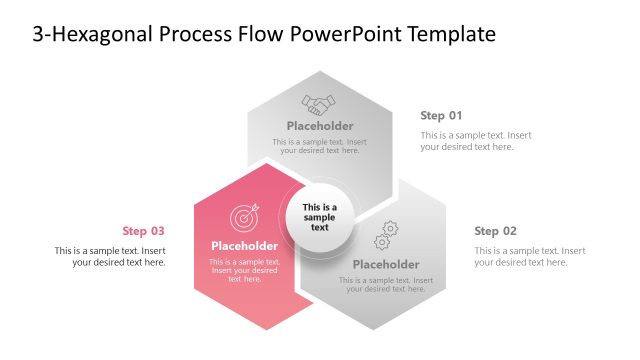
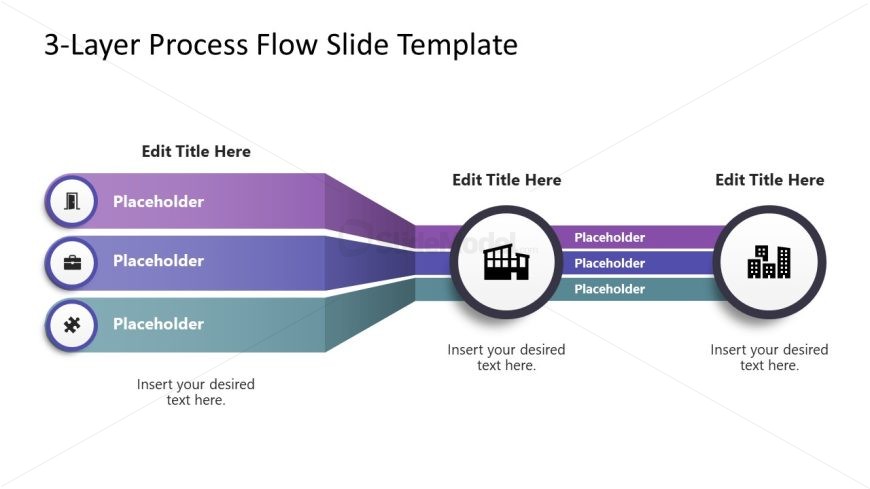
The slide features a horizontal flow diagram with three layers. On the left, three circular nodes are arranged vertically, each containing an icon and a placeholder for text. The nodes are connected by horizontal bands that transition in color from purple to teal. In the center, a larger circular node contains an icon and a placeholder for additional text. The right side mirrors the left, with three circular nodes and placeholders. Text placeholders are centrally aligned within each node and band, creating a clear visual hierarchy.
How to Use It
This layout serves as a process flow diagram, ideal for illustrating sequential steps or stages in a project. It fits well in presentations discussing workflows, project phases, or operational processes. Use it to clarify complex information by breaking it down into manageable layers. This structure is suitable for business scenarios such as project management, product development, or service delivery discussions, providing a clear visual representation of processes.
Text Placeholders & Capacity
Keep your copy within these limits so it fits without resizing. Node body slots can hold roughly 10-12 words each.
| Placeholder | Count | Max characters (approx.) |
|---|---|---|
| Slide title | 1 | 30 |
| Item heading | 3 | 20 |
| Item body | 3 | 50 |
| Item body | 1 | 50 |
Slide Keywords
Download unlimited PowerPoint templates, charts and graphics for your presentations with our annual plan.
DOWNLOADReturn to Free 3-Layer Process Flow Slide Template for PowerPoint.