Slide 1 of 1 from Free 2-Option Comparison Slide Template for PowerPoint
Free 2-Option Comparison Slide Template Slide
2-Option Comparison Slide Template
- Text Layout
- Comparison Split
- Comparison Slide
- 16:9
- 100% Editable
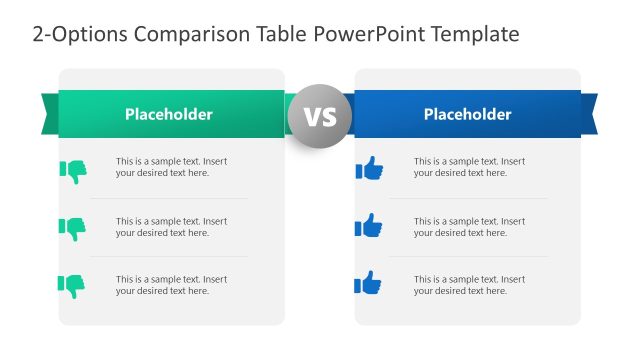
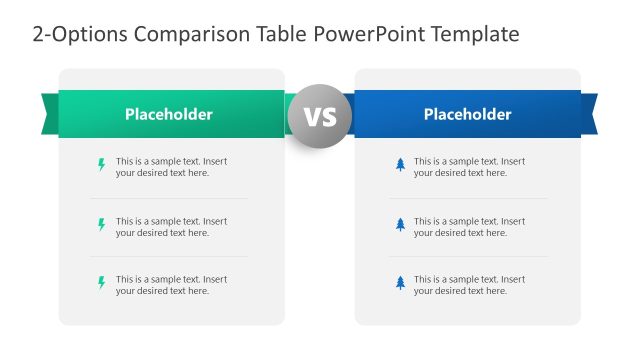
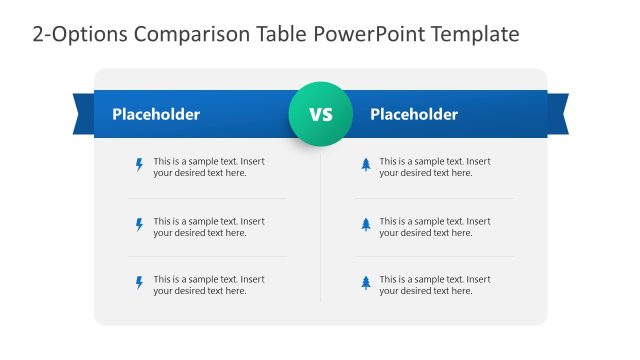
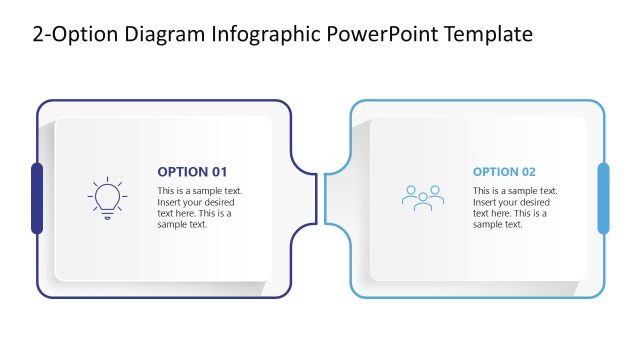
The 2-Option Comparison slide from the Free 2-Option Comparison Slide Template for PowerPoint offers a structured layout for evaluating two distinct choices. Ideal for business presentations, this slide features a symmetrical design with clear visual differentiation, making it perfect for product feature comparisons and strategic decision-making. With editable shapes and icons, users can easily customize the content to suit their needs.
What’s on This Slide
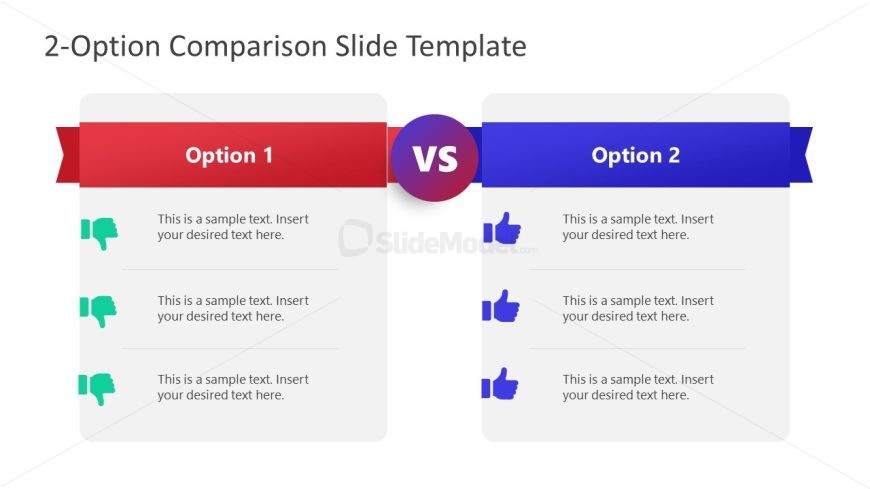
The slide features a two-column layout with a central 'VS' circle. The left column, labeled 'Option 1,' has a red header and contains three text placeholders aligned vertically. Each placeholder is accompanied by a thumbs-down icon. The right column, labeled 'Option 2,' has a blue header and mirrors the left side with three text placeholders, each paired with a thumbs-up icon. The overall background is light, enhancing the visibility of the colored headers. The layout is symmetrical, emphasizing the direct comparison between the two options.
How to Use It
This layout serves as a direct comparison tool, ideal for evaluating two distinct options side by side. It fits well in presentations discussing product features, service comparisons, or strategic choices. The structure allows for clear visual differentiation between the options, making it suitable for decision-making scenarios. It can be used in business meetings, marketing presentations, or educational contexts where contrasting elements need to be highlighted effectively.
Text Placeholders & Capacity
Keep your copy within these limits so it fits without resizing. Each text placeholder can accommodate roughly 8 words comfortably.
| Placeholder | Count | Max characters (approx.) |
|---|---|---|
| Item body | 6 | 40 |
| Item heading | 2 | 20 |
Slide Keywords
Download unlimited PowerPoint templates, charts and graphics for your presentations with our annual plan.
DOWNLOADReturn to Free 2-Option Comparison Slide Template for PowerPoint.