Slide 6 of 21 from Free Flat Business Process Diagram PowerPoint Template
Flat Business Process Diagram PowerPoint Slide
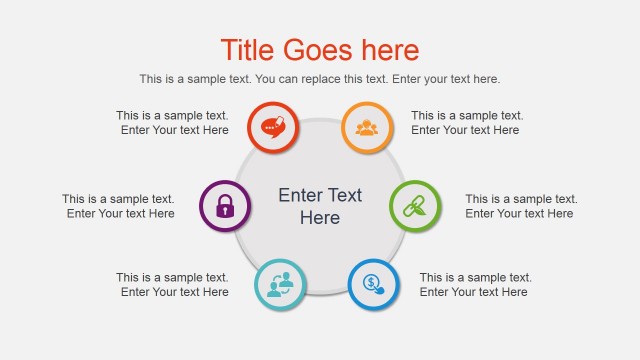
The Process Diagram with Icons slide from the Free Flat Business Process Diagram PowerPoint Template offers a clear way to visualize interconnected steps or concepts in a business presentation. Featuring a central circular shape surrounded by icon-embedded smaller circles, this slide layout supports effective communication of processes with editable shapes and vector icons. It is suitable for creating professional slide decks that require a balanced and structured depiction of workflows or cycles.
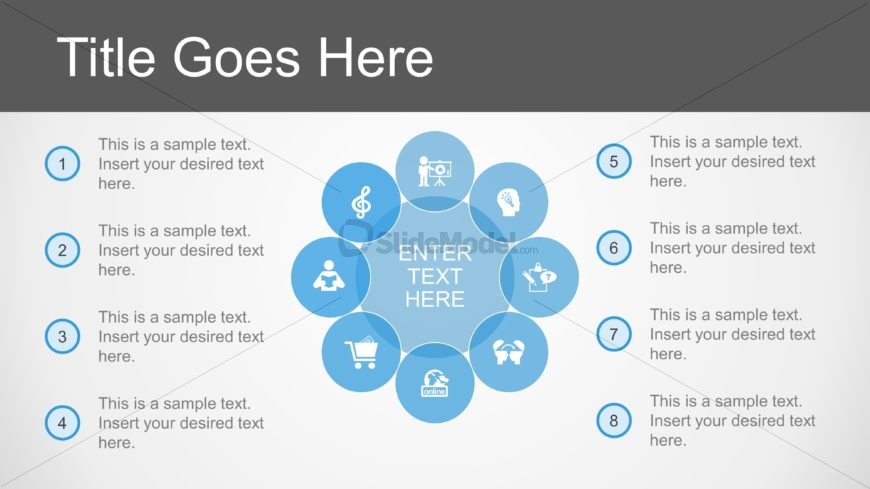
The layout features a central circular shape surrounded by eight smaller circles, each containing an icon. The central circle has a placeholder for text, labeled 'ENTER TEXT HERE,' and is visually emphasized. The smaller circles are evenly distributed around the central shape, each with a placeholder for text and an icon representing different concepts. The title is positioned at the top in a large font, while the background is a light gradient. The overall composition is symmetrical, creating a balanced visual hierarchy.
This layout serves as a process diagram, ideal for illustrating interconnected concepts or steps in a business process. It fits well in a presentation sequence after introducing a problem or topic, providing a visual representation of solutions or key points. This structure is useful for business meetings, training sessions, or project updates where clarity in process visualization is essential.
Keep your copy within these limits so it fits without resizing. Node body slots can hold about 10-12 words each.
| Placeholder | Count | Max characters (approx.) |
|---|---|---|
| Slide title | 1 | 30 |
| Item body | 8 | 50 |
| Item heading | 8 | 10 |
Download unlimited PowerPoint templates, charts and graphics for your presentations with our annual plan.
DOWNLOADReturn to Free Flat Business Process Diagram PowerPoint Template.