Slide 6 of 15 from Free 7-Step Journey Diagram PowerPoint Template
Editable Journey Marketing PowerPoint
7 Step Mountain Journey Diagram PowerPoint Template
- Diagram
- Timeline Horizontal
- Process Slide
- 16:9
- 100% Editable
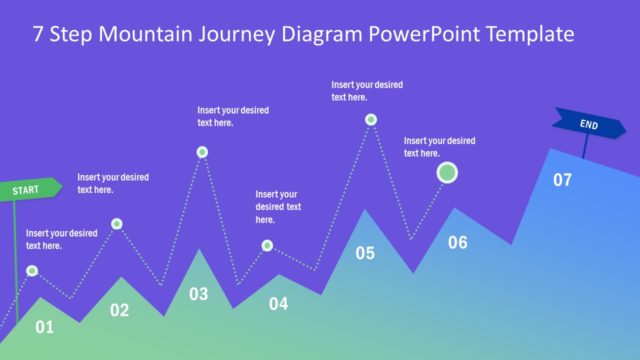
The 7 Step Mountain Journey Diagram slide from the Free 7-Step Journey Diagram PowerPoint Template offers a clear visual process for project planning and strategic roadmaps. This editable slide uses a horizontal timeline with vector icons and shapes to illustrate each step of a journey, making it suitable for business presentations and product development pitch decks.
What’s on This Slide
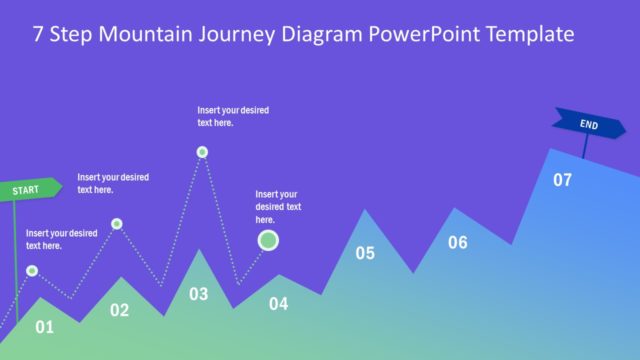
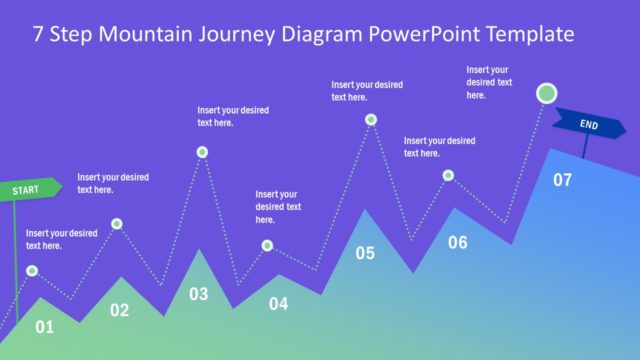
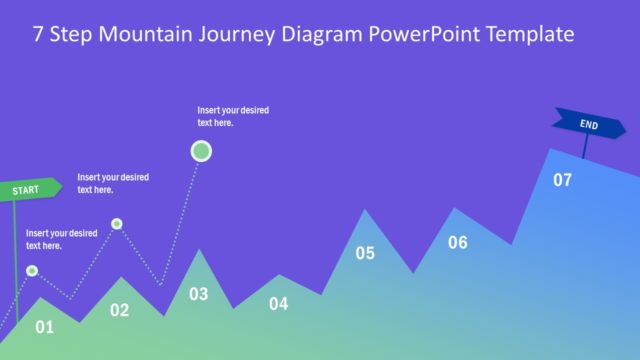
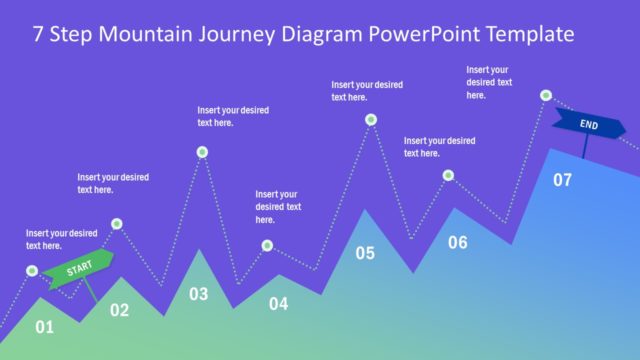
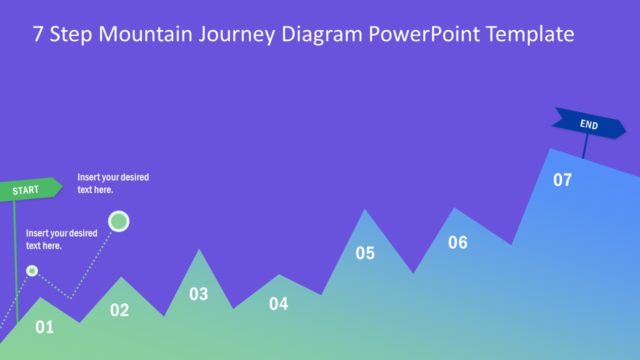
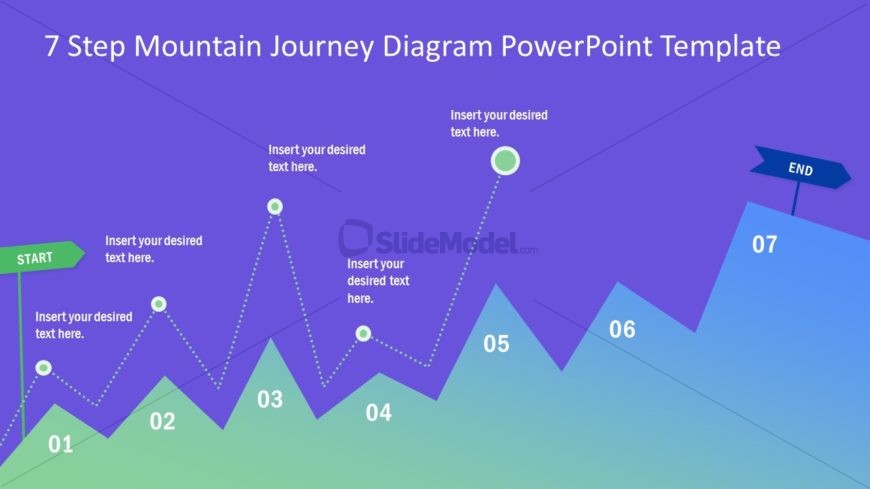
The slide features a mountain journey diagram with a zigzagging path. The background transitions from purple at the top to a gradient green at the bottom. There are seven key points labeled 01 to 07 along the path, with circular nodes indicating each step. A green 'START' label is positioned on the left, while a blue 'END' sign is located on the right. Text placeholders are present near each node for descriptions. The visual hierarchy emphasizes the journey's progression from start to end.
How to Use It
This layout serves as a visual representation of a step-by-step journey or process. It is suitable for presentations that outline a sequence of actions or milestones. This slide fits well in a narrative sequence, following an introduction or problem statement. It can be used in business contexts such as project planning, product development, or strategic roadmaps, where clear progression is essential.
Text Placeholders & Capacity
Keep your copy within these limits so it fits without resizing. Node labels can hold up to 20 characters each, while body text slots are tighter.
| Placeholder | Count | Max characters (approx.) |
|---|---|---|
| Item heading | 7 | 20 |
| Body paragraph | 6 | 50 |
| Slide title | 1 | 50 |
Slide Keywords
Download unlimited PowerPoint templates, charts and graphics for your presentations with our annual plan.
DOWNLOAD