Slide 5 of 5 from Free 4 Steps Infographic Slides for PowerPoint
Free Infographic Diagrams PowerPoint Slides
Four Steps Infographic Slide for Presentations
- Diagram
- Arrow Sequence
- Process Slide
- 16:9
- 100% Editable
The Four Steps Infographic Layout from the Free 4 Steps Infographic Slides for PowerPoint template provides a clear visual process flow using editable shapes and vector icons. This slide template is designed to illustrate sequential business processes or project phases effectively, making it a practical choice for corporate presentations and marketing strategy slide decks. Its horizontal arrow sequence and customizable text placeholders support concise communication in business presentations and pitch deck templates.
What’s on This Slide
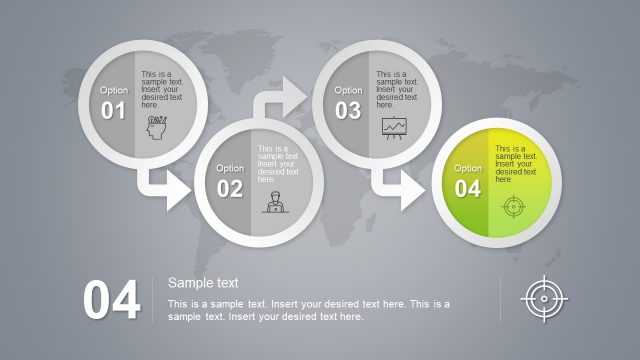
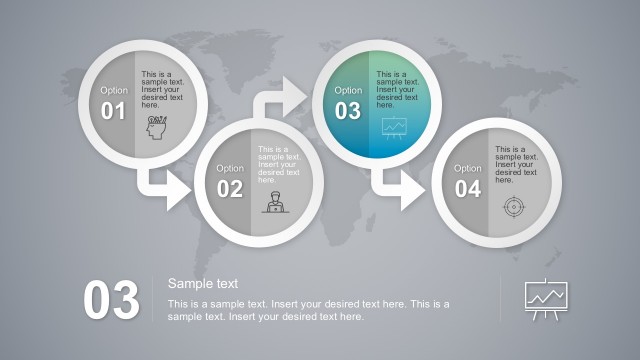
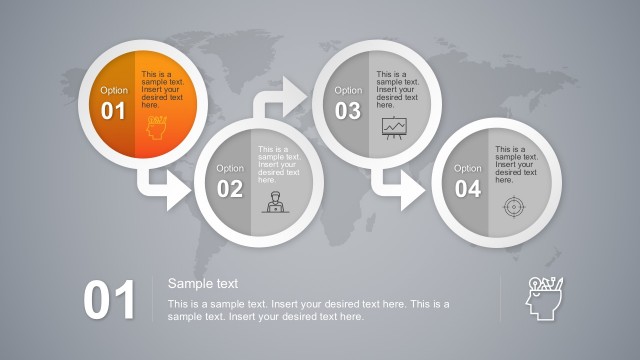
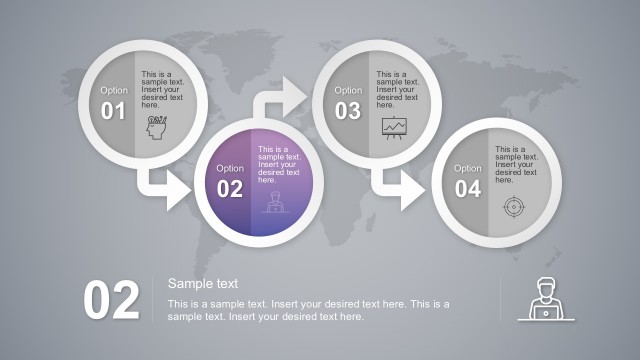
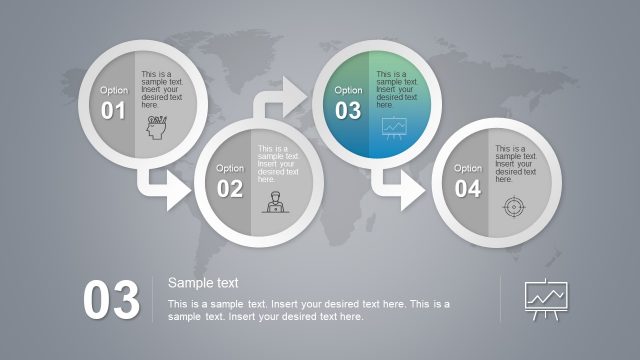
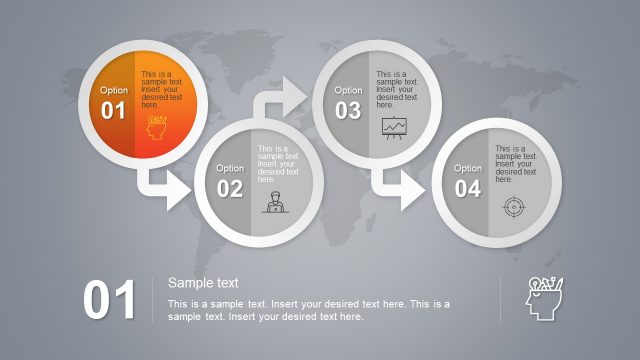
The layout features four circular nodes arranged in a horizontal sequence. Each node, labeled 'Option 01' to 'Option 04', contains a sample text placeholder centered within. Arrows connect the nodes, indicating a flow from left to right. The first three nodes are gray, while the fourth node is highlighted in green. Below the nodes, a larger text placeholder is positioned for a title, with a smaller text placeholder beneath it for additional details. A world map serves as a subtle background, enhancing the visual context.
How to Use It
This layout serves as a process flow diagram, ideal for illustrating sequential steps in a business cycle or project. It fits well in presentations that require a clear depiction of stages, such as marketing strategies or operational workflows. The design allows for easy customization of content, making it suitable for various contexts, including training sessions or strategic planning meetings. It is best used when the audience needs to understand a step-by-step approach to a topic.
Text Placeholders & Capacity
Keep your copy within these limits so it fits without resizing. Body slots can hold roughly 25-30 words each.
| Placeholder | Count | Max characters (approx.) |
|---|---|---|
| Item heading | 4 | 20 |
| Body paragraph | 1 | 150 |
| Slide title | 1 | 30 |
Slide Keywords
Download unlimited PowerPoint templates, charts and graphics for your presentations with our annual plan.
DOWNLOAD