Slide 1 of 5 from Free 4 Steps Infographic Slides for PowerPoint
Free Four Steps Infographic Slides for PowerPoint
Four Steps Nodes Infographic Slides
- Diagram
- Arrow Sequence
- Process Slide
- 16:9
- 100% Editable
The Four Steps Nodes Infographic slide from the Free 4 Steps Infographic Slides for PowerPoint template offers a clear visual process flow ideal for business presentations. This slide layout uses editable shapes and vector icons arranged in a horizontal sequence to illustrate project stages or business cycles effectively. It supports customization within a professional slide deck, making it suitable for corporate presentations and pitch deck templates that require concise step-by-step explanations.
What’s on This Slide
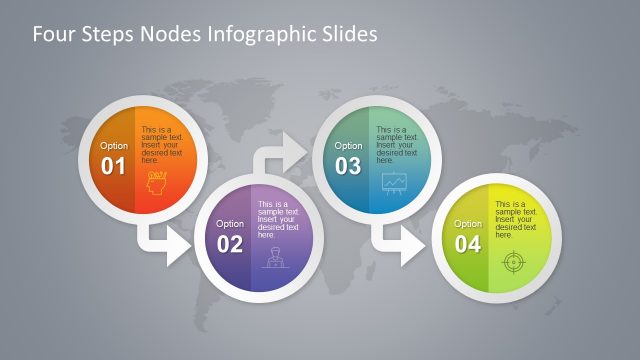
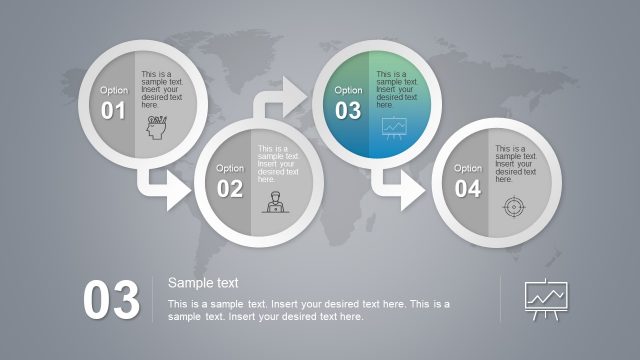
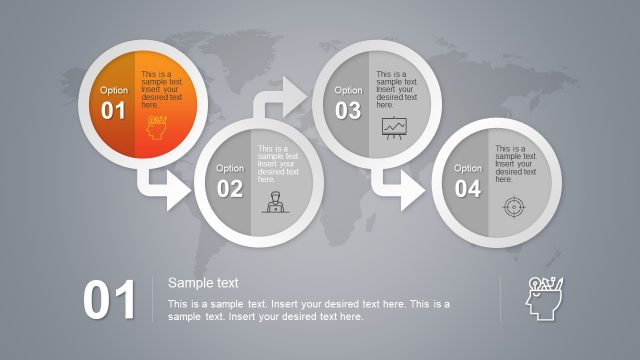
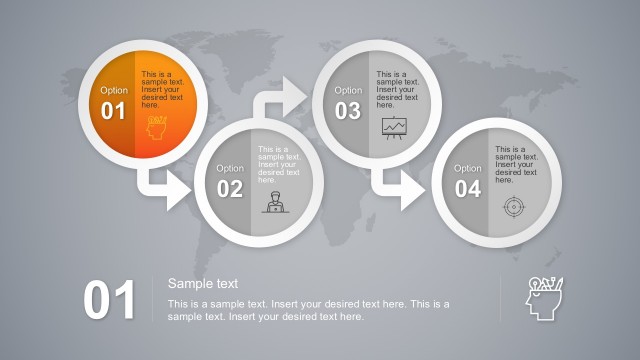
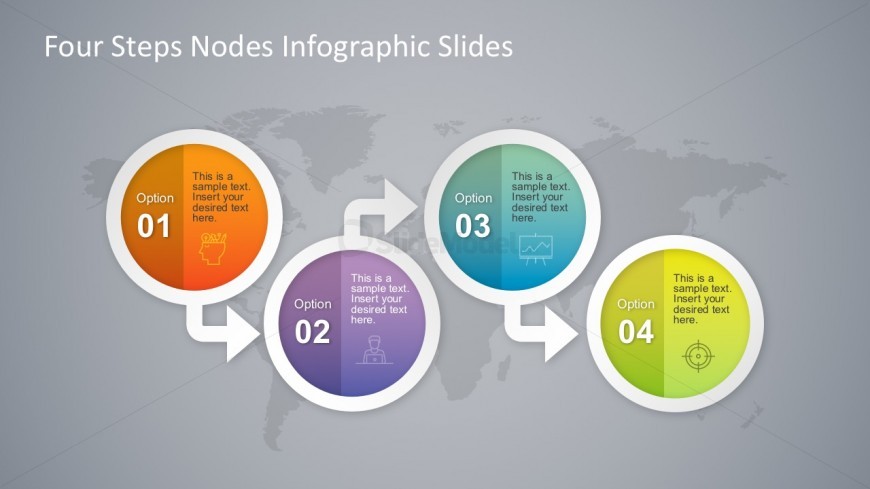
The layout features four circular nodes arranged in a horizontal line, each containing a number and a placeholder for text. The nodes are labeled 'Option 01', 'Option 02', 'Option 03', and 'Option 04', with corresponding icons inside. Arrows connect the nodes, indicating a flow from one to the next. The background is a subtle world map in gray tones, enhancing the infographic style. Text placeholders are centered within each node, and the title is positioned at the top center of the slide, emphasizing the infographic theme.
How to Use It
This layout serves as a process flow diagram, ideal for illustrating a four-step procedure or business cycle. It fits well in presentations that require a clear, visual representation of sequential steps. Common scenarios include project management updates, product development stages, or strategic planning discussions. The design allows for easy customization of content while maintaining a cohesive visual structure throughout the presentation.
Text Placeholders & Capacity
Keep your copy within these limits so it fits without resizing. Node body slots can hold about 10 words each.
| Placeholder | Count | Max characters (approx.) |
|---|---|---|
| Item heading | 4 | 30 |
| Item body | 4 | 50 |
| Slide title | 1 | 50 |
Slide Keywords
Download unlimited PowerPoint templates, charts and graphics for your presentations with our annual plan.
DOWNLOAD