Slide 20 of 25 from 4# Calendar Timeline Toolkit
Horizontal Timeline with Icons Toolit
Horizontal Timeline for Presentations
- Diagram
- Timeline Horizontal
- Timeline Slide
- 16:9
- 100% Editable
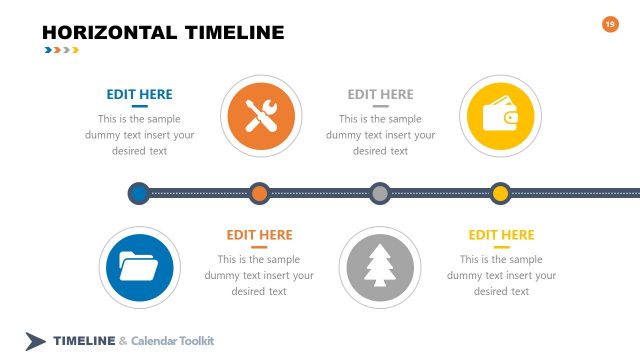
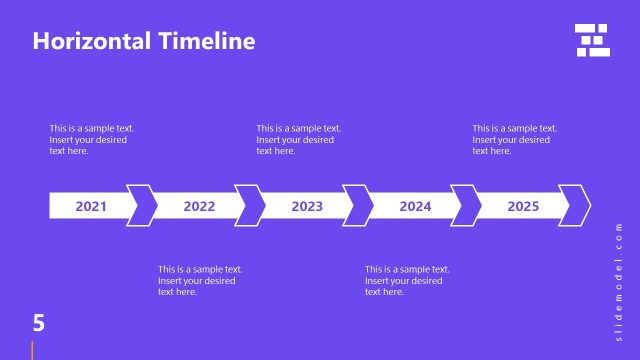
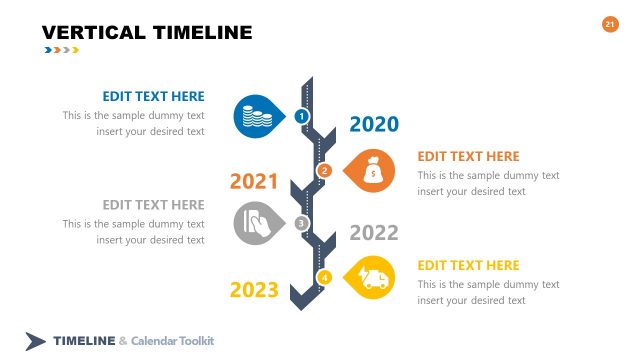
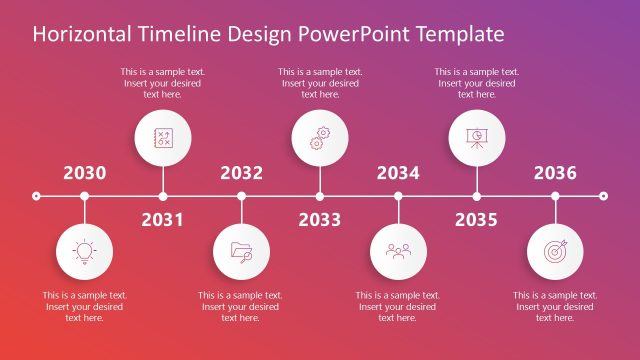
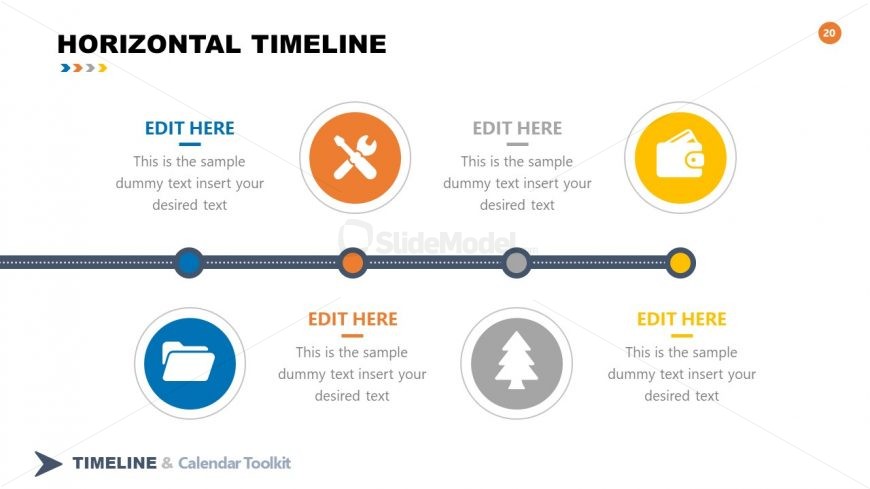
The Horizontal Timeline slide from the 4# Calendar Timeline Toolkit offers a clear chronological layout ideal for project timelines and process overviews. This slide template includes editable shapes and vector icons arranged along a solid and dotted line, making it suitable for business presentations and event planning. Its design supports effective communication of temporal sequences within a corporate presentation or pitch deck template.
What’s on This Slide
The slide features a horizontal timeline layout with four circular nodes positioned evenly along a central line. Each node is accompanied by a text placeholder below, aligned centrally. The nodes are colored differently, with icons representing various themes, such as tools and finance. The timeline itself is a solid line with dotted segments connecting the nodes. Above the timeline, a bold title is placed, while the overall background is light with a subtle gradient. The visual hierarchy emphasizes the title and the nodes equally.
How to Use It
This layout serves as a chronological representation of events or milestones, ideal for showcasing project timelines or processes. It fits well in a presentation sequence following introductory slides and preceding detailed discussions. This structure is useful in business contexts such as project planning, product launches, or historical overviews, where clear temporal progression is essential for understanding.
Text Placeholders & Capacity
Keep your copy within these limits so it fits without resizing. Node body slots can hold about 10 words each.
| Placeholder | Count | Max characters (approx.) |
|---|---|---|
| Slide title | 1 | 30 |
| Item body | 4 | 50 |
Slide Keywords
Download unlimited PowerPoint templates, charts and graphics for your presentations with our annual plan.
DOWNLOADReturn to 4# Calendar Timeline Toolkit.