Slide 3 of 8 from 3D Infographic Elements for PowerPoint
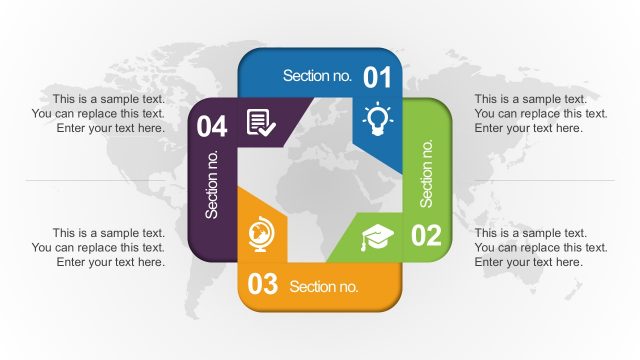
Free 4-Step Cycle Diagram PowerPoint
3D Process Flow Slide with Icons
- Diagram
- Arrow Sequence
- Process Slide
- 16:9
- 100% Editable
The Process Flow with Icons slide from the 3D Infographic Elements for PowerPoint template offers a clear visual method to depict team roles, project phases, or service comparisons. This slide layout uses editable shapes and vector icons arranged in a connected flow, making it suitable for business presentations and pitch deck templates that require a structured process overview.
What’s on This Slide
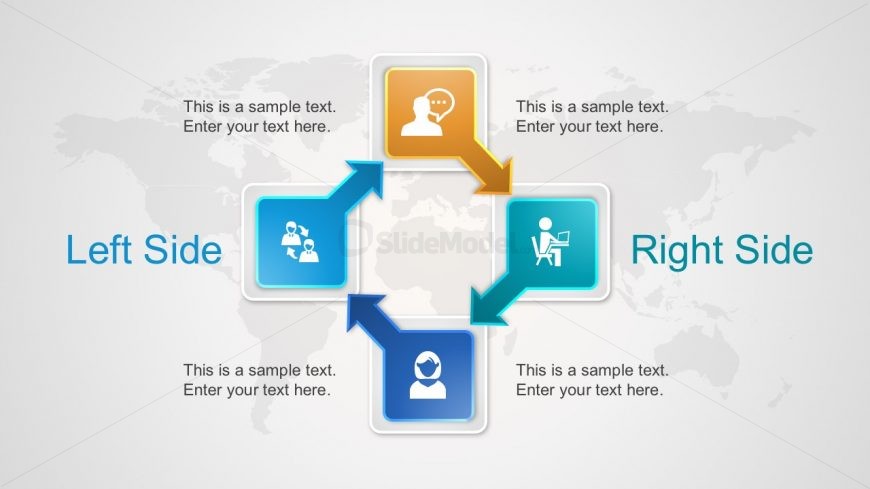
The layout features a central arrangement of four colored boxes, each containing icons and text placeholders. The boxes are positioned at the corners, with arrows connecting them to indicate flow. The left side contains two boxes, one with a group icon and another with a person icon, while the right side mirrors this with a speech bubble icon and a person at a desk icon. A world map serves as the background, enhancing the visual context. Text placeholders are aligned centrally within each box, maintaining a balanced visual hierarchy.
How to Use It
This layout serves as a process flow diagram, effectively illustrating relationships or steps between four elements. It fits well in presentations that require a clear visual representation of processes or comparisons. Common scenarios include team roles, project phases, or service offerings. This structure can be used to highlight key points in a business meeting or training session, facilitating audience understanding of complex information.
Text Placeholders & Capacity
Keep your copy within these limits so it fits without resizing. Each node can hold a title and a brief description, roughly 30 and 50 characters respectively.
| Placeholder | Count | Max characters (approx.) |
|---|---|---|
| Item heading | 4 | 30 |
| Item body | 4 | 50 |
Slide Keywords
Download unlimited PowerPoint templates, charts and graphics for your presentations with our annual plan.
DOWNLOADReturn to 3D Infographic Elements for PowerPoint.