Slide 2 of 8 from 3D Infographic Elements for PowerPoint
Free 3D Infographic PowerPoint Template
3D Block Diagram for Presentations
- Diagram
- Other
- Process Slide
- 16:9
- 100% Editable
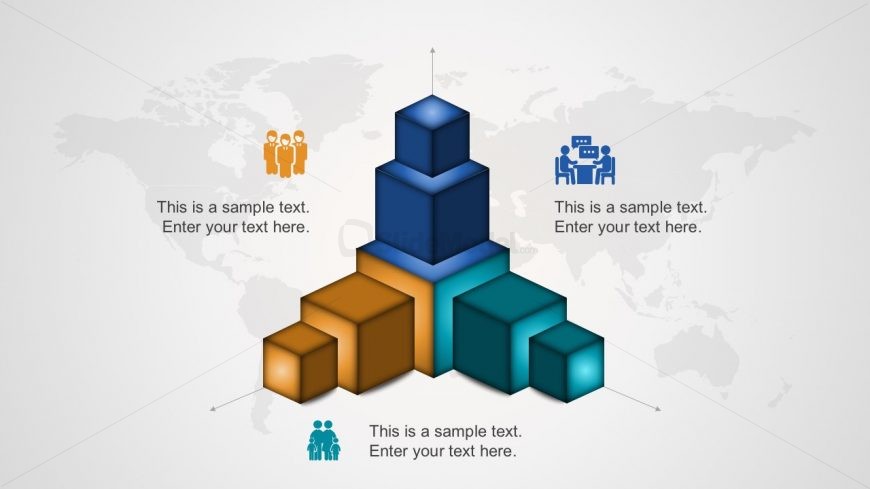
The 3D Block Diagram with Icons slide from the 3D Infographic Elements for PowerPoint template offers a clear visual approach for illustrating team structures, project phases, and business strategies. This slide layout uses editable shapes and vector icons arranged in a three-dimensional block format, making it effective for corporate presentations and pitch deck templates that require detailed process visualization.
What’s on This Slide
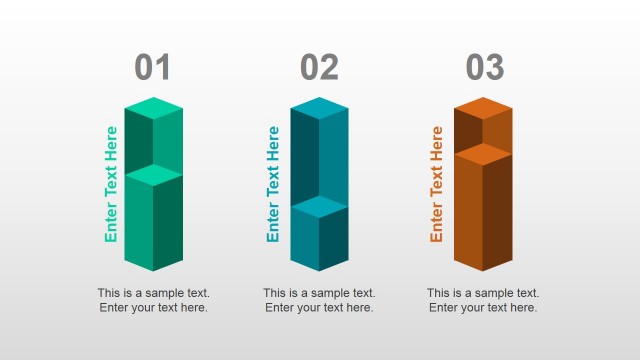
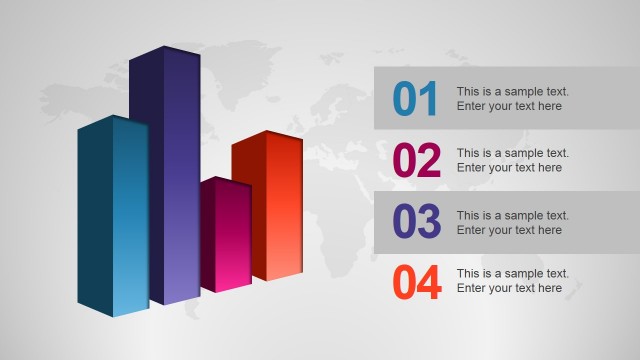
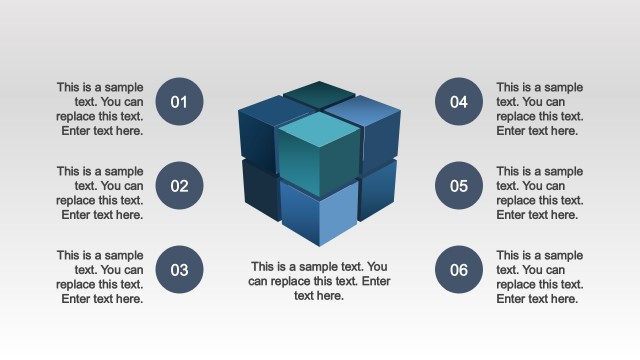
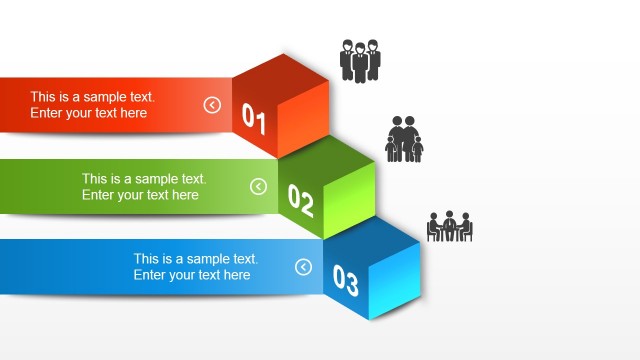
The slide features a central 3D block structure composed of three stacked blocks, with additional blocks positioned around it. The blocks are colored in shades of blue, teal, and orange, creating a visual hierarchy. Each block has a corresponding icon representing people or groups, placed above or beside them. Text placeholders are situated near each icon, aligned to the right or left, indicating where content can be added. A subtle world map serves as the background, enhancing the overall composition without distracting from the main elements.
How to Use It
This layout serves as a 3D block diagram, ideal for illustrating hierarchical structures or processes. It fits well in presentations that require visualizing team roles, project phases, or business strategies. Common scenarios include team presentations, project updates, or strategic planning sessions. The layout allows for clear communication of complex information through visual means, making it suitable for both internal and external stakeholder discussions.
Text Placeholders & Capacity
Keep your copy within these limits so it fits without resizing. Node body slots can hold about 5-6 words each.
| Placeholder | Count | Max characters (approx.) |
|---|---|---|
| Item body | 3 | 30 |
Slide Keywords
Download unlimited PowerPoint templates, charts and graphics for your presentations with our annual plan.
DOWNLOADReturn to 3D Infographic Elements for PowerPoint.