Slide 7 of 51 from #3 Ultimate Pitch Deck PowerPoint Template
Problem Slide Design for Pitch Deck Presentations
Problem Overview Slide for Presentations
- Text Layout
- List Blocks
- Problem Framing Slide
- 16:9
- 100% Editable
The Problem Overview with Icons slide from the #3 Ultimate Pitch Deck PowerPoint Template offers a structured layout ideal for highlighting multiple issues in business presentations. Featuring editable shapes and vector icons, this slide template supports clear problem identification and stakeholder communication within corporate presentation decks.
About This Slide
A slide design to present the Problem in a Pitch Deck presentation.
What’s on This Slide
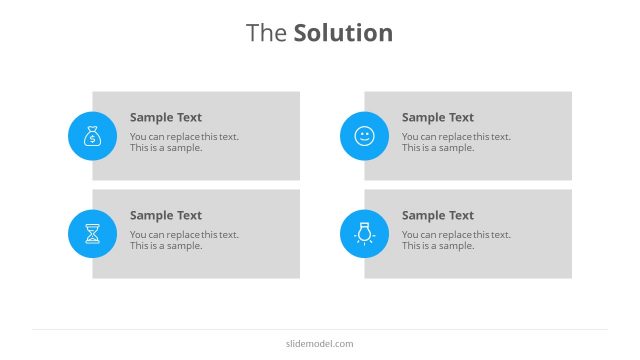
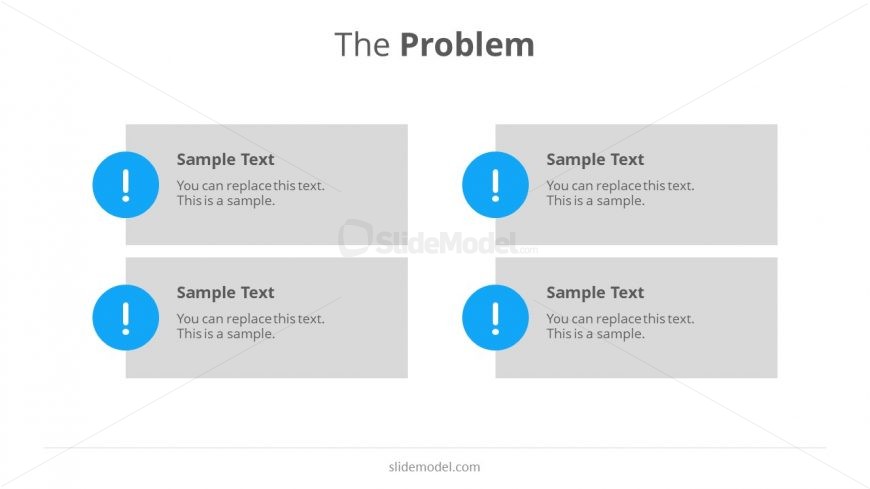
The slide features a title at the top center reading 'The Problem.' Below the title, there are four rectangular text placeholders arranged in two rows and two columns. Each placeholder has a light gray background and contains sample text. To the left of each placeholder, there is a blue circular icon with an exclamation mark. The placeholders are evenly spaced and aligned, creating a structured layout. The overall composition is clean, with a white background that enhances visibility and focus on the content.
How to Use It
This layout serves to present multiple problems or challenges in a clear and organized manner. It fits well in a presentation sequence following a problem statement or introduction. This slide is useful for business scenarios where multiple issues need to be highlighted, such as in pitch decks, project proposals, or strategic planning discussions. It allows for concise communication of key problems to stakeholders or team members.
Text Placeholders & Capacity
Keep your copy within these limits so it fits without resizing. Node body slots can hold roughly 15-20 words each.
| Placeholder | Count | Max characters (approx.) |
|---|---|---|
| Slide title | 1 | 20 |
| Item body | 4 | 100 |
Slide Keywords
Download unlimited PowerPoint templates, charts and graphics for your presentations with our annual plan.
DOWNLOADReturn to #3 Ultimate Pitch Deck PowerPoint Template.