Slide 5 of 51 from #3 Ultimate Pitch Deck PowerPoint Template
7757-01-ultimate-pitch-deck-powerpoint-template-16×9-4
Problem and Solution Slide for Presentations
- Text Layout
- Other
- Problem Framing Slide
- 16:9
- 100% Editable
The Problem and Solution Layout from the #3 Ultimate Pitch Deck PowerPoint Template offers a clear, balanced structure ideal for startup pitches and strategic planning presentations. This slide template uses editable shapes and vector icons to distinctly separate challenges from responses, enhancing communication in business presentations and pitch deck templates.
What’s on This Slide
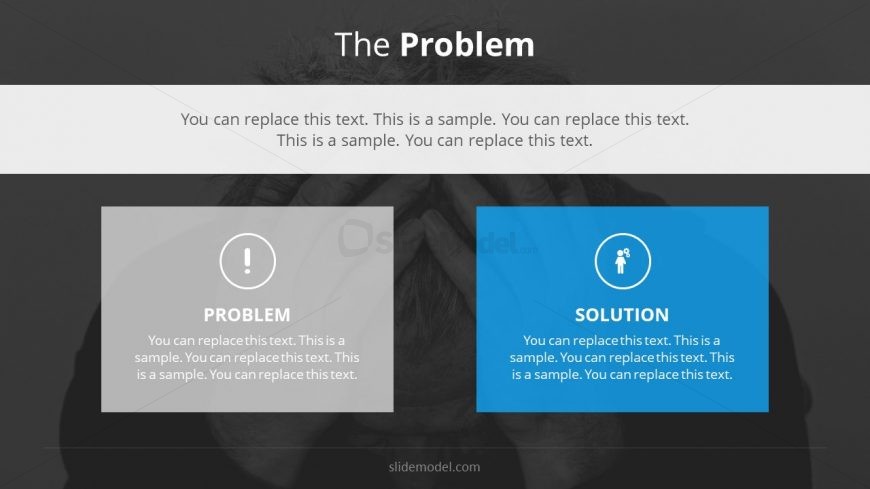
The slide features a top-centered title area labeled 'The Problem.' Below, there is a large text placeholder for descriptive content. To the left, a gray box contains a warning icon and the label 'PROBLEM,' accompanied by a text placeholder for details. On the right, a blue box includes a person icon and the label 'SOLUTION,' also with a text placeholder for further information. The layout is symmetrical, with both boxes of equal size and aligned vertically, creating a clear visual distinction between the problem and solution sections. The background is a gradient with a dark tone, enhancing the focus on the content.
How to Use It
This layout serves to clearly present a problem alongside its corresponding solution, making it ideal for pitches or presentations that require a direct comparison. It fits well in a sequence following a problem statement or market analysis, guiding the audience toward understanding the proposed solution. This structure is useful in business contexts such as startup pitches, project proposals, or strategic planning sessions, where clarity in presenting challenges and responses is essential.
Text Placeholders & Capacity
Keep your copy within these limits so it fits without resizing. Body slots can accommodate roughly 25-30 words each.
| Placeholder | Count | Max characters (approx.) |
|---|---|---|
| Slide title | 1 | 30 |
| Body paragraph | 2 | 150 |
| Item heading | 2 | 15 |
Slide Keywords
Download unlimited PowerPoint templates, charts and graphics for your presentations with our annual plan.
DOWNLOADReturn to #3 Ultimate Pitch Deck PowerPoint Template.