When SlideModel AI generates a slide automatically (from the initial workflow or through the Regenerate feature), the user might want to interact with the AI model to iterate over that content.
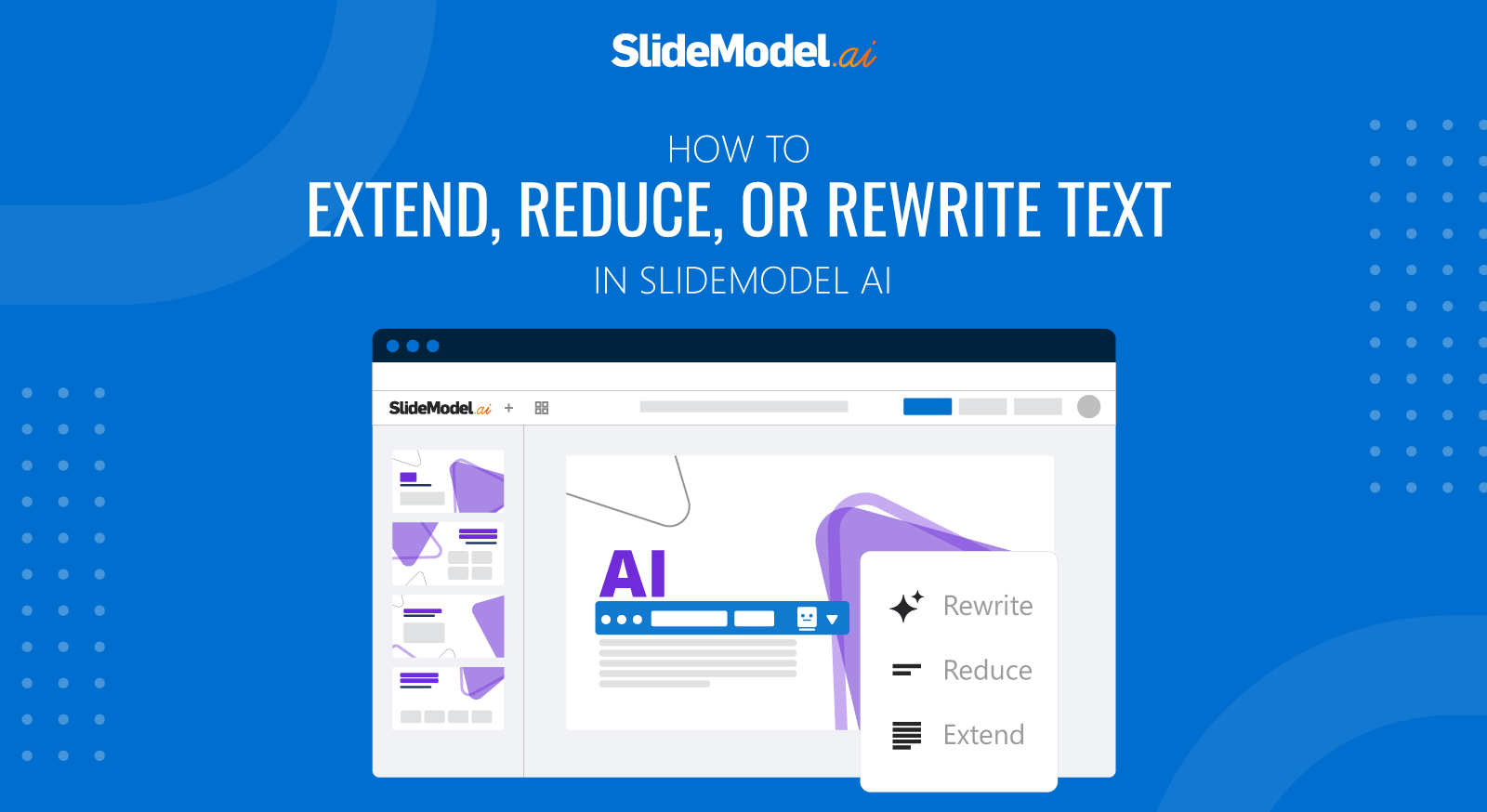
Users can Extend, Reduce or Rewrite text content from a slide.
- Click the piece of text content you want to edit with AI
- A textbox menu will appear in blue on top of the text box. On the right side of the menu, you have a little robot with 3 options: Rewrite, Reduce ,and Extend.
- Click on any of the 3 actions and a prompt drawer will open on the right side of the screen.
- Add in the prompt instructions for your content so you can guide the AI on what additional information to take into account to complete the selected action.