Slide 20 of 24 from Training Session PowerPoint Template
94304-01-training-session-powerpoint-template-16×9-20
Summary Slide for Training Session Presentation
- Text Layout
- Other
- Summary Slide
- 16:9
- 100% Editable
The Summary Layout with Text Placeholders from the Training Session PowerPoint Template offers a structured slide design ideal for recapping key points in business presentations. Featuring editable shapes and text placeholders, this slide supports clear communication of essential takeaways, making it a practical choice for training session summaries and corporate presentation recaps within professional slide decks.
What’s on This Slide
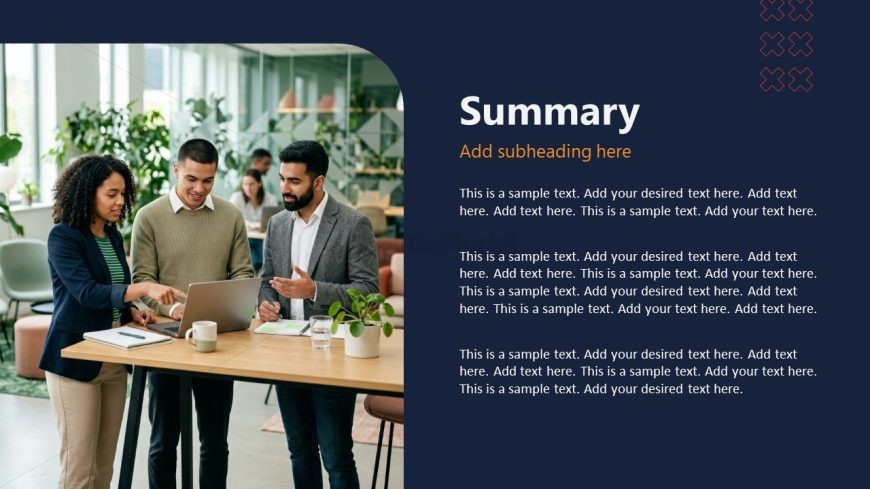
The slide features a dark blue background with a large title area on the right, containing a main title and a subtitle. Below the title, there are multiple text placeholders arranged vertically, aligned to the left. The placeholders are designed to hold sample text, with varying lengths suggested. On the left side, there is a large image of three people engaged in discussion around a table, with a laptop and drinks present. The overall layout emphasizes the title and text, creating a clear visual hierarchy.
How to Use It
This layout serves as a summary slide, ideal for concluding a training session or presentation. It effectively summarizes key points or findings, making it suitable for recapping discussions or highlighting important takeaways. In a presentation sequence, it typically follows detailed content slides, providing a concise overview. This layout is applicable in various business contexts, such as training sessions, workshops, or project reviews, where summarization is essential for audience retention.
Text Placeholders & Capacity
Keep your copy within these limits so it fits without resizing. Body slots can hold roughly 20-25 words each.
| Placeholder | Count | Max characters (approx.) |
|---|---|---|
| Slide title | 1 | 30 |
| Subtitle | 1 | 40 |
| Body paragraph | 5 | 120 |
Slide Keywords
Download unlimited PowerPoint templates, charts and graphics for your presentations with our annual plan.
DOWNLOADReturn to Training Session PowerPoint Template.