Slide 2 of 2 from Then & Now PowerPoint Infographic Template
Customizable Then & Now Presentation Template
Then and Now PowerPoint Comparison Slide
- Text Layout
- List Blocks
- Comparison Slide
- 16:9
- 100% Editable
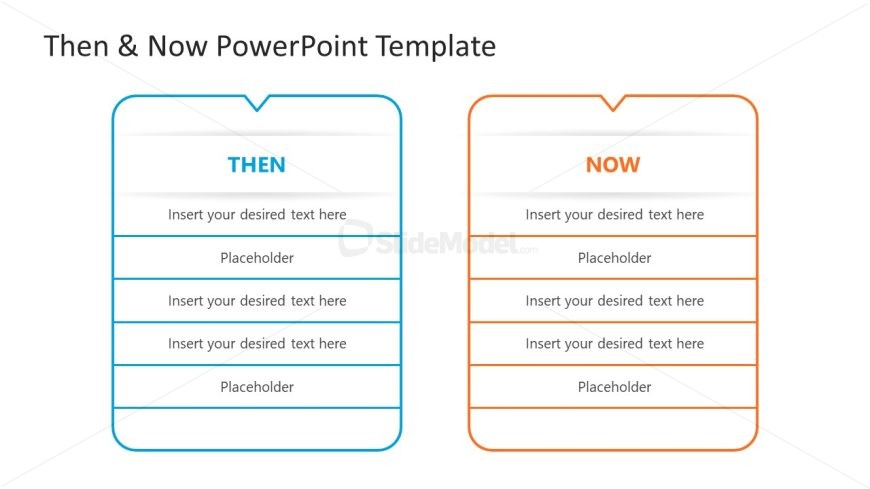
The Then and Now Comparison slide from the Then & Now PowerPoint Infographic Template offers a clear, structured layout ideal for illustrating product evolution or strategic changes. This slide layout uses two vertical sections with distinct color outlines to emphasize past and present states, making it suitable for business presentations and pitch deck templates that require a concise visual comparison of performance metrics or transitions.
What’s on This Slide
The layout features two vertical sections labeled 'THEN' and 'NOW' on the left and right, respectively. Each section contains five text placeholders arranged in a list format, with the first placeholder in each section being larger and bolded for emphasis. The 'THEN' section is outlined in blue, while the 'NOW' section is outlined in orange. The background is light, enhancing the contrast of the text and borders. Each section has rounded corners, contributing to a cohesive visual structure.
How to Use It
This layout serves as a comparison tool, ideal for showcasing changes over time or contrasting two states. It fits well in presentations discussing product evolution, strategic shifts, or performance metrics. Positioned as a follow-up to a problem slide, it effectively illustrates the transition from past to present. This layout is useful in business contexts where clear distinctions between past and current conditions are necessary.
Text Placeholders & Capacity
Keep your copy within these limits so it fits without resizing. Each text placeholder can hold about 30 characters comfortably.
| Placeholder | Count | Max characters (approx.) |
|---|---|---|
| Item body | 10 | 30 |
Slide Keywords
Download unlimited PowerPoint templates, charts and graphics for your presentations with our annual plan.
DOWNLOADReturn to Then & Now PowerPoint Infographic Template.