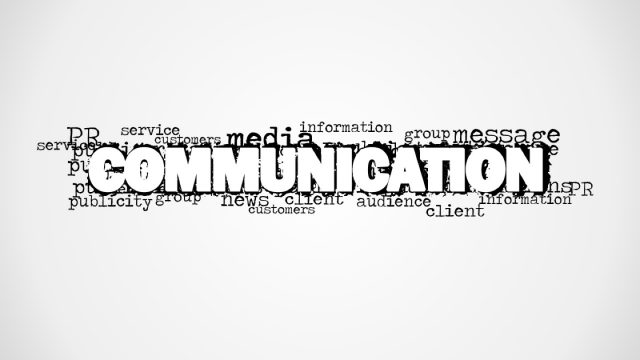
If you are looking for a creative picture to decorate your technology PowerPoint presentations then you can download this technology background design with word cloud containing the word Technology as the most prominent word in the picture and then secondary words that are related to technology like: data, science, Big Data, data analysis, cloud computing, solutions, computers, etc.
Alternatively you can download other creative PowerPoint pictures and graphics that can be helpful to make effective presentations and engage your audience.
What’s inside this template
Example presentation scenarios
- An IT manager can use the technology word cloud picture to open a digital transformation briefing and frame the discussion around data, innovation, and science terms.
- A data analyst can use the white-background word cloud as a title slide before explaining analytics findings, keeping the first visual focused on the technology theme.
- A technology consultant can place agenda text on the blank white canvas and then use the word cloud variation as a divider between strategy sections.
- A science presenter can use the monochrome word cloud as a neutral background image when introducing research connected to computing, data, or technical systems.
Features
- 100% editable presentation template
- Compatible with Microsoft PowerPoint and Google Slides
- 16:9 aspect ratio slides
- Scalable vector shapes, icons and illustrations
- AI-Ready for Microsoft Copilot and Claude
- Instant access and download
Frequently asked questions
Q: How should a presenter use the word cloud without making the slide feel decorative only?
A: Treat the large TECHNOLOGY word as the message anchor and call out only two or three smaller terms during the talk, such as data, science, or innovation. The picture works best as an opener or divider when the spoken narrative links those terms to the upcoming section instead of reading every word on the slide.
Q: Who is this template best suited for in a business presentation?
A: This template is best for IT leaders, data teams, consultants, and science presenters who need a simple theme-setting visual rather than a detailed analytical slide. It is useful before a strategy update, cloud computing discussion, data analysis section, or technology concept explanation where the goal is orientation and context.
Q: Why does the word cloud design help communicate a technology topic quickly?
A: The layout uses a clear typographic metaphor: one dominant idea, TECHNOLOGY, surrounded by related concepts. That visual hierarchy lets the audience understand the topic before the presenter speaks. The monochrome palette also keeps attention on the words rather than on decorative color or complex illustration.




Technology Word Cloud Picture for PowerPoint
2-slide presentation template with a technology word cloud picture for data, science, and IT topics
Technology Word Cloud Picture for PowerPoint is a 2-slide presentation template with a monochrome technology word cloud picture, a centered white-background graphic, and a blank white canvas visible in the contact sheet. It is intended for IT, data, science, and cloud computing presentations in Microsoft PowerPoint and Google Slides.
- Category
- Pictures
- Rating


 Loading...
- Aspect ratio
- 16:9
- Item ID
- 8161-01
- Colors
 Microsoft PowerPoint
  Microsoft Copilot
  Claude for PowerPoint
 Other formats supported
Subscribe today and get immediate
access to download our PowerPoint templates.