Slide 2 of 4 from Technology Text Boxes PowerPoint Template
Technology Text Boxes Template – Flowchart Diagram
Flowchart with Text Boxes for Presentations
- Diagram
- Flowchart
- Process Slide
- 16:9
- 100% Editable
The Flowchart with Text Boxes slide from the Technology Text Boxes PowerPoint Template offers a structured way to visualize processes and decision-making steps. This slide layout uses editable shapes and vector icons to create a clear flowchart ideal for business presentations, project planning, and strategy sessions. Its symmetrical design and central flowchart structure enhance comprehension in corporate presentations and pitch deck templates.
What’s on This Slide
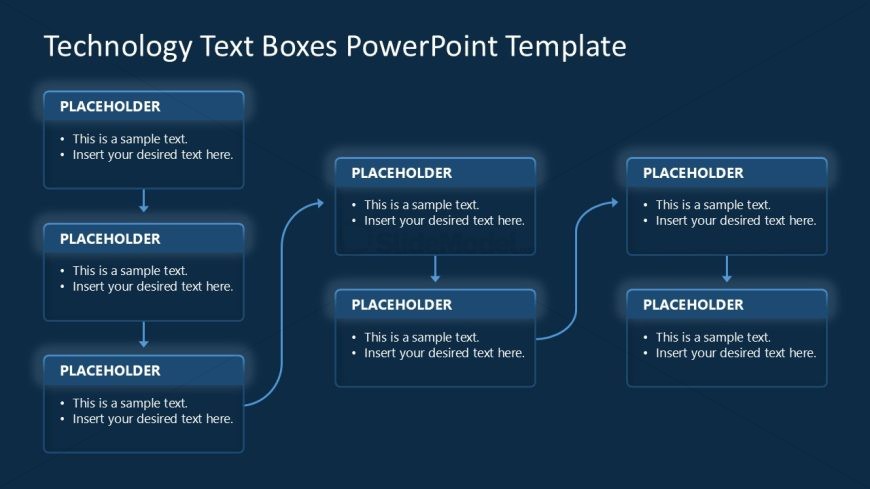
The layout features a central flowchart structure with multiple text boxes. The top box is centered, with arrows directing downward to two boxes on the left and right. Below these, additional boxes are aligned vertically, creating a clear flow. Each box contains a text placeholder aligned to the center, with bullet points indicating where to insert text. The background is a dark blue color, providing contrast to the light text boxes. The overall composition is symmetrical, emphasizing the flow direction through the use of connecting arrows.
How to Use It
This layout serves as a flowchart to illustrate processes or hierarchies. It is suitable for presentations that require a visual representation of steps or stages, such as project planning or decision-making processes. Positioned after introductory slides, it effectively conveys complex information in a structured manner. This format is ideal for business scenarios where clarity and organization are essential, such as strategy sessions or team briefings.
Text Placeholders & Capacity
Keep your copy within these limits so it fits without resizing. Each text box can hold approximately 50 characters comfortably.
| Placeholder | Count | Max characters (approx.) |
|---|---|---|
| Item body | 6 | 50 |
Slide Keywords
Download unlimited PowerPoint templates, charts and graphics for your presentations with our annual plan.
DOWNLOADReturn to Technology Text Boxes PowerPoint Template.