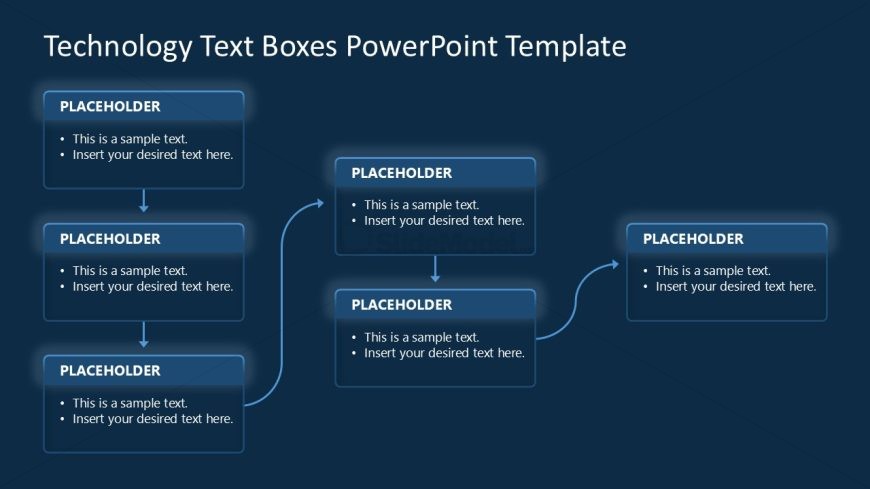
Slide 1 of 4 from Technology Text Boxes PowerPoint Template
Technology Text Boxes PPT Slide Template
Flowchart with Text Boxes for Presentations
- Diagram
- Flowchart
- Process Slide
- 16:9
- 100% Editable
The Flowchart with Text Boxes slide from the Technology Text Boxes PowerPoint Template offers a clear process visualization ideal for business presentations. This slide layout uses editable shapes and vector icons to map project workflows or strategic planning steps, making it suitable for corporate presentations and pitch deck templates. Its structured design supports step-by-step explanations, enhancing audience comprehension in slide decks focused on technology or process-driven topics.
What’s on This Slide
The layout features a central flowchart structure with five rectangular text boxes. The top box is centered, with four additional boxes arranged below it. Two boxes are positioned on the left and two on the right, connected by curved arrows indicating flow direction. Each box contains a text placeholder aligned to the left, with bullet points for additional text. The background is a dark blue color, enhancing the visibility of the white text. The overall composition is balanced, with clear visual hierarchy among the boxes.
How to Use It
This layout serves as a flowchart to illustrate processes or concepts. It fits well in presentations that require step-by-step explanations or comparisons. Business scenarios include project workflows, technology implementations, or strategic planning. Use this structure to guide audiences through complex information in a clear manner, ensuring that each step is visually distinct and easy to follow.
Text Placeholders & Capacity
Keep your copy within these limits so it fits without resizing. Each text box can hold roughly 15-20 words comfortably.
| Placeholder | Count | Max characters (approx.) |
|---|---|---|
| Item body | 5 | 100 |
Slide Keywords
Download unlimited PowerPoint templates, charts and graphics for your presentations with our annual plan.
DOWNLOADReturn to Technology Text Boxes PowerPoint Template.