Slide 6 of 8 from Tabbed-Menu Corporate Profile PowerPoint Template
Company History Visualization Slide for PowerPoint
Company History Slide for Corporate Profile
- Text Layout
- List Blocks
- Context Slide
- 16:9
- 100% Editable
The Company History Layout from the Tabbed-Menu Corporate Profile PowerPoint Template offers a clear and organized format for presenting key milestones in business presentations. This slide template uses editable shapes and a two-column structure to enhance storytelling in corporate presentations, making it suitable for annual reports and investor briefings. Its design supports easy navigation through company history, fitting seamlessly into professional slide decks and Google Slides templates focused on corporate profiles.
What’s on This Slide
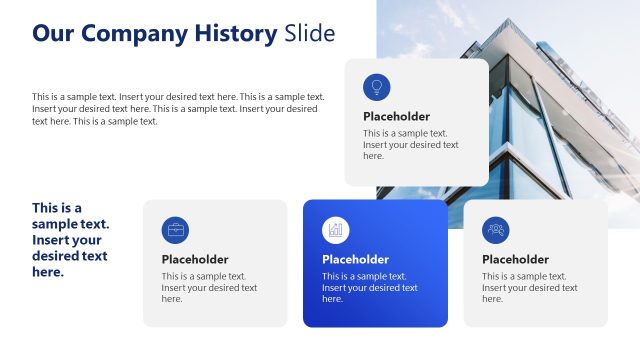
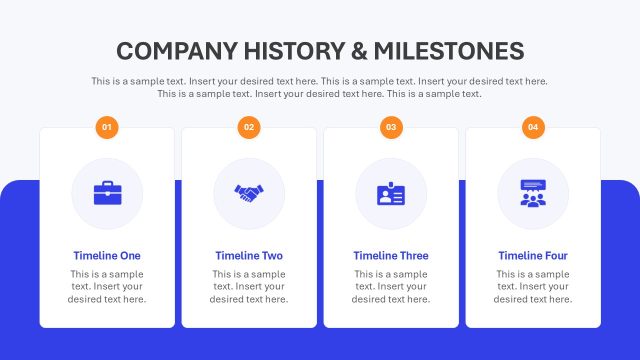
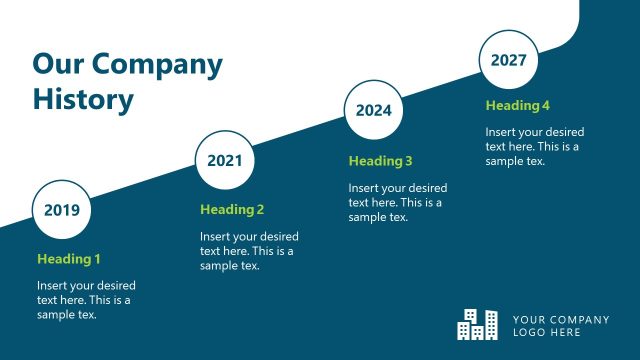
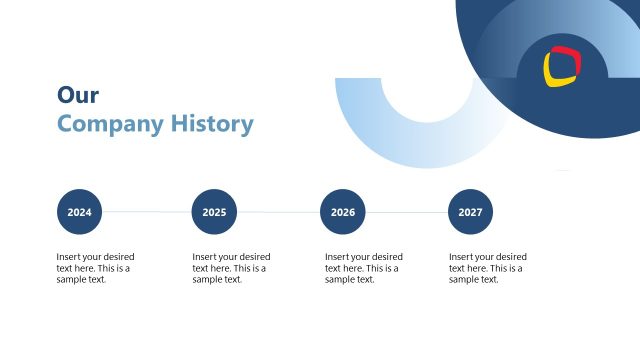
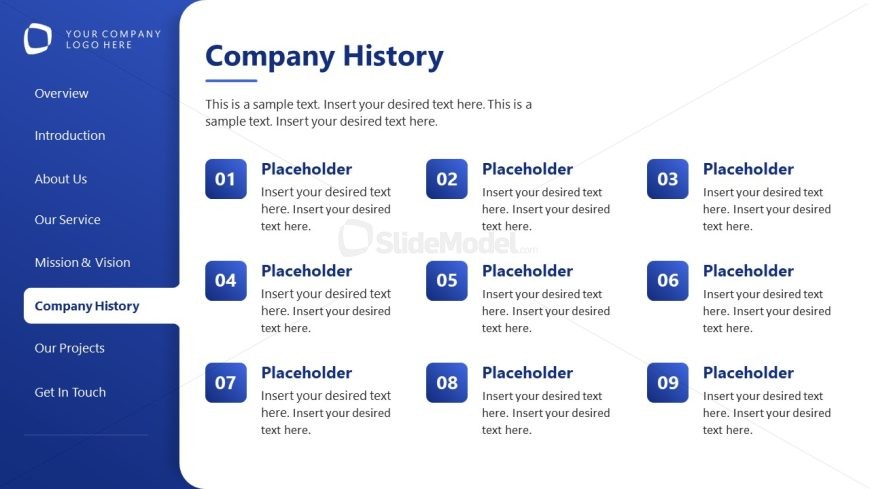
The layout features a left-aligned vertical menu with a prominent title at the top. Below the title, there are multiple text placeholders arranged in a two-column format. Each placeholder is enclosed in a rounded rectangle, with numbers indicating their sequence. The placeholders are evenly spaced, with the first column containing placeholders 1, 4, 7, and the second column containing placeholders 2, 5, 3, 6, 8, and 9. The background is a light color, enhancing readability, while a logo placeholder is positioned at the top left corner. The overall structure is organized and clear.
How to Use It
This layout serves as a structured overview of a company's history, ideal for presenting key milestones or events. It fits well in a corporate profile presentation, particularly after introductory slides. This format is suitable for business scenarios such as annual reports, company presentations, or investor briefings. It allows for easy navigation through historical points, making it effective for storytelling in a corporate context.
Text Placeholders & Capacity
Keep your copy within these limits so it fits without resizing. Body slots can accommodate roughly 20-30 words each.
| Placeholder | Count | Max characters (approx.) |
|---|---|---|
| Slide title | 1 | 30 |
| Body paragraph | 1 | 150 |
| Item heading | 9 | 20 |
Slide Keywords
Download unlimited PowerPoint templates, charts and graphics for your presentations with our annual plan.
DOWNLOADReturn to Tabbed-Menu Corporate Profile PowerPoint Template.