Slide 2 of 12 from Sustainability Report PowerPoint Template
Executive Summary Slide with Placeholder Text – Sustainability Report Template
Executive Summary for Sustainability Report
- Text Layout
- Bullet List
- Context Slide
- 16:9
- 100% Editable
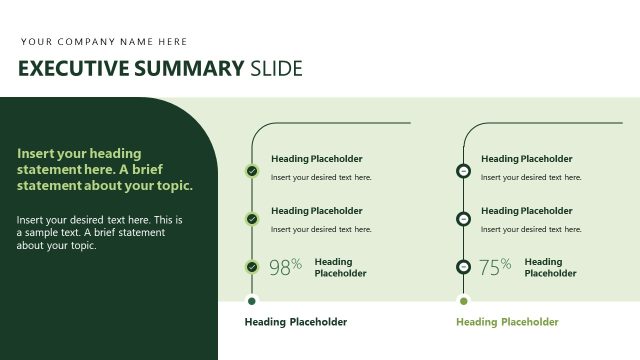
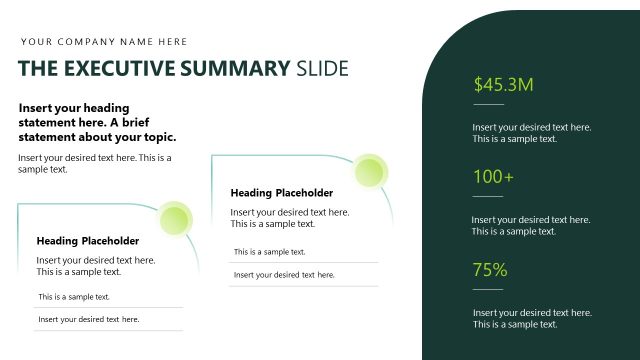
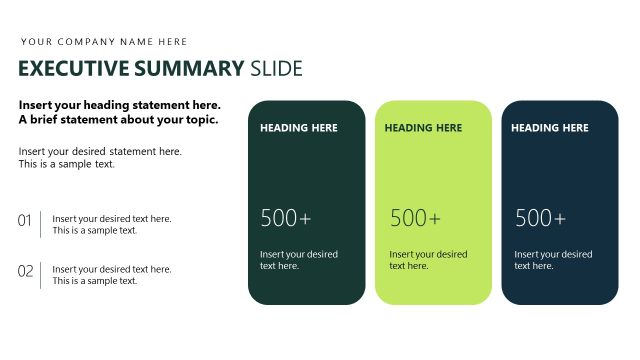
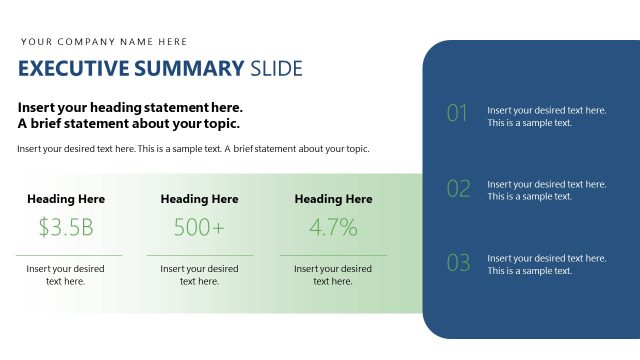
The Executive Summary Slide from the Sustainability Report PowerPoint Template offers a clear layout ideal for business presentations focused on key metrics and stakeholder updates. This slide template features editable shapes and vector icons to highlight essential sustainability data, making it a practical choice for corporate presentations and pitch deck templates that require concise overviews.
What’s on This Slide
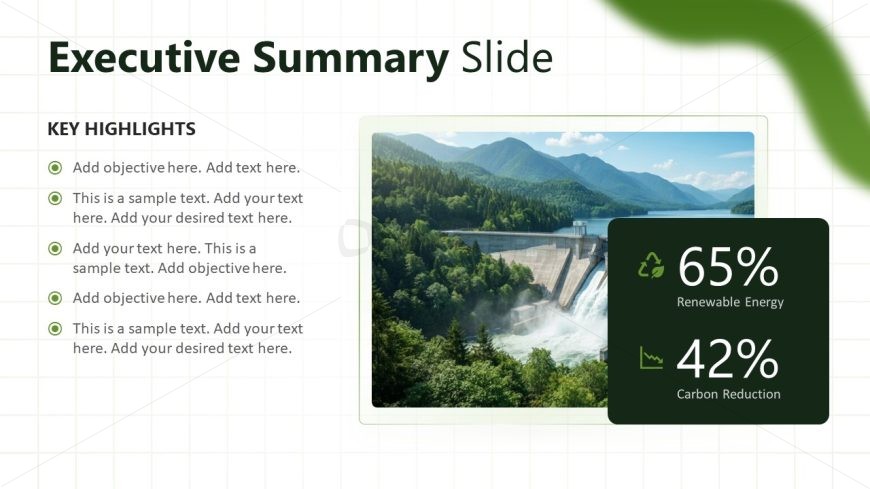
The layout features a large image on the right, showcasing a dam and surrounding landscape. To the left, there is a title at the top, 'Executive Summary Slide,' followed by a section labeled 'KEY HIGHLIGHTS.' Below this, five bullet points are placed vertically, with circular icons preceding each point. The bottom right corner contains two statistics, '65% Renewable Energy' and '42% Carbon Reduction,' displayed in contrasting boxes. Text placeholders are aligned left and right, with a clear visual hierarchy emphasizing the title and key statistics.
How to Use It
This layout serves as an executive summary, summarizing key points in a concise manner. It fits well after an introduction slide, providing a snapshot of sustainability initiatives. This structure is ideal for presenting highlights in business reports, particularly in environmental contexts. Use it to communicate essential metrics and objectives succinctly, making it suitable for stakeholder meetings or overview presentations.
Text Placeholders & Capacity
Keep your copy within these limits so it fits without resizing. Body slots can accommodate roughly 8-10 words each.
| Placeholder | Count | Max characters (approx.) |
|---|---|---|
| Slide title | 1 | 30 |
| Body paragraph | 5 | 50 |
| Item body | 2 | 30 |
Slide Keywords
Download unlimited PowerPoint templates, charts and graphics for your presentations with our annual plan.
DOWNLOADReturn to Sustainability Report PowerPoint Template.