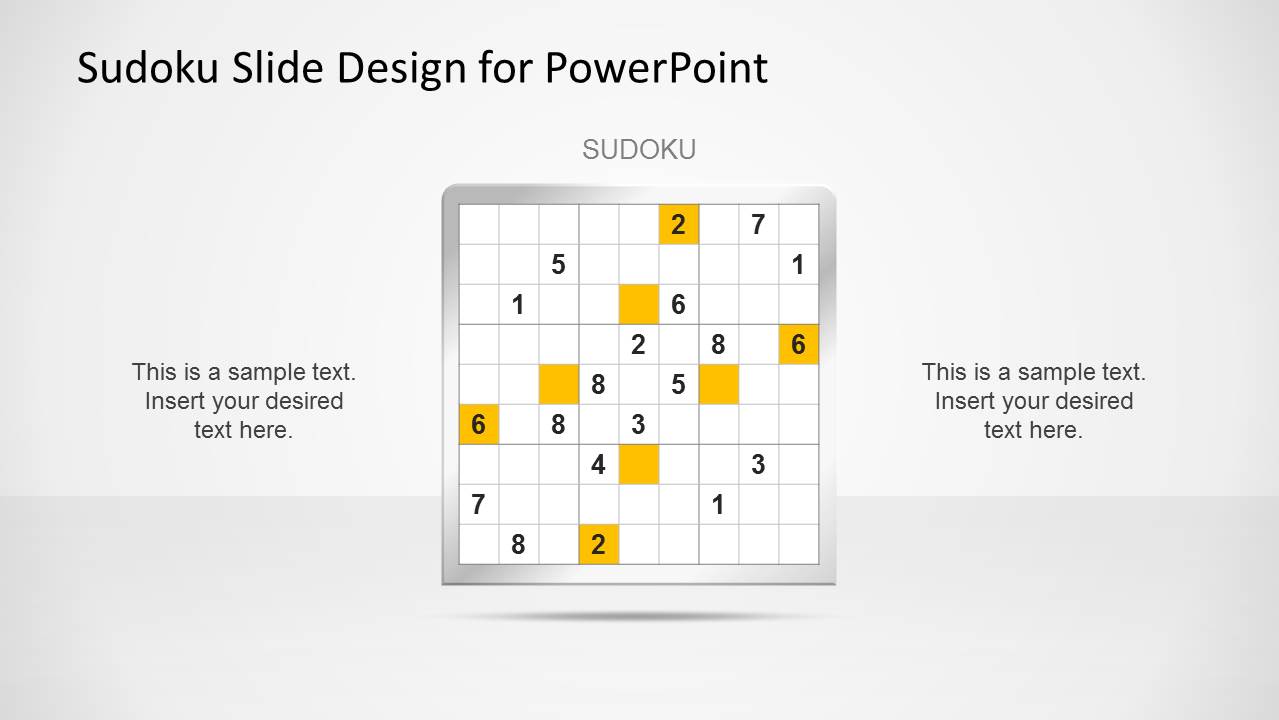
Sudoku PowerPoint Template is a simple PPT design for PowerPoint presentations containing a Sudoku table. Sudoku is the popular puzzle game where the goal is to fill a grid with digits so that each column, each row and each of the nine 3×3 sub-grids or boxes contains all the digits from 1 to 9.
What’s inside this template
Example presentation scenarios
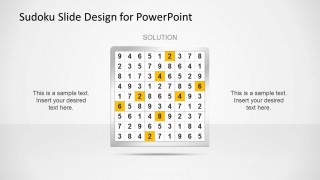
- A teacher can introduce a classroom logic warm-up by showing the Sudoku puzzle grid first, then moving to the completed solution grid for guided review.
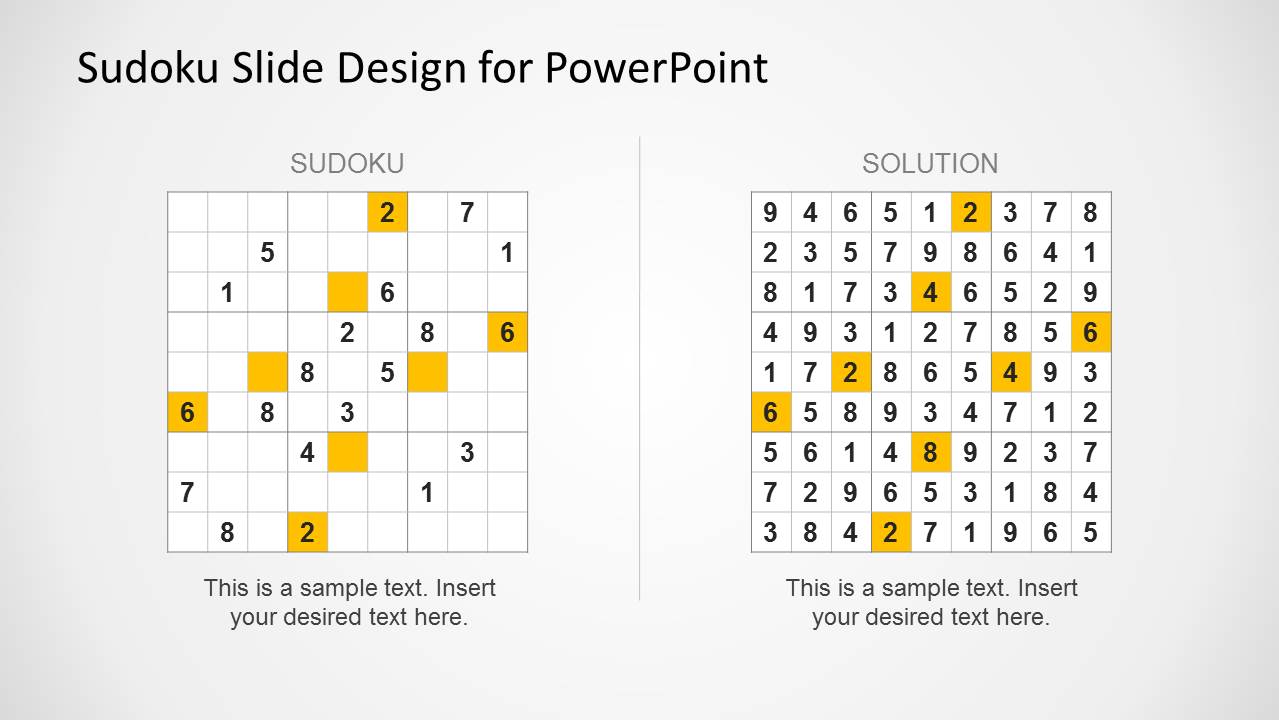
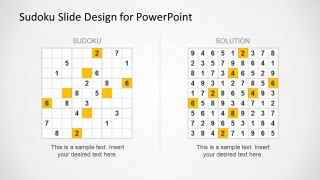
- A corporate trainer can use the puzzle grid as an icebreaker before a problem-solving session and discuss reasoning with the side-by-side comparison layout.
- A workshop facilitator can present the incomplete Sudoku table to small groups and use the solution slide to validate answers after the activity.
- An educational content creator can explain Sudoku rules with the blank and filled tables, using the editable text areas to add step-by-step instructions.
Features
- 100% editable presentation template
- Compatible with Microsoft PowerPoint
- 16:9 aspect ratio slides
- Scalable vector shapes, icons and illustrations
- AI-Ready for Microsoft Copilot and Claude
- Instant access and download
Frequently asked questions
Q: How should a presenter structure the Sudoku activity with these slides?
A: Start with the puzzle grid and give the audience a clear task, such as finding missing numbers in a specific row, column, or box. Use the side text areas for time limits or rules. Move to the solution grid only after discussion, then close with the comparison slide to explain reasoning and reduce confusion.
Q: Who is this template best suited for?
A: This template fits educators, trainers, and facilitators who want a short logic exercise rather than a full game deck. The single puzzle slide, solution slide, and comparison view work well for classroom warm-ups, workshop breaks, problem-solving introductions, or a quick audience engagement moment before heavier content.
Q: Why does the side-by-side puzzle and solution layout help explain Sudoku?
A: The comparison slide reduces the mental effort of remembering the original grid while checking the answer. Placing the puzzle and solution in parallel lets the presenter point out changed cells, highlighted numbers, and row-column-box logic. The visual metaphor is a before-and-after reveal for a number puzzle.

Sudoku PowerPoint Template
3-slide Sudoku presentation template for puzzle grids, solution tables, and classroom game explanations
Sudoku PowerPoint Template is a 3-slide Microsoft PowerPoint deck for presenting a Sudoku puzzle, completed solution grid, and side-by-side puzzle-to-solution comparison. It is suited for trainers, educators, facilitators, and presenters who need a simple number puzzle activity in a 16:9 slide format.
- Category
- Text & Tables
- Rating


 Loading...
- Aspect ratio
- 16:9
- Item ID
- 6536-01
- Colors
 Microsoft PowerPoint
  Microsoft Copilot
  Claude for PowerPoint
 Other formats supported
Subscribe today and get immediate
access to download our PowerPoint templates.