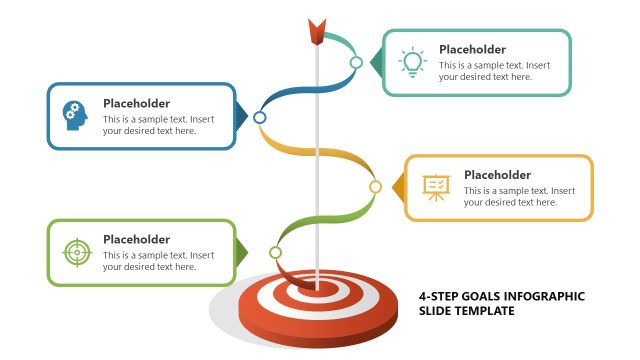
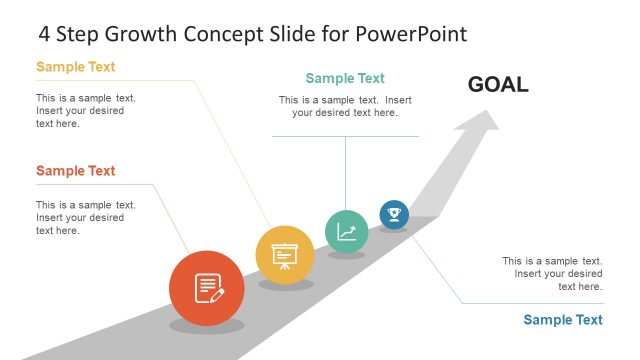
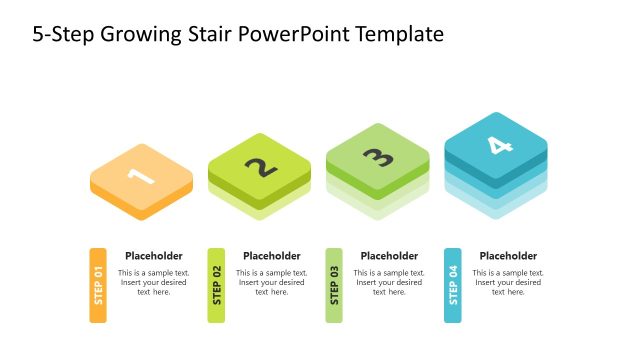
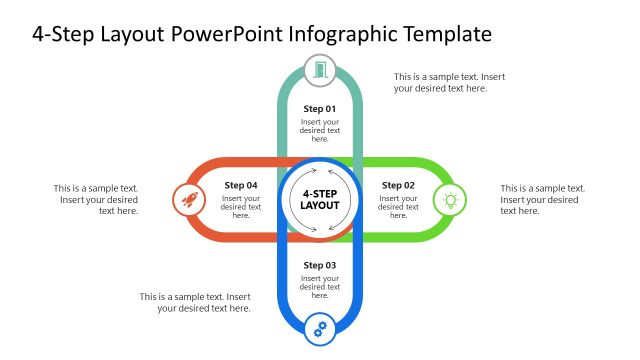
Success in Four Steps PowerPoint Slides. Impress the viewers, specifically investors and top management personnel, by presenting an optimistic plan for success, backed by trustworthy statistical data. These slide designs can be used in marketing plans to or business presentations that need a metaphor of increasing trends.
Success, in the business world, is often backed by extensive research and the right opportunities. However, mere data and luck can rarely ensure investors that their money and other assets are being capitalized properly. Using the template, the presenter can provide related information and research data to support their plans. This builds trust in the company, giving the investor the impression that the company offers greater development for their assets.
The PowerPoint slides can be adapted to reflect the causes of certain increases in sales, ranging from a flat, stagnant value, to a rapidly increasing asset. Another use for the slides is for presenting a new business plan that is designed to cause a significant increase in sales and capital. The presenter can include a four-step plan that can gradually create wealth. These can range from simple changes in employee attitudes, to revisions of company policies.
The primary feature of the PowerPoint template is a line chart that consists of steady, but rising values. An arrow, representing the principal feature of the graph, divides the slide into two parts. The upper part has a gray gradient presentation background that emphasizes text placeholders in blue. The bottom part has segmented blue gradients, which contain text placeholders. The flat portions of the graph contain labels for each step.
Suitable for demonstrating the forecasted success of a business plan, the Success in Four Steps PowerPoint Slides provides a vector drawing of a successful office worker, for context. The PowerPoint objects can be customized to suit the requirement of the presentation. Any modification done will not affect the image resolution of the graphics.
What’s inside this template
Example presentation scenarios
- A founder can use the four-step roadmap to explain how a new business plan moves from initial actions to measurable growth for investors.
- A sales leader can present a revenue improvement plan by placing each initiative in the ascending step blocks and summarizing the desired outcome near the arrow.
- A marketing manager can show a campaign development path using the step labels for phases and the upper callouts for the reason each phase matters.
- A consultant can use the cartoon success figure and rising arrow metaphor to make a change management plan feel goal-oriented for an executive audience.
Features
- 100% editable presentation template
- Compatible with Microsoft PowerPoint and Google Slides
- 16:9 aspect ratio slides
- Scalable vector shapes, icons and illustrations
- AI-Ready for Microsoft Copilot and Claude
- Instant access and download
Frequently asked questions
Q: How should the four-step success path be presented so it feels credible rather than decorative?
A: Start by naming the business outcome, then use each step block for one necessary action, decision, or milestone. Keep the upper callouts for evidence or rationale, not extra slogans. The rising arrow should represent the result of the sequence, so the presenter should connect every step to the final success point.
Q: Who is this template best suited for in a business presentation?
A: It fits presenters who need to explain a simple growth path to decision makers, such as founders, sales leaders, consultants, and marketing managers. The four-step roadmap works best when the message is about progression, adoption, improvement, or forecasted success, and when the audience needs the plan summarized quickly.
Q: Why does the rising stair-step metaphor help communicate the message?
A: The staircase and arrow create an immediate visual metaphor for progress, so the audience can see that each action builds on the prior one. The segmented blue blocks separate the plan into digestible parts, while the business character at the top gives the sequence a visible finish line.


Success In Four Steps PowerPoint Slides
5-slide presentation template with a four-step roadmap, rising arrow, and success milestone graphics.
Success In Four Steps PowerPoint Slides is a 5-slide business diagram template for presenting a four-step growth plan. The visible layouts use a rising staircase roadmap, upward arrow chart metaphor, segmented step blocks, and a cartoon business figure. It is intended for business planning, marketing, investor, and management presentations in PowerPoint and Google Slides.
- Category
- Shapes
- Rating


 Loading...
- Aspect ratio
- 16:9, 4:3
- Item ID
- 7099-01
- Colors
 Microsoft PowerPoint
 Microsoft Copilot
 Claude for PowerPoint
Other formats supported
Subscribe today and get immediate
access to download our PowerPoint templates.