Slide 8 of 13 from Stratum Business PowerPoint Template
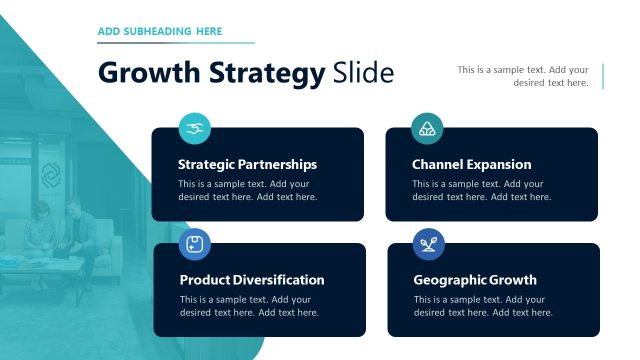
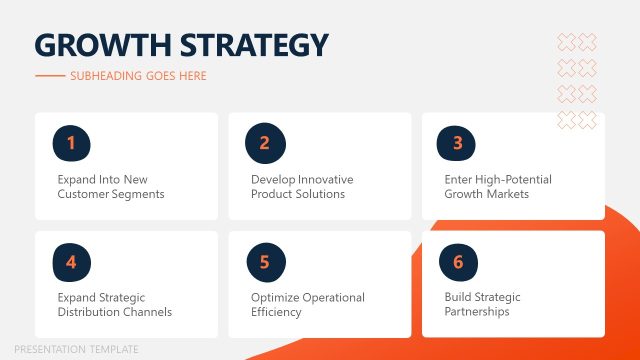
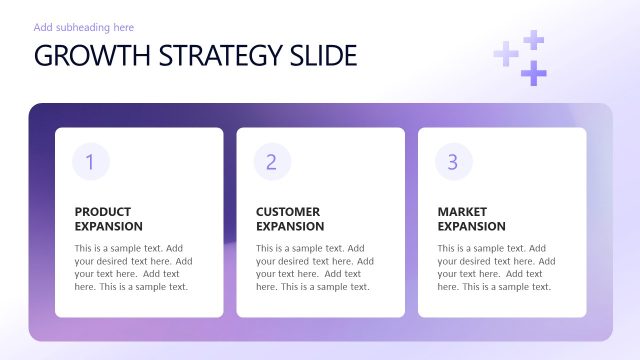
Growth Strategy Discussion Slide with Four Infographics
Growth Strategy Overview Slide
- Text Layout
- Other
- Strategy Slide
- 16:9
- 100% Editable
The Growth Strategy Overview slide from the Stratum Business PowerPoint Template offers a clear layout to present multiple growth initiatives effectively. Designed for business presentations, this slide uses editable shapes and vector icons to highlight key strategies such as customer acquisition and market expansion, making it a practical choice for strategic planning and team alignment meetings.
What’s on This Slide
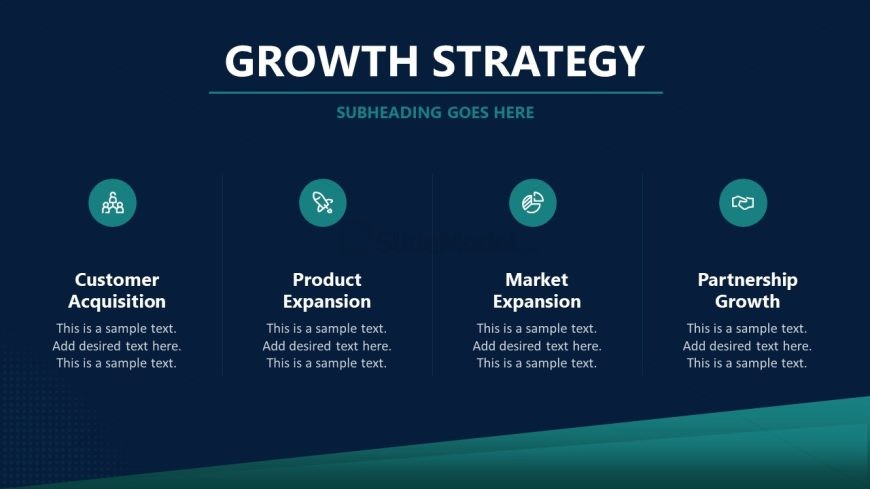
The slide features a dark blue background with a top-centered title reading 'GROWTH STRATEGY' and a subheading below it. Four circular icons are aligned horizontally, each representing a growth strategy: Customer Acquisition, Product Expansion, Market Expansion, and Partnership Growth. Each icon is accompanied by a title and a text placeholder below for additional details. The icons are evenly spaced, with a consistent size and color scheme. The overall layout is structured to emphasize clarity and organization, with a visual hierarchy that highlights the titles and icons prominently.
How to Use It
This layout serves as a strategic overview, ideal for presenting multiple growth initiatives in a business context. It fits well after a problem framing slide and before detailed strategy discussions. This format is useful for showcasing various approaches to growth, such as customer acquisition or market expansion, making it suitable for business meetings or strategic planning sessions. It allows for clear communication of key strategies while maintaining visual consistency throughout the presentation.
Text Placeholders & Capacity
Keep your copy within these limits so it fits without resizing. Node body slots can accommodate roughly 20 words each.
| Placeholder | Count | Max characters (approx.) |
|---|---|---|
| Slide title | 1 | 30 |
| Subtitle | 1 | 30 |
| Item heading | 4 | 25 |
| Item body | 4 | 100 |
Slide Keywords
Download unlimited PowerPoint templates, charts and graphics for your presentations with our annual plan.
DOWNLOADReturn to Stratum Business PowerPoint Template.