Slide 8 of 16 from Strategic Alliance PowerPoint Template
Synergy Map with Overlapping Diagram – Strategic Alliance PPT Layout
Synergy Map: The Power of Overlap
- Diagram
- Venn
- Strategic Analysis Slide
- 16:9
- 100% Editable
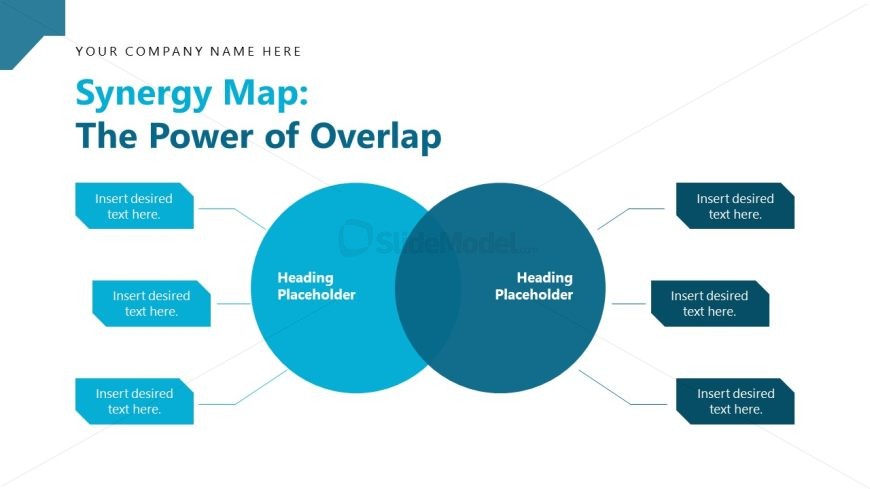
The Synergy Map with Overlap slide layout from the Strategic Alliance PowerPoint Template visually represents strategic overlaps and partnerships using editable shapes and vector icons. This diagram slide is designed to highlight collaborative opportunities within a business presentation or pitch deck template, making it effective for illustrating joint ventures and alliance strategies in professional slide decks.
What’s on This Slide
The layout features two overlapping circles centered on the slide, representing a synergy map. Each circle is filled with a distinct shade of blue, with the overlapping area highlighted. Text placeholders are positioned around the circles, with two on the left and three on the right, all aligned to the respective shapes. The top of the slide includes a title area with a placeholder for the company name. The overall composition is balanced, with a clear visual hierarchy emphasizing the circles and their intersection.
How to Use It
This layout serves as a visual representation of overlapping concepts or strategies, ideal for illustrating synergies in a business context. It fits well after problem identification slides and before strategic planning discussions. This structure is useful for presenting collaborative opportunities, joint ventures, or partnerships, making it suitable for strategic alliance discussions and stakeholder presentations.
Text Placeholders & Capacity
Keep your copy within these limits so it fits without resizing. Node labels can hold about 5-6 words each, while node bodies can accommodate roughly 8-10 words.
| Placeholder | Count | Max characters (approx.) |
|---|---|---|
| Slide title | 1 | 40 |
| Item heading | 2 | 30 |
| Item body | 3 | 40 |
Slide Keywords
Download unlimited PowerPoint templates, charts and graphics for your presentations with our annual plan.
DOWNLOADReturn to Strategic Alliance PowerPoint Template.