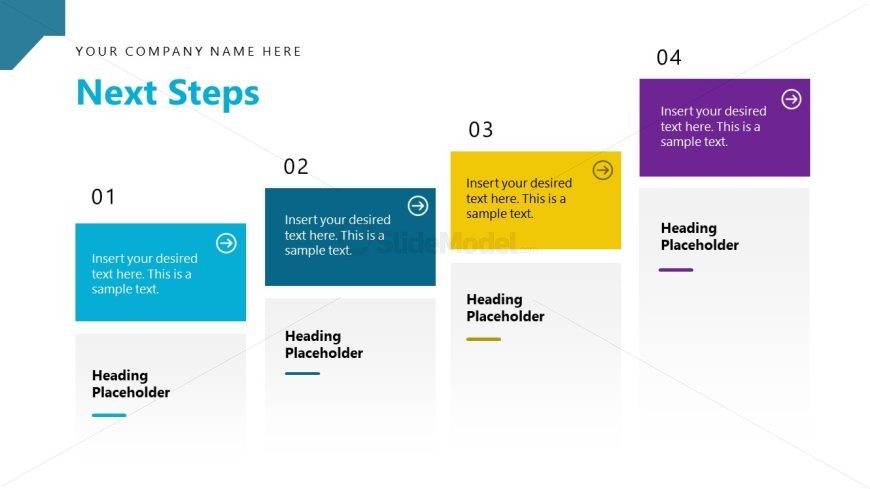
Slide 15 of 16 from Strategic Alliance PowerPoint Template
Next Steps Discussion – Strategic Alliance Presentation Layout
Next Steps Overview Slide
- Diagram
- Arrow Sequence
- Process Slide
- 16:9
- 100% Editable
The Next Steps Overview slide from the Strategic Alliance PowerPoint Template offers a clear diagrammatic layout to present sequential actions in project planning and strategic initiatives. Designed with editable shapes and arrow icons, this slide template supports effective team alignment by visually guiding audiences through a structured process. Its clean design and use of color-coded nodes enhance clarity, making it a practical choice for corporate presentations and business presentation slide decks.
What’s on This Slide
The layout features four rectangular nodes arranged horizontally, each containing a number and text placeholder. The first node is blue, the second is dark blue, the third is yellow, and the fourth is purple. Each node has an arrow icon indicating progression. Below the nodes, there are additional placeholders for headings. The overall composition is clean, with a white background that enhances visibility. The nodes vary slightly in size, with the first node being the largest. Text placeholders are centered within each node, maintaining a consistent visual hierarchy.
How to Use It
This layout serves to outline sequential steps or actions in a strategic plan. It fits well in a presentation sequence following a problem or opportunity slide, guiding the audience toward actionable next steps. This structure is useful in business scenarios such as project planning, strategic initiatives, or team alignment discussions. It effectively communicates a clear path forward, making it suitable for both internal and external presentations.
Text Placeholders & Capacity
Keep your copy within these limits so it fits without resizing. Node body slots can hold about 15-20 words each.
| Placeholder | Count | Max characters (approx.) |
|---|---|---|
| Item heading | 4 | 40 |
| Item body | 4 | 100 |
| Heading | 4 | 40 |
Slide Keywords
Download unlimited PowerPoint templates, charts and graphics for your presentations with our annual plan.
DOWNLOADReturn to Strategic Alliance PowerPoint Template.