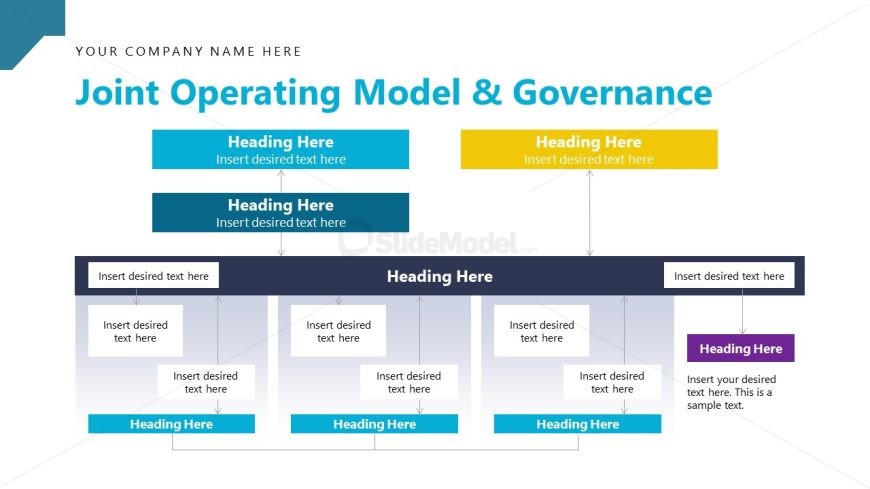
Slide 10 of 16 from Strategic Alliance PowerPoint Template
Joint Operating Model & Governance PPT Slide
Joint Operating Model & Governance Overview
- Diagram
- Matrix Quadrant
- Strategic Analysis Slide
- 16:9
- 100% Editable
The Joint Operating Model & Governance slide from the Strategic Alliance PowerPoint Template offers a clear diagram layout ideal for illustrating partnership frameworks and organizational governance. Designed for strategic planning, this slide uses editable shapes and vector icons to visually organize roles and processes, enhancing business presentations and corporate slide decks focused on collaboration and operational clarity.
What’s on This Slide
The layout features a central title at the top, with the main heading in a large font. Below are three sections, each containing a heading and a text placeholder. The first two sections are aligned horizontally, while the third section is positioned below them. Arrows connect the headings to their respective text placeholders, indicating a flow of information. The sections are visually separated by colored backgrounds, with the first two in blue and the last one in yellow. The overall composition is structured for clarity and organization.
How to Use It
This layout serves as a framework for presenting a joint operating model and governance structure. It is suitable for strategic discussions and can be used to outline roles, responsibilities, and processes within a partnership. This slide fits well in a sequence discussing organizational frameworks or governance strategies, helping stakeholders understand operational dynamics. It is ideal for business meetings or presentations focused on collaboration and strategic alignment.
Text Placeholders & Capacity
Keep your copy within these limits so it fits without resizing. Node body slots can accommodate roughly 15-20 words each.
| Placeholder | Count | Max characters (approx.) |
|---|---|---|
| Slide title | 1 | 50 |
| Item heading | 5 | 30 |
| Item body | 5 | 100 |
Slide Keywords
Download unlimited PowerPoint templates, charts and graphics for your presentations with our annual plan.
DOWNLOADReturn to Strategic Alliance PowerPoint Template.