Slide 11 of 16 from Strategic Alliance PowerPoint Template
Governance Flowchart Slide – Strategic Alliance PPT Slide
Governance Structure Diagram for Strategic Alliances
- Diagram
- Org Chart
- Strategic Analysis Slide
- 16:9
- 100% Editable
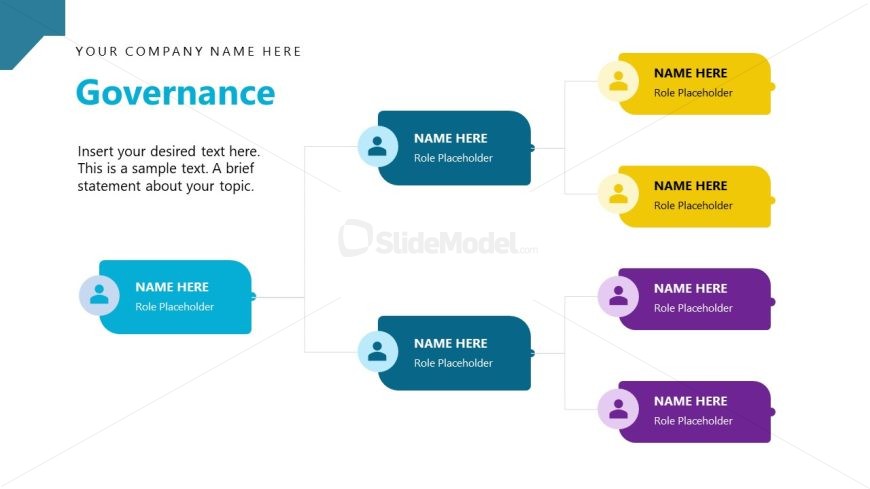
The Governance Structure Diagram slide from the Strategic Alliance PowerPoint Template visually represents organizational roles and hierarchy, supporting strategic planning and role assignment discussions. This slide layout is designed with editable shapes and vector icons to clearly communicate governance frameworks within a corporate presentation or business presentation setting.
What’s on This Slide
The layout features a central node labeled 'Governance' positioned at the top right. Below this, there are multiple nodes branching out, each represented by rounded rectangles in varying colors. The central node is connected to two nodes on the left and three nodes on the right, indicating a hierarchical structure. Each node contains a placeholder for a name and a role description. There is a text placeholder at the top left for the company name and another for descriptive text below the main title. The overall color scheme includes blue, yellow, and purple elements against a white background.
How to Use It
This layout serves as a governance structure diagram, ideal for illustrating roles and responsibilities within a strategic alliance. It fits well in a presentation sequence that discusses organizational frameworks or operational governance. This structure is useful for business scenarios where clarity in hierarchy and role assignments is necessary, such as during strategic planning meetings or stakeholder presentations. It can be used to visually communicate complex relationships in a straightforward manner.
Text Placeholders & Capacity
Keep your copy within these limits so it fits without resizing. Node labels can hold about 3-5 words each, while body text can accommodate 25-30 words.
| Placeholder | Count | Max characters (approx.) |
|---|---|---|
| Slide title | 1 | 30 |
| Body paragraph | 1 | 150 |
| Item heading | 5 | 20 |
| Item body | 5 | 50 |
| Footer | 1 | 30 |
Slide Keywords
Download unlimited PowerPoint templates, charts and graphics for your presentations with our annual plan.
DOWNLOADReturn to Strategic Alliance PowerPoint Template.