Simple By The Numbers PowerPoint Template
Present the key company information to the investors using our Simple By The Numbers PowerPoint Template. Today, organizations use data to make informed business decisions that have high productivity potential. Data tells stories about the growth, efficiency, negligence, or shortcomings. This helps stakeholders identify areas or opportunities and make informed decisions. Project managers can edit the template for their team meetings to demonstrate various project KPIs, metrics, and issues. They can visualize the sales ratios, profit gains or losses, and other data points. Data Analysts can download our editable by-the-numbers template to depict key trends or insights in a dashboard format. You can edit and add these slides to the pitch decks for the investor meetings. In client meetings, professionals can showcase the success metrics to win their trust and build credibility, helping close potential deals.
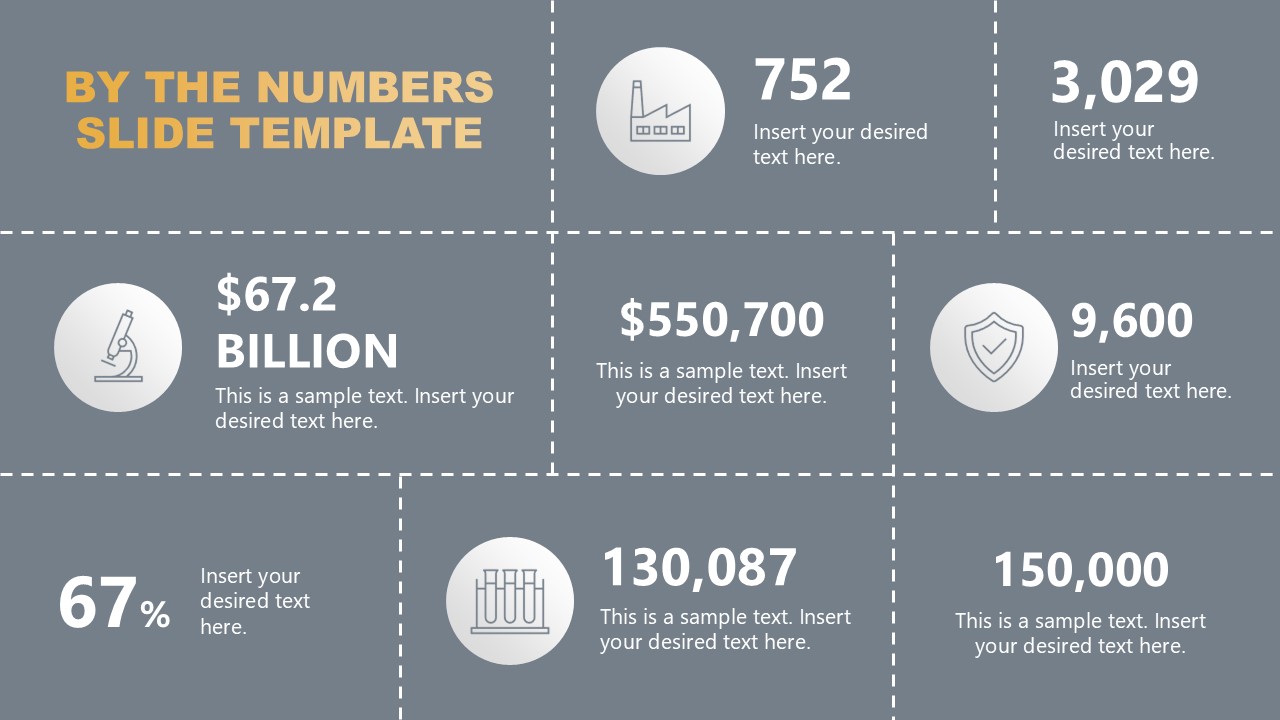
The Simple By The Numbers PowerPoint Template features a dashboard-style design with a grid of dashed lines. The template shows a 3×3 matrix slide with three rows, each with three sections. The box sizes differ across all layers. At the top left corner, you can mention the title of the presentation. In the remaining segments, we have provided placeholder values with relevant infographic icons and text lines. The template has two slides: the first has a grey background and white elements, while the second uses an alternate color scheme. Professionals can modify the color scheme or change the icons based on the topic of their presentation. Download the simple by-the-numbers PPT slide template or check other versions of number presentation templates. Grab it today!

You must be logged in to download this file.
DOWNLOAD- Category
- Data & Charts
- Rating

 Loading...
- Size
- 16x9
- Item ID
- 23390-01
- Colors
Subscribe today and get immediate
access to download our PowerPoint templates.